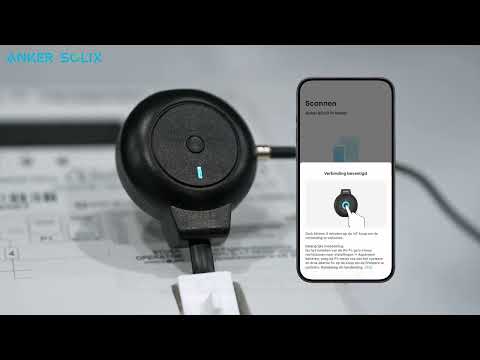
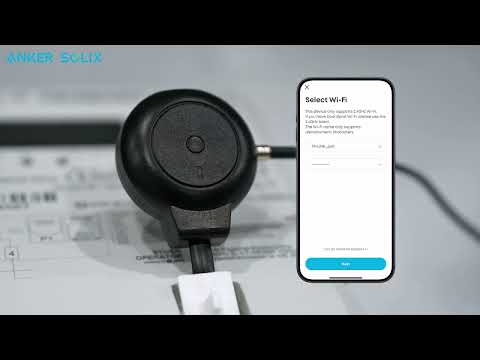
Why should I choose P1 Meter? Can I use Anker SOLIX Smart Meter (Model: A17X7) instead?

Yes, you can choose Anker SOLIX Smart Meter (Model: A17X7) if you prefer. However, please note the following:


P1 Meter: Supports easy DIY installation. Simply plug the P1 interface into your home meter's P1 port for pairing, connection, and use.


Anker SOLIX Smart Meter: Requires a certified electrician to install it within the distribution box. However, it offers faster data response and overall superior performance compared to P1 Meter.


If you have any questions, feel free to contact us for further assistance.

Unresolved icon
18 undefined
How do I perform a firmware upgrade on my P1 Meter?
743 views1 likes/2025-08-06 11:31:48
How do I install a P1 Meter?
539 views1 likes/2025-08-06 11:13:35
What are the compatibility requirements for P1 Meter?
489 views1 likes/2025-09-24 14:47:44
What do I do if there's rapid blue flashing light?
391 views1 likes/2025-09-24 14:42:53
What is the USB-C port on the P1 Meter for?
322 views1 likes/2025-09-24 14:31:44
What is a P1 Meter?
340 views1 likes/2025-08-06 11:06:05
How does P1 Meter connect to the network?
335 views1 likes/2025-08-06 11:22:32
Download icon
Anker SOLIX P1 Meter Safety Information (AE1R0)
Download icon
Anker SOLIX P1 Meter (AE1R0) Gebruikersgids
Download icon
Anker SOLIX P1 Meter (AE1R0) User Guide
Download icon
Anker SOLIX P1 Meter (AE1R0) Guide de l'utilisateur
Download icon
Anker SOLIX Portable Power Station Warranty Policy
Play videoAnker SOLIX P1 Meter installeren - Zo werkt het stap voor stap
Anker SOLIX P1 Meter installeren - Zo werkt het stap voor stap
Play videoHow to install Anker SOLIX P1 Meter
How to install Anker SOLIX P1 Meter