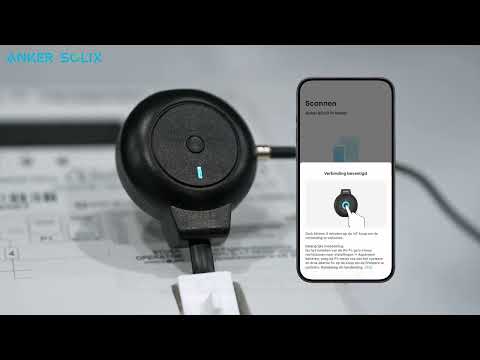
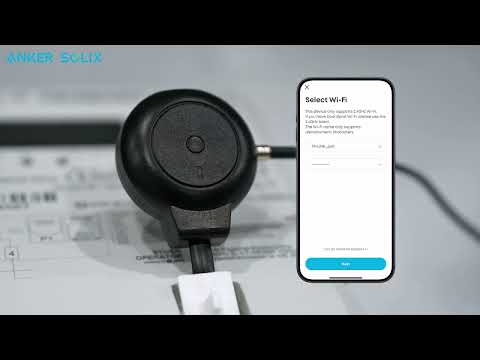
What is the USB-C port on the P1 Meter for?

The USB-C port on the P1 Meter is mainly used to power the device. When some smart meters (especially the P1 port of early DSMR 5.0 or below smart meters) are unable to supply power to external devices through the P1 port, it is necessary to supply power to the P1 Meter separately through the USB-C port. The P1 port of DSMR 5.0 or above smart meters can provide stable power supply, so there is no need to supply power to the P1 Meter through the external USB-C port. 

Please power the P1 Meter with a 5V/1A USB-A adapter and USB-A to USB-C cable.

Please refer to the version and model of your smart meter and the product manual for specific power supply requirements.


If you have any questions, feel free to contact us for further assistance.

Unresolved icon
18 undefined
How do I perform a firmware upgrade on my P1 Meter?
745 views1 likes/2025-08-06 11:31:48
How do I install a P1 Meter?
540 views1 likes/2025-08-06 11:13:35
What are the compatibility requirements for P1 Meter?
491 views1 likes/2025-09-24 14:47:44
What do I do if there's rapid blue flashing light?
394 views1 likes/2025-09-24 14:42:53
What is the USB-C port on the P1 Meter for?
325 views1 likes/2025-09-24 14:31:44
What is a P1 Meter?
342 views1 likes/2025-08-06 11:06:05
How does P1 Meter connect to the network?
336 views1 likes/2025-08-06 11:22:32
Download icon
Anker SOLIX P1 Meter Safety Information (AE1R0)
Download icon
Anker SOLIX P1 Meter (AE1R0) Gebruikersgids
Download icon
Anker SOLIX P1 Meter (AE1R0) User Guide
Download icon
Anker SOLIX P1 Meter (AE1R0) Guide de l'utilisateur
Download icon
Anker SOLIX Portable Power Station Warranty Policy
Play videoAnker SOLIX P1 Meter installeren - Zo werkt het stap voor stap
Anker SOLIX P1 Meter installeren - Zo werkt het stap voor stap
Play videoHow to install Anker SOLIX P1 Meter
How to install Anker SOLIX P1 Meter