How do I install a P1 Meter?
Installation is easy—simply use the supplied P1 cable to connect the device to the smart meter’s P1 port, then follow the instructions for network setup. Most P1 Meters are plug-and-play and require no technical skills.
If you have any questions, feel free to contact us for further assistance.


18 undefined
What should I do if P1 Meter shows offline after connecting to Wi-Fi?


What are the compatibility requirements for P1 Meter?
How do I install a P1 Meter?
How do I perform a firmware upgrade on my P1 Meter?
How can I know if P1 Meter is compatible with my home meter?
Are there any differences in the usage scenarios of P1 Meter and Anker SOLIX Smart Meter (Model: A17X7)?
Why should I choose P1 Meter? Can I use Anker SOLIX Smart Meter (Model: A17X7) instead?
What is a P1 Meter?
What is the USB-C port on the P1 Meter for?
Can Solarbank use both P1 Meter and Anker SOLIX Smart Meter (Model: A17X7) simultaneously?

Anker SOLIX P1 Meter Safety Information (AE1R0)
Anker SOLIX P1 Meter (AE1R0) Gebruikersgids
Anker SOLIX P1 Meter (AE1R0) User Guide
Anker SOLIX P1 Meter (AE1R0) Guide de l'utilisateur
Anker SOLIX Portable Power Station Warranty Policy

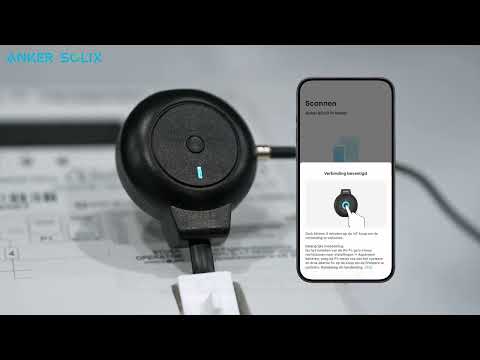
Anker SOLIX P1 Meter installeren - Zo werkt het stap voor stap
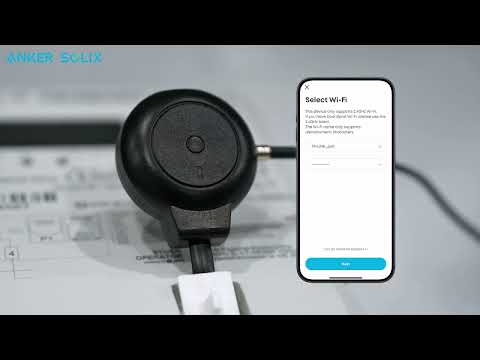
How to install Anker SOLIX P1 Meter