How do I perform a firmware upgrade on my P1 Meter?

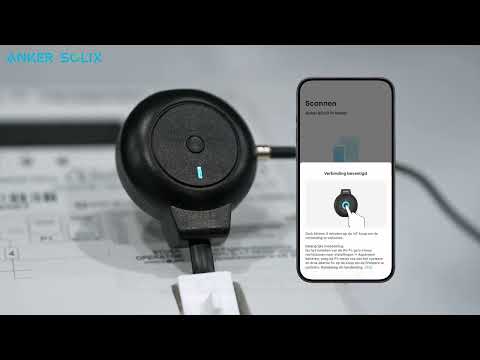
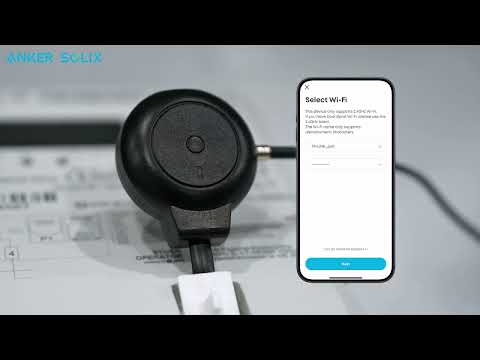
To upgrade the firmware on your P1 Meter, please follow these steps: Quickly press the button in the center of your device 5 times within 3 seconds to enter upgrade mode. During the upgrade, the blue indicator will pulsate (fade in and out) every second. If the upgrade is successful, the green indicator will stay on for 5 seconds before turning off. If the upgrade fails, the blue indicator will remain solid for 5 seconds, then turn off. Please refer to these indicator lights to confirm the upgrade result.


If you have any questions, feel free to contact us for further assistance.

How do I perform a firmware upgrade on my P1 Meter?
18 undefined
How do I perform a firmware upgrade on my P1 Meter?
519 views/1 likes/2025-08-06 11:31:48
How do I install a P1 Meter?
311 views/1 likes/2025-08-06 11:13:35
How does P1 Meter connect to the network?
265 views/1 likes/2025-08-06 11:22:32
How do I view the data collected by P1 Meter?
126 views/1 likes/2025-08-06 11:25:30
What is the USB-C port on the P1 Meter for?
65 views/1 likes/2025-09-24 14:31:44
What is a P1 Meter?
100 views/1 likes/2025-08-06 11:06:05
What are the compatibility requirements for P1 Meter?
94 views/1 likes/2025-09-24 14:47:44
A3961 QSG V2(1)
Liberty 4_A3953_QSG
Q20i_QSG
EU Declaration of Conformity for soundcore A3i_A3992
UK&CA Declaration of Conformity for soundcore Liberty 4_A3953
EU&UK Declaration of Conformity for soundcore Sleep A10_A6610
View More
How to use Liberty 4 Wellness features
How to Connect to the Soundcore App and Update Firmware for Sport X10
How to Wear Liberty 4 and Change Eartips
How to solve a connection issue on Sleep A10
How to Use Features On the Soundcore App for Sport X10
How to Pair and Reset Sport X10
View More