When installing Smart Inlet Box or Power Dock, CT cables and power cables must pass through conduits. What is the correct construction order?
Plan the routing path in advance, then insert both CT cables and power cables into the conduit simultaneously.


17 undefined
Anker SOLIX E10 Installation FAQs


Anker SOLIX E10 System Pre‑Installation Checklist
Introduction to Time‑of‑Use (TOU) Mode for Anker SOLIX E10 System
What should I do if the CT cable is too short?
When installing Anker SOLIX E10 with Smart Inlet Box or Power Dock, what is the maximum distance between the E10 AC port and the Smart Inlet Box or Power Dock AC port?
When installing Smart Inlet Box or Power Dock, CT cables and power cables must pass through conduits. What is the correct construction order?
During installation of Anker SOLIX E10 and Smart Inlet Box, what breaker rating should be used for the grid and off‑grid ports?
Anker SOLIX E10: Power Dock vs. Smart Inlet Box – Core Differences & Buying Guide
Do Anker SOLIX Smart Inlet Box support long-term outdoor use?
When can the internal protective film of Smart Inlet Box or Power Dock be removed?

Anker SOLIX Smart Inlet Box Quick Start Guide for US
Anker SOLIX Smart Inlet Box Quick Start Guide for Canada
Get Started with Anker SOLIX Power Dock or Anker SOLIX Smart Inlet Box for Canada
Get Started with Anker SOLIX Power Dock or Anker SOLIX Smart Inlet Box for US
Anker SOLIX E10 & Power Dock & Smart Inlet Box & Smart Generator Datasheet
CUL/UL1741 Safty Certificate of Anker SOLIX Smart Inlet Box
View More


Anker SOLIX Smart Intlet Box & E10 System and Installation Walkthrough Video
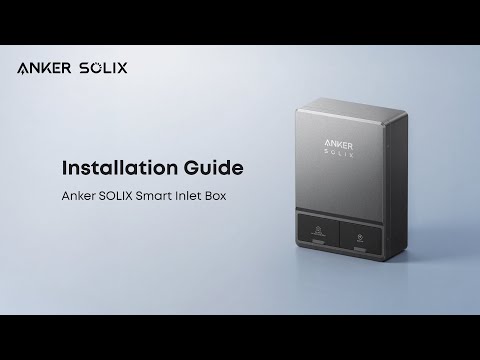
How to Install Anker SOLIX Smart Inlet Box