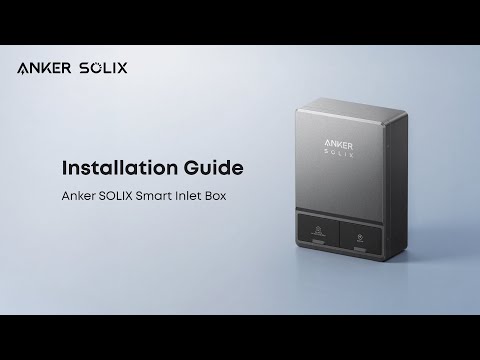
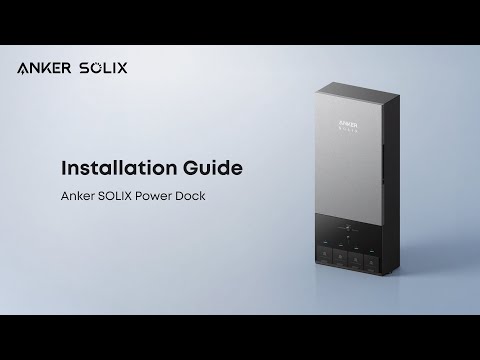
This article introduces the main differences between the Power Dock and the Smart Inlet Box. If you want to learn more product details, you can watch the video: Smart Inlet Box vs. Power Dock: Which E10 Setup is Right for You?
Power Dock vs. Smart Inlet Box: Key Differences for Home Backup Systems
The Power Dock and the Smart Inlet Box are both compatible backup accessories for the Anker E10 Home Battery System, but they are designed for different user needs. Here’s a simple breakdown to help you choose the right one:
Core Differences
-
Operation Mode
-
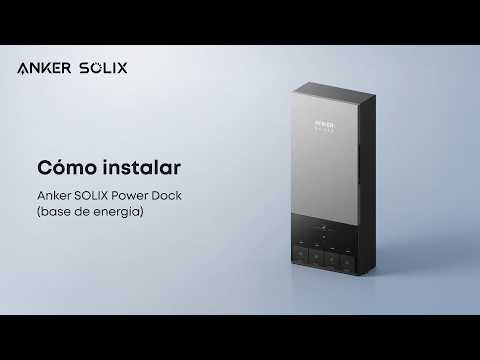
Power Dock (Automatic Transfer Switch): Features seamless power switching. During an outage, it automatically isolates your home from the grid and restores backup power within 20 ms—requiring no manual operation.
-
Smart Inlet Box (Manual Switch Inlet Box): Requires manual operation during outages. You need to go to your electrical panel to turn off the grid breaker, activate the interlock switch, and turn on the off-grid breaker to use backup power. It works just like a portable generator
-
Backup Coverage & Capacity
-
Power Dock: Supports whole-home backup when the Power Dock is installed as the Main Service Entrance ( not exceeding 200A). It can also be installed as a subpanel for partial backup of selected circuits. It can connect up to three E10 units in parallel, providing a maximum total AC output of 23.04 kW of continuous power and up to 30 kW in turbo mode*, which can effortlessly run high-power devices like air conditioners and water heaters.
*Note: To achieve this maximum output, the initial temperature must be below 30°C (86°F), and each E10 unit must be connected to at least two battery modules.
-
Smart Inlet Box: It supports whole-home backup. The interlock switch works in conjunction with the main breaker, allowing users to manually select which load circuits to back up. It can only connect one E10 unit, delivering a maximum AC output of 7.68 kW of continuous power and up to 10 kW in turbo mode*.
*Note: To achieve this maximum output, the initial temperature must be below 30°C (86°F), and the E10 unit must be connected to at least two battery modules.
-
Smart Features
-
Power Dock: Equipped with 12 smart circuits. You can monitor the power consumption of each circuit via the Anker app, set power supply priority rules for outages, and manage your system using five different EMS modes. You can also connect a subpanel downstream if you need more than 12 circuits.
-
Smart Inlet Box: Does not have built-in smart circuits. It cannot adjust power supply priority during an outage.
-
Cost
-
Power Dock: The total upfront cost is higher than that of the Smart Inlet Box.
Which One Should You Choose?
-
Choose the Power Dock if: You prefer a hassle-free experience, need whole-home backup, or plan to expand your energy storage system in the future.
-
Choose the Smart Inlet Box if: You are comfortable with manual operation, only need to power critical devices during outages, and want to keep upfront costs low.
Both the Power Dock and the Smart Inlet Box are compatible with solar panels and generators, support TOU (Time-of-Use) rate plans, and come with a 10-year standard warranty.