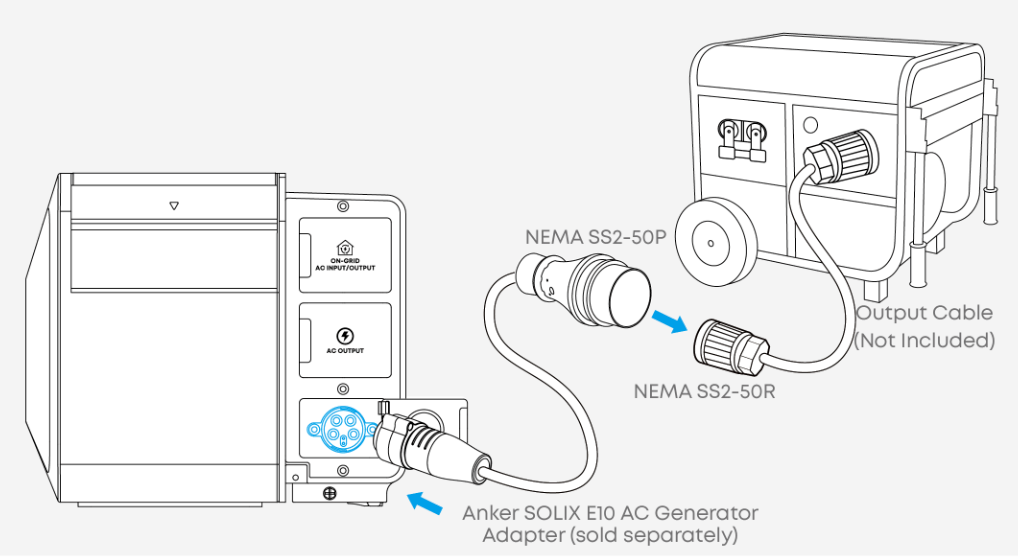
120V/240V Portable Generator directly connects to E10's AC input port to charge E10 and delivers bypass power to loads. The maximum bypass power is 9.6kW.
Note:
It is recommended to use a generator with THD < 10% (Total Harmonic Distortion) to ensure a stable power supply quality.
It is recommended to maintain Load Power < Generator Power when using a generator. This ensures the E10 can charge properly to increase battery capacity and prevents frequent load fluctuations that may affect the generator's stable output.
When the E10 is connected to an AC generator for charging, the power supply capacity is determined by the generator. Therefore, it may not be sufficient to support inrush loads during the startup of appliances such as central air conditioners, water pumps, and other high-inrush-current devices.
The Anker SOLIX E10 AC Generator Adapter is sold separately. Learn more here: https://www.ankersolix.com/products/e10-ac-generator-adapter
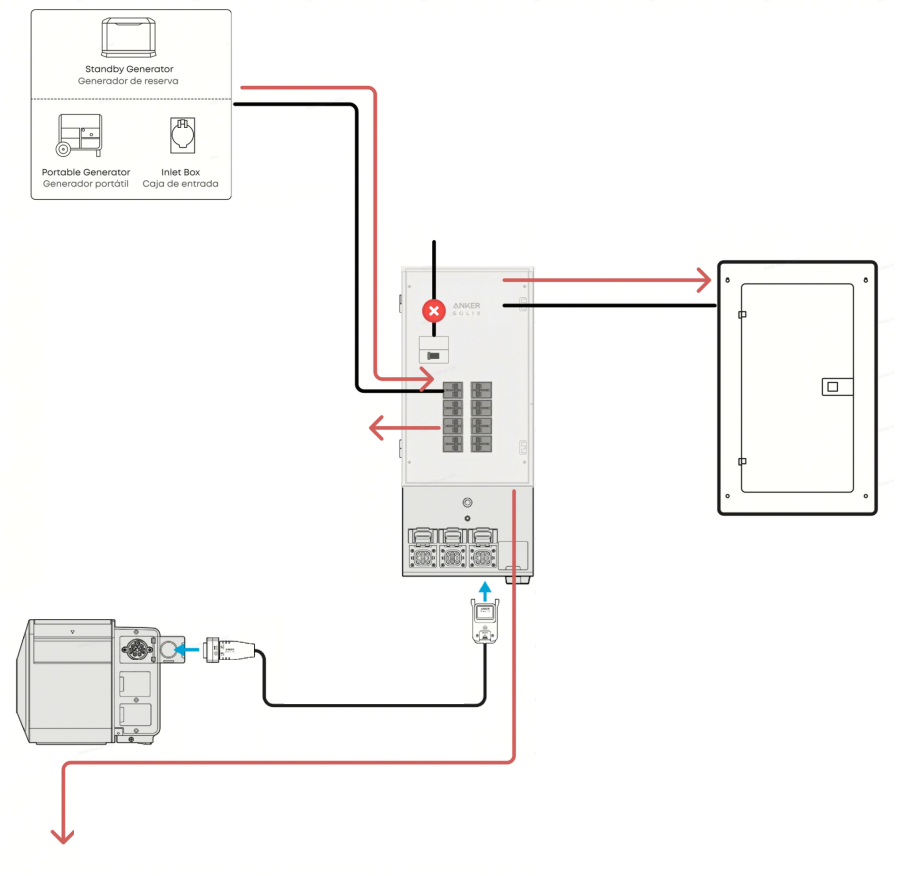
Only 240V Portable Generator can connect to an Inlet Box which is installed in Power Dock‘s 1&2 circuit. The maximum power of the generator is 19.2kW.
Standby Generator
Not supported
Not supported
Standby Generator is compatible with Power Dock (Available on 2026.4.30):
Standby Generator can connect to Power Dock's 1&2 circuit. The maximum power of the generator is 19.2kW.
There are two control wiring methods, "Two Wire Start" and "Utility Sensing".
Smart Generator (DC)
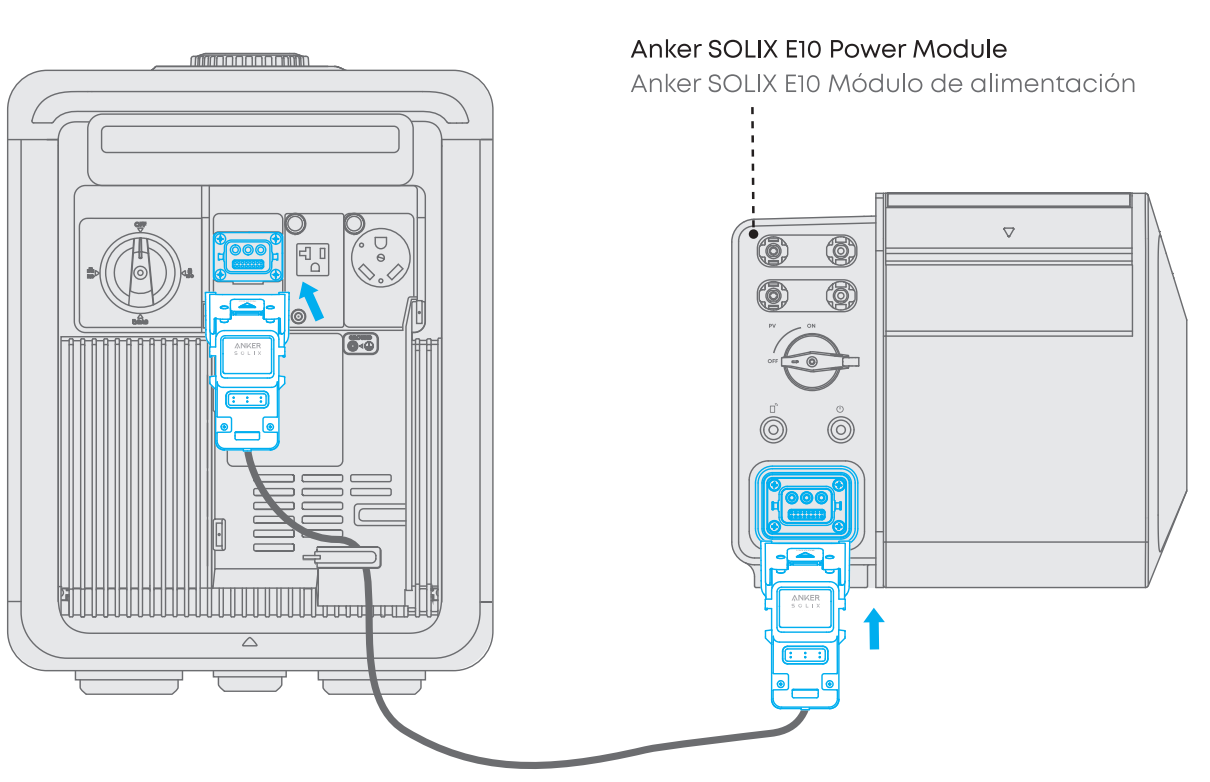
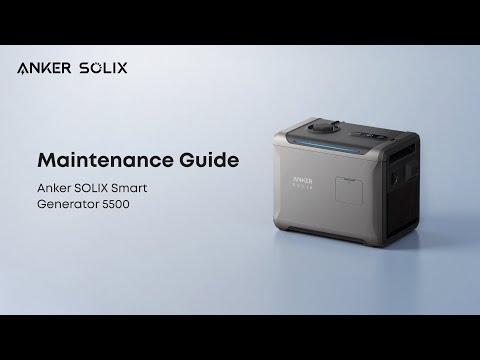
Anker SOLIX Smart generator 5500 can only connect to E10's DC generator port to build as a "Smart hybrid" system.
The maximum charge power from SG5500 is 4500W
The output power of E10 can be its maximum rated/turbo power, regardless of the input from SG5500.
In Smart Hybrid (DC) mode, the SG5500 only charges the battery and does not supply power to the loads. The E10 is responsible for powering the loads.
Note:
SG5500 can only charge one E10 stack unit at a time.