Standard Operating Procedure (SOP) for Anker Solix X1 Firmware Upgrade
To ensure your system can achieve optimal performance and use all the latest features, it is recommended to update the firmware from time to time.
To view the firmware version or check for firmware updates, go to Settings > Firmware Update. If there's a new version, simply follow the on-screen instructions to complete the update. You may choose Update Now or Select Update Time.


55 undefined
Anker SOLIX X1 Modes Explained - Australia


How to sign up for an Anker account
Anker SOLIX X1 Modes Explained - Europe
How to Invite Your Family to Share Anker SOLIX X1
How to Locate Serial Number on Anker SOLIX X1 Products
Standard Operating Procedure (SOP) for Anker Solix X1 Firmware Upgrade
Anker SOLIX X1 (X1-P6K-US, X1-B5-H, Backup Controller 200-H) Circuit Breaker Usage Type Description
How to Set Up DNSP Connection in the Anker SOLIX App?

Labor Reimbursement (Service Rebate) Guidelines of Anker SOLIX X1 AC-Coupled Solution - US
Return Merchandise Authorization Procedure of Anker SOLIX X1 AC-Coupled Storage & Solar Solution
Technology Review Report for US Anker SOLIX X1 Energy Storage System
Anker SOLIX X1 Home Energy Storage System Flyer - US
Anker SOLIX X1 Home Energy Storage System Three Fold Leaflet - US
IEEE 2030.5 Certificate of Anker SOLIX X1 Power Module-US
View More


Anker SOLIX X1 Experience Extreme Off-Grid Performance (US)
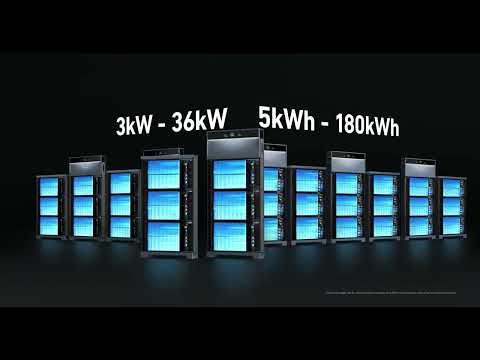
Anker SOLIX X1 Innovative Energy Optimizer (US)
Anker SOLIX X1 AC- Coupled Commissioning Guide(US)
Anker SOLIX X1 AC- Coupled Installation Guide(US)
Anker SOLIX X1: Introduction & Unboxing Guide
Anker SOLIX X1 Wiring Guide(US)
View More