I. Background and System Migration
I. Background and System Migration
The Anker SOLIX Academy online training platform has been fully upgraded and migrated to a new Anker‑developed system.
This migration aims to deliver a more stable and efficient learning experience, enhanced course management, and better integration with product certification processes under the Anker SOLIX Academy framework.
All existing learning records and certificates have been seamlessly transferred to the new system, ensuring continuity for all GSA Training Platform users.
II. GSA Web Portal
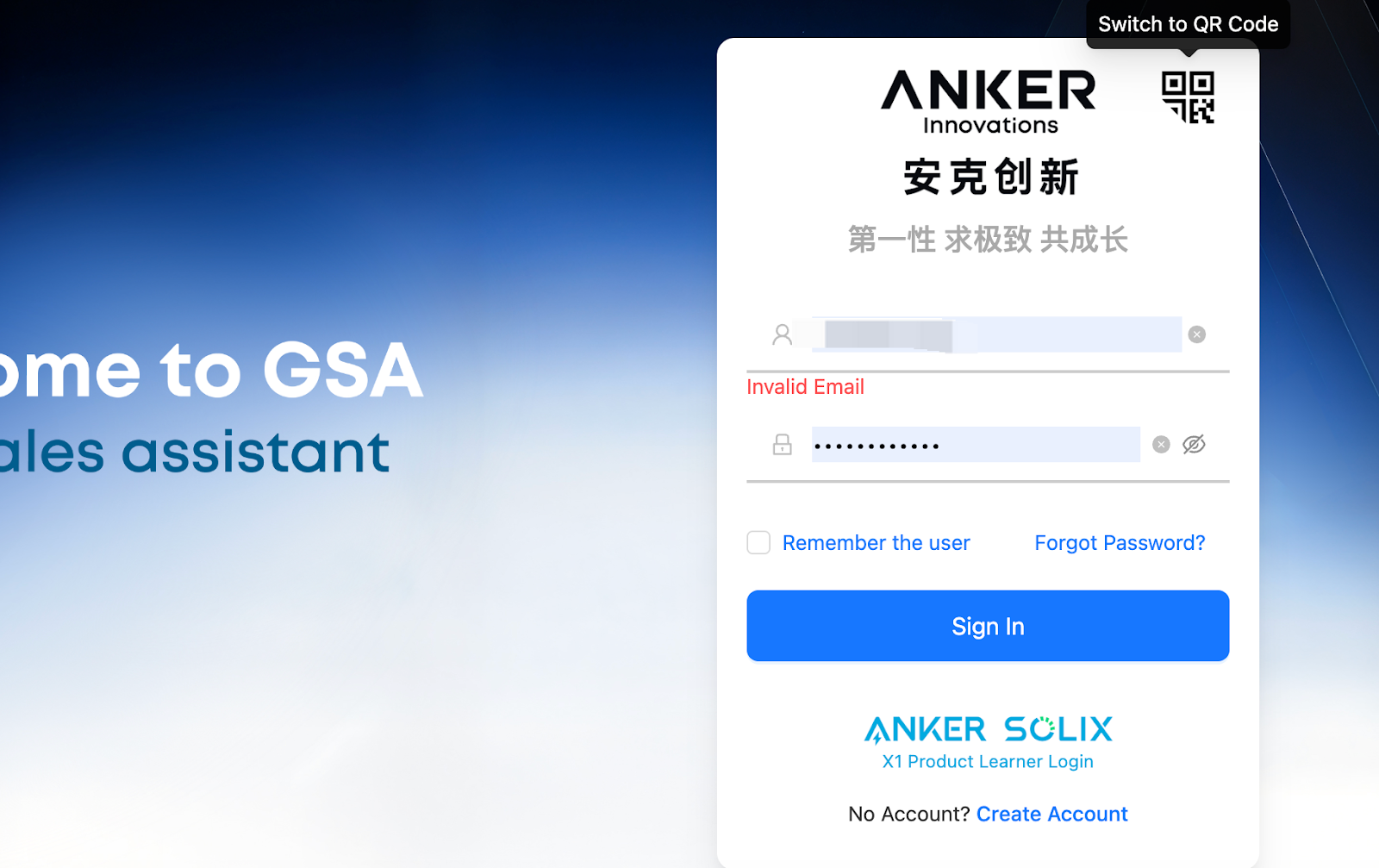
1. Account Login
• Existing X1 Users:
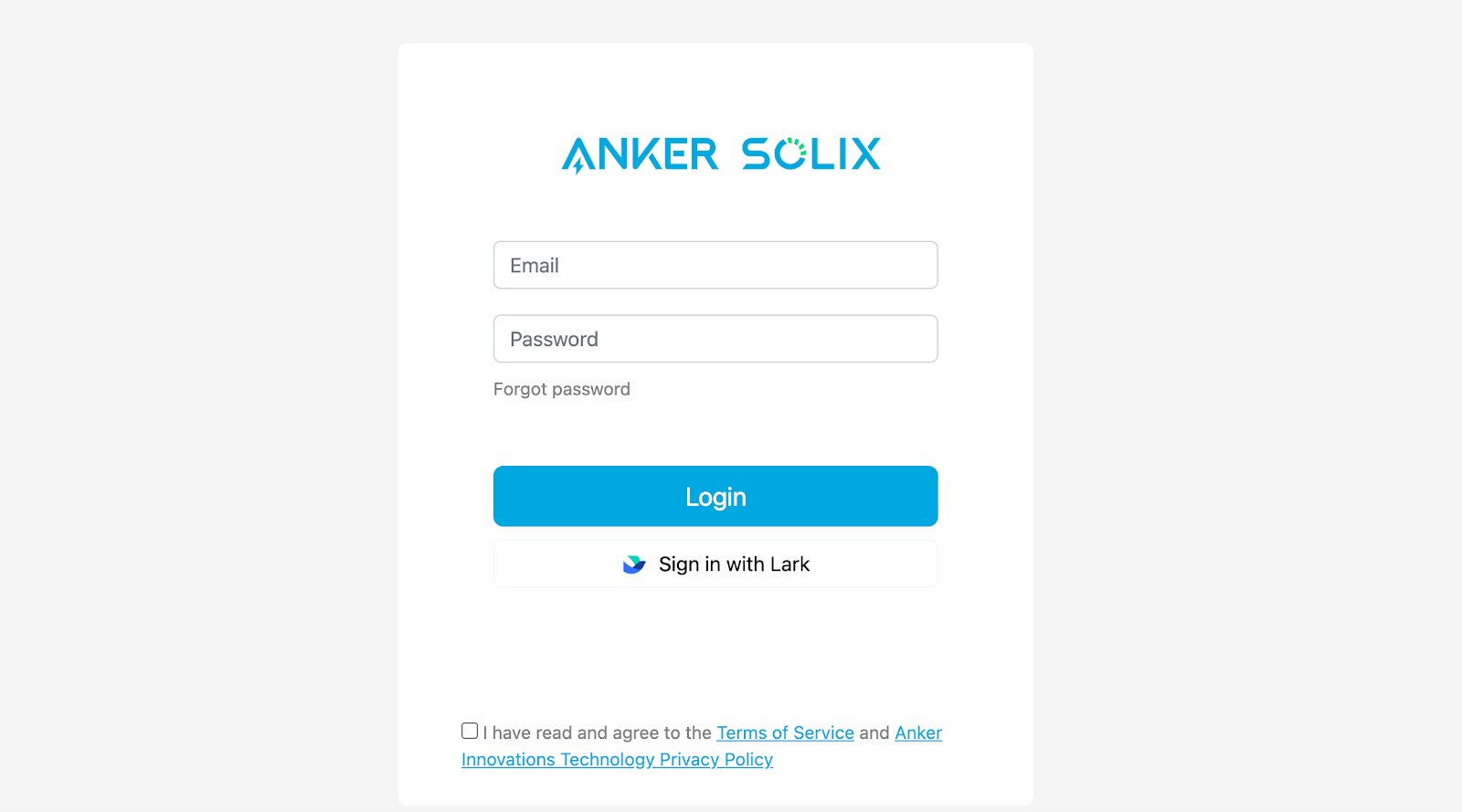
Log in with your registered email or Installer ID. Your password remains unchanged.
• New Users:
Please create an account in the Anker App first: https://support.ankersolix.com/s/article/How-to-Register-as-an-Anker-SOLIX-Installation-Partner , then use the same account and password to log in to the GSA Platform.
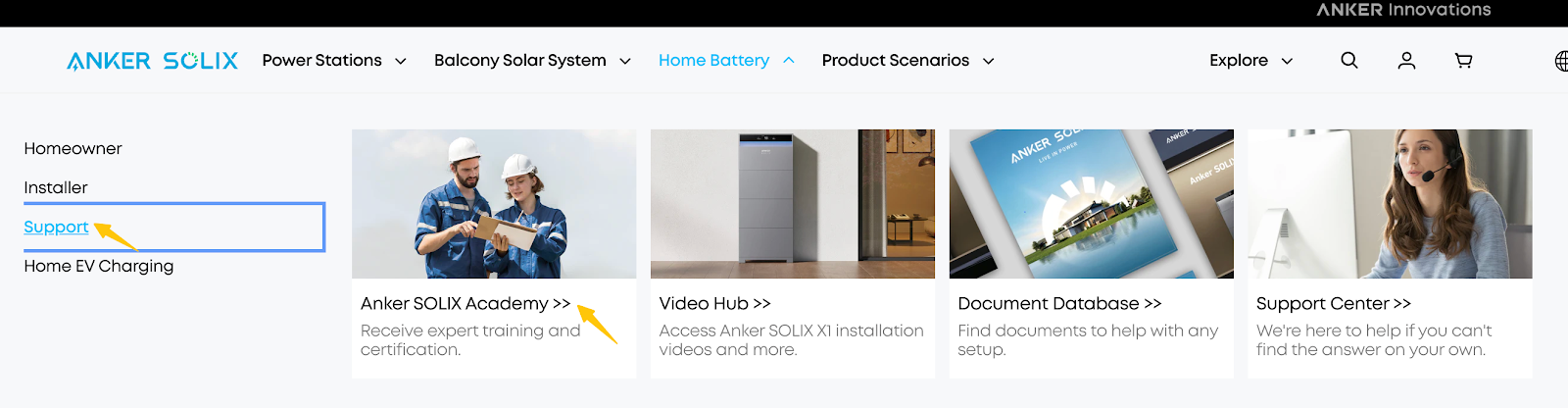
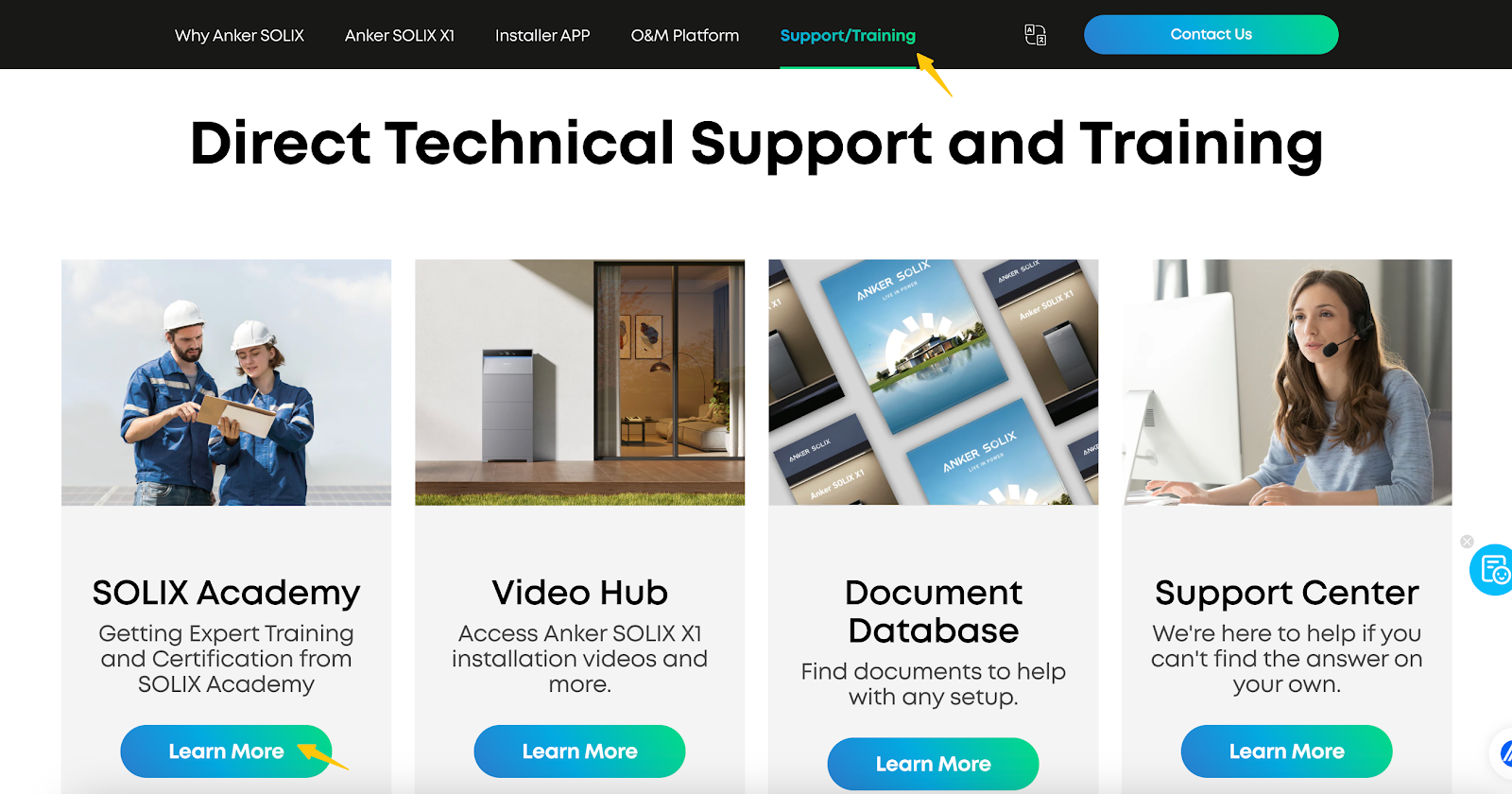
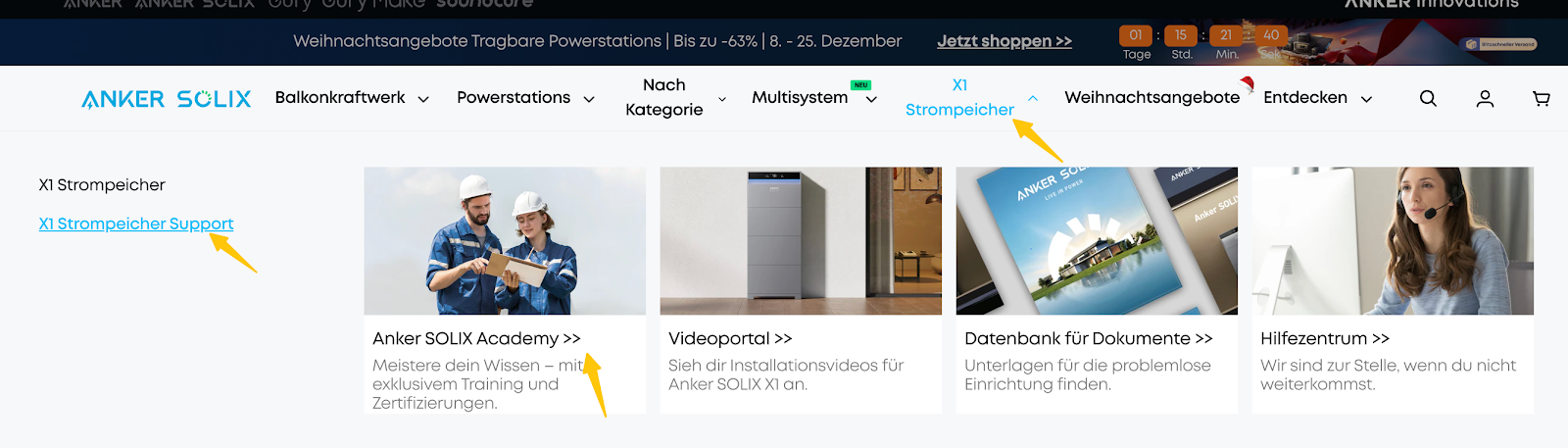
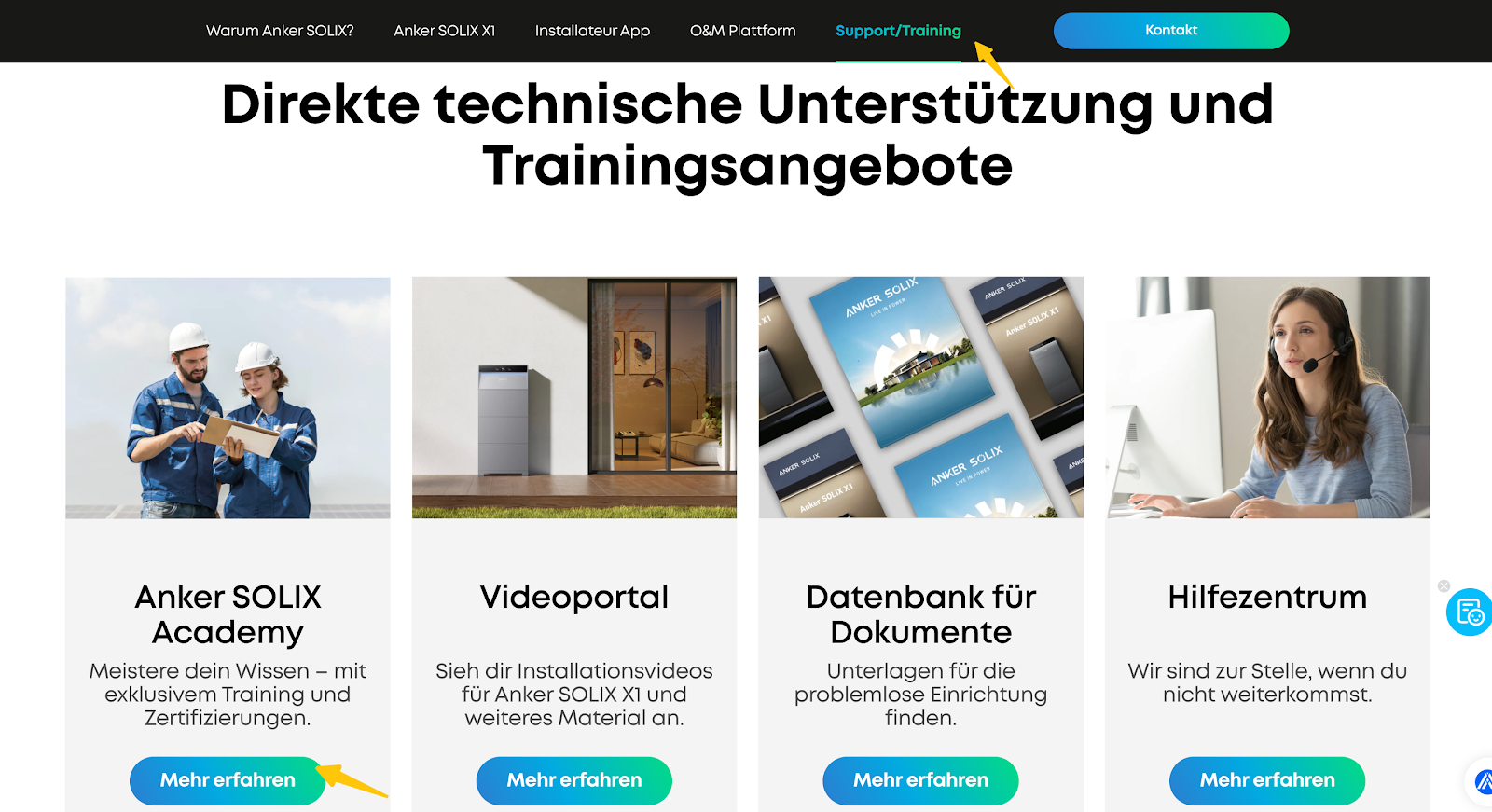
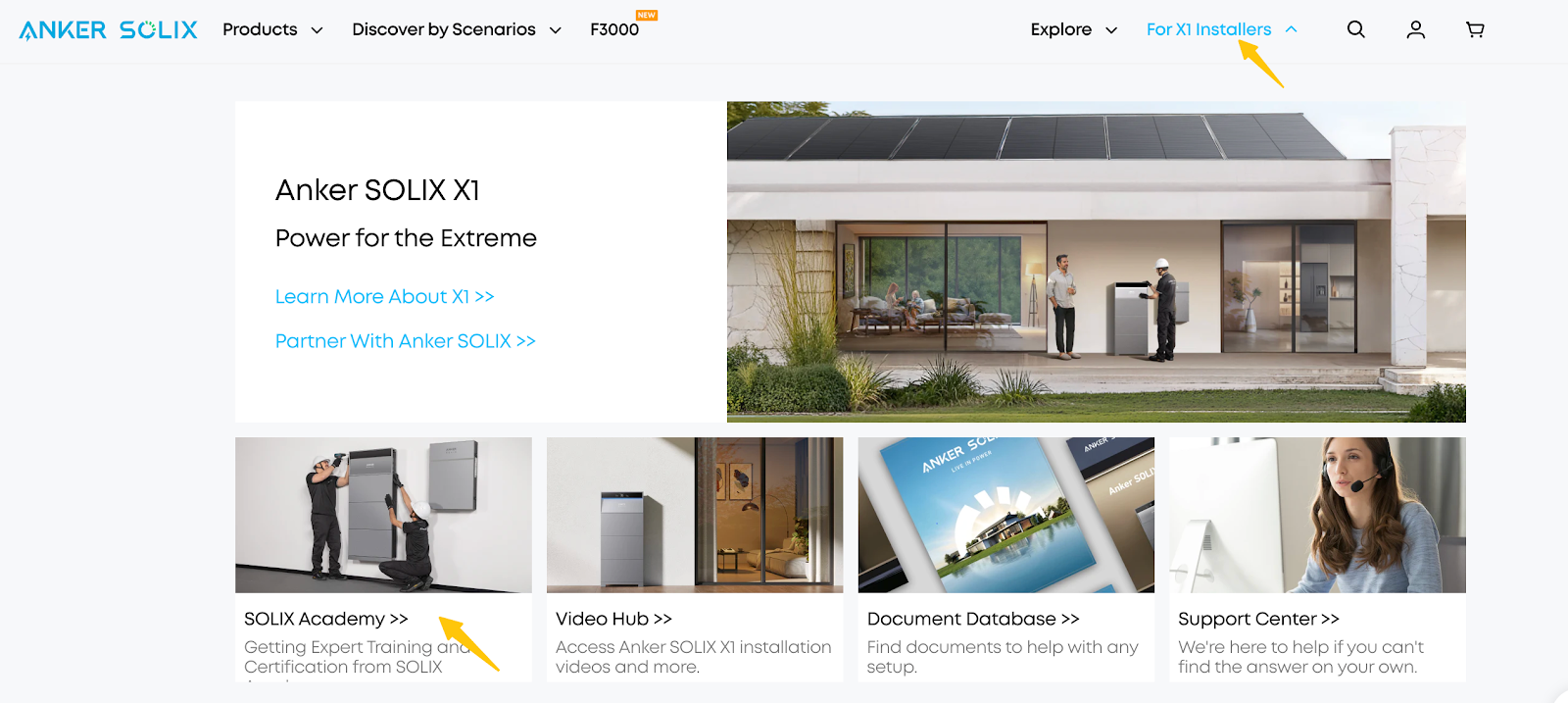
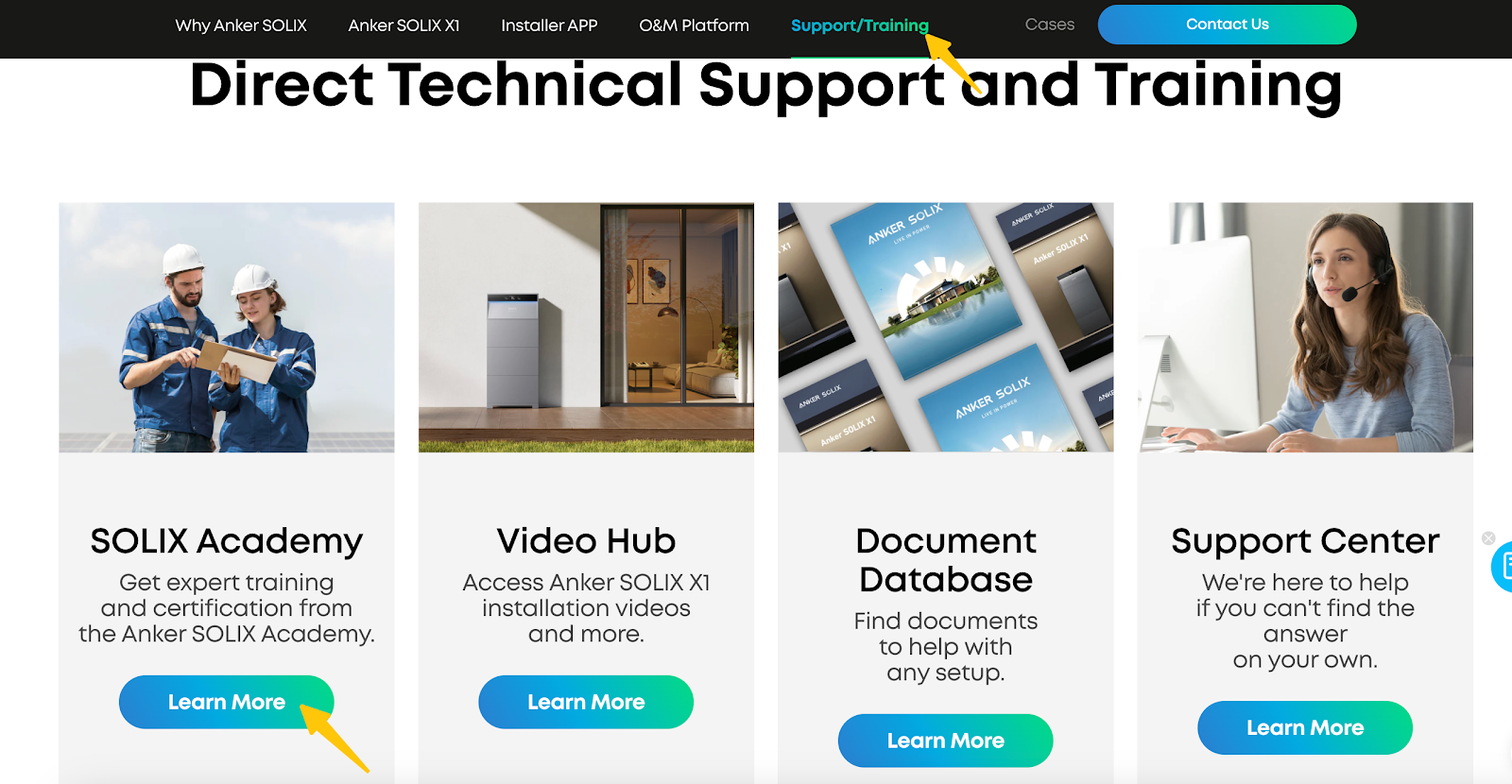
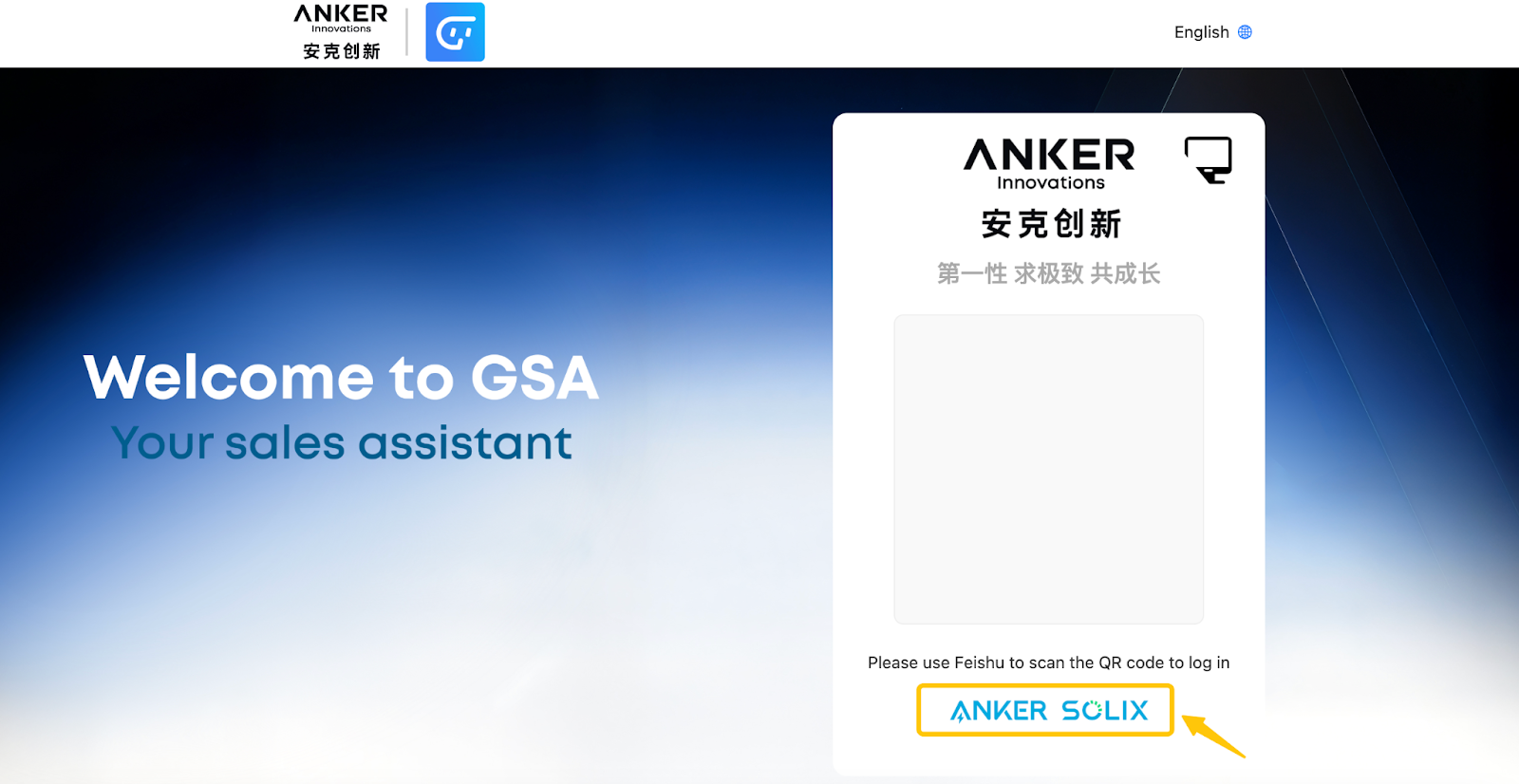
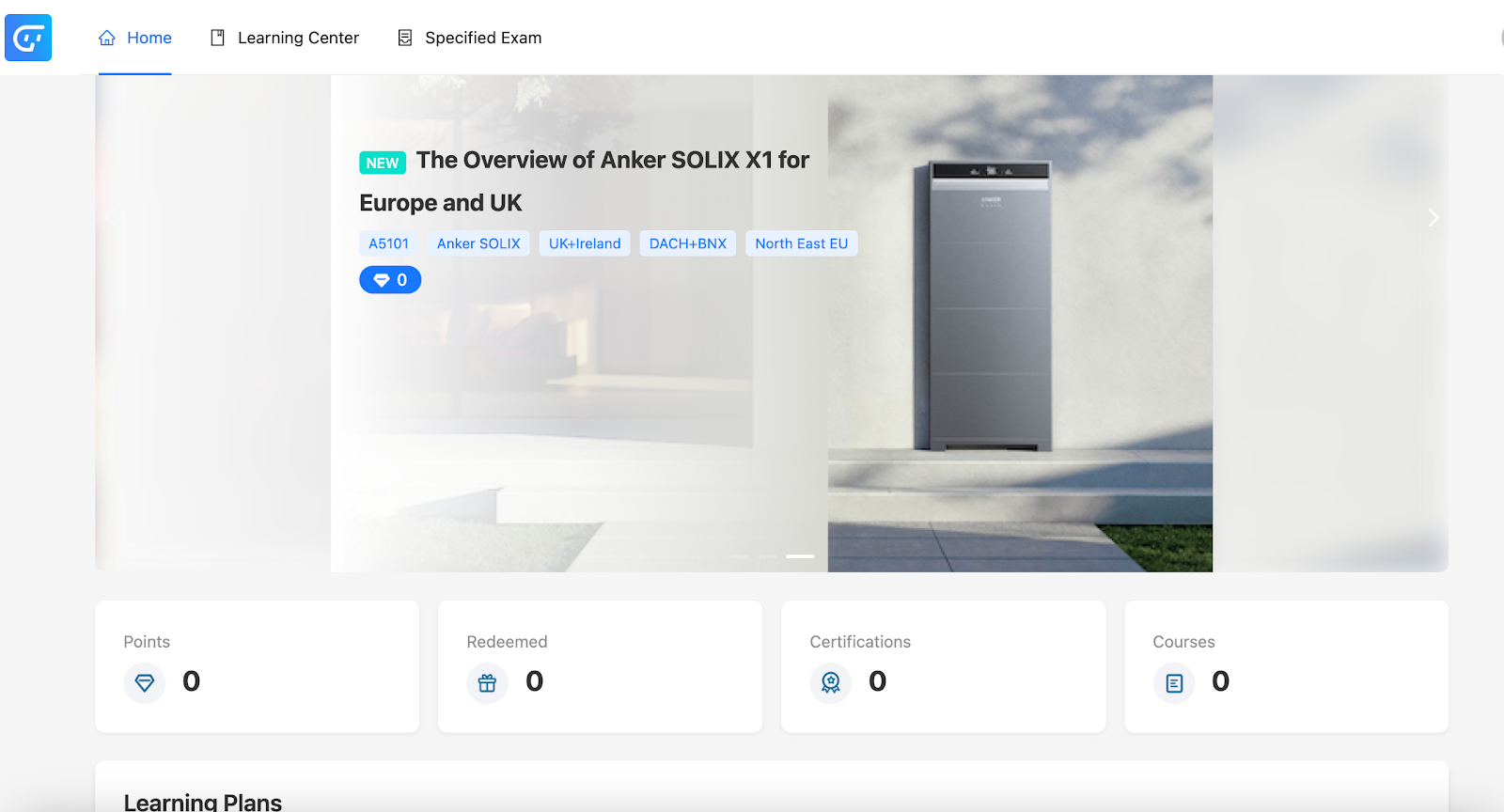
2. Accessing Courses
After logging in:
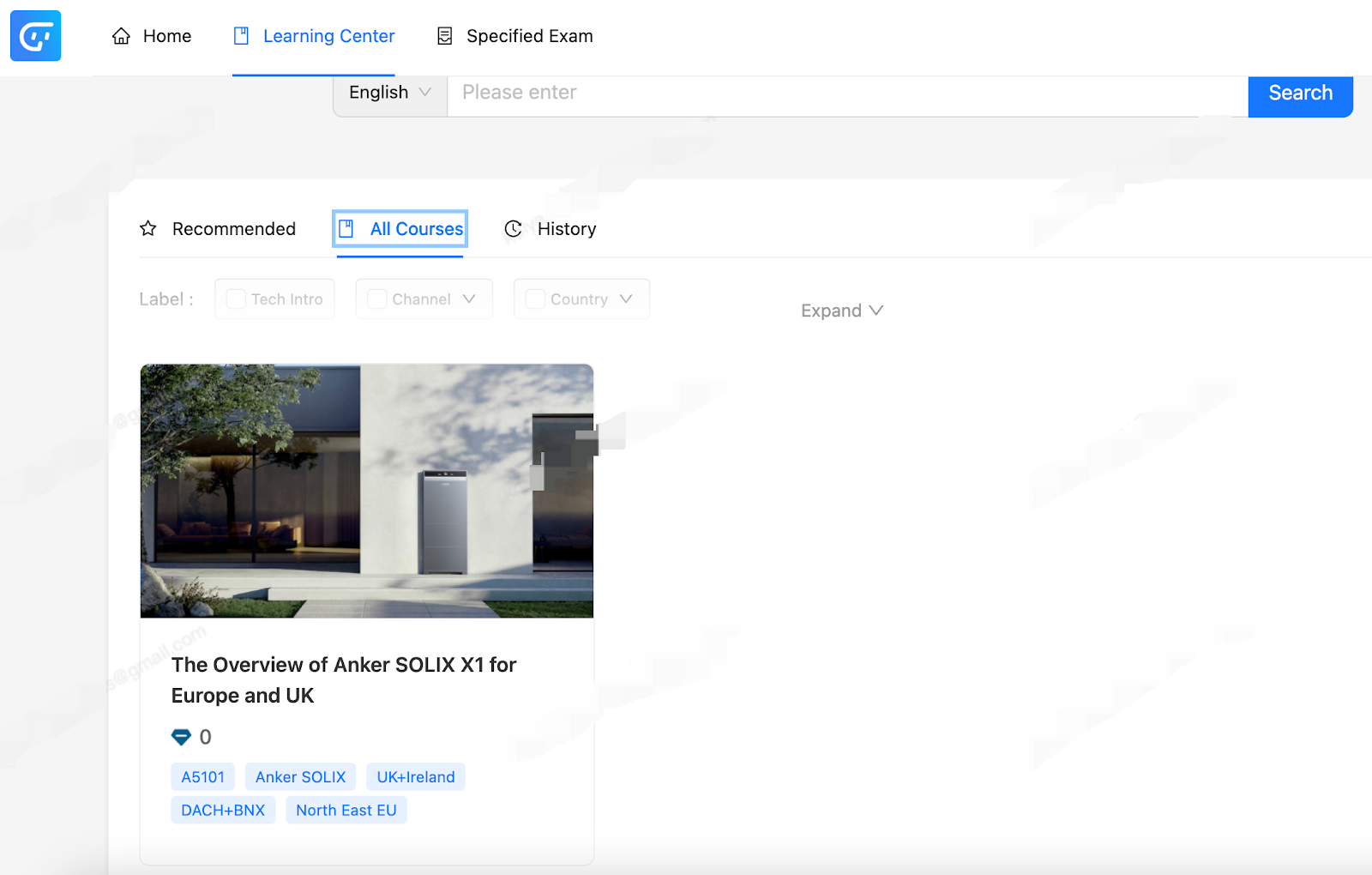
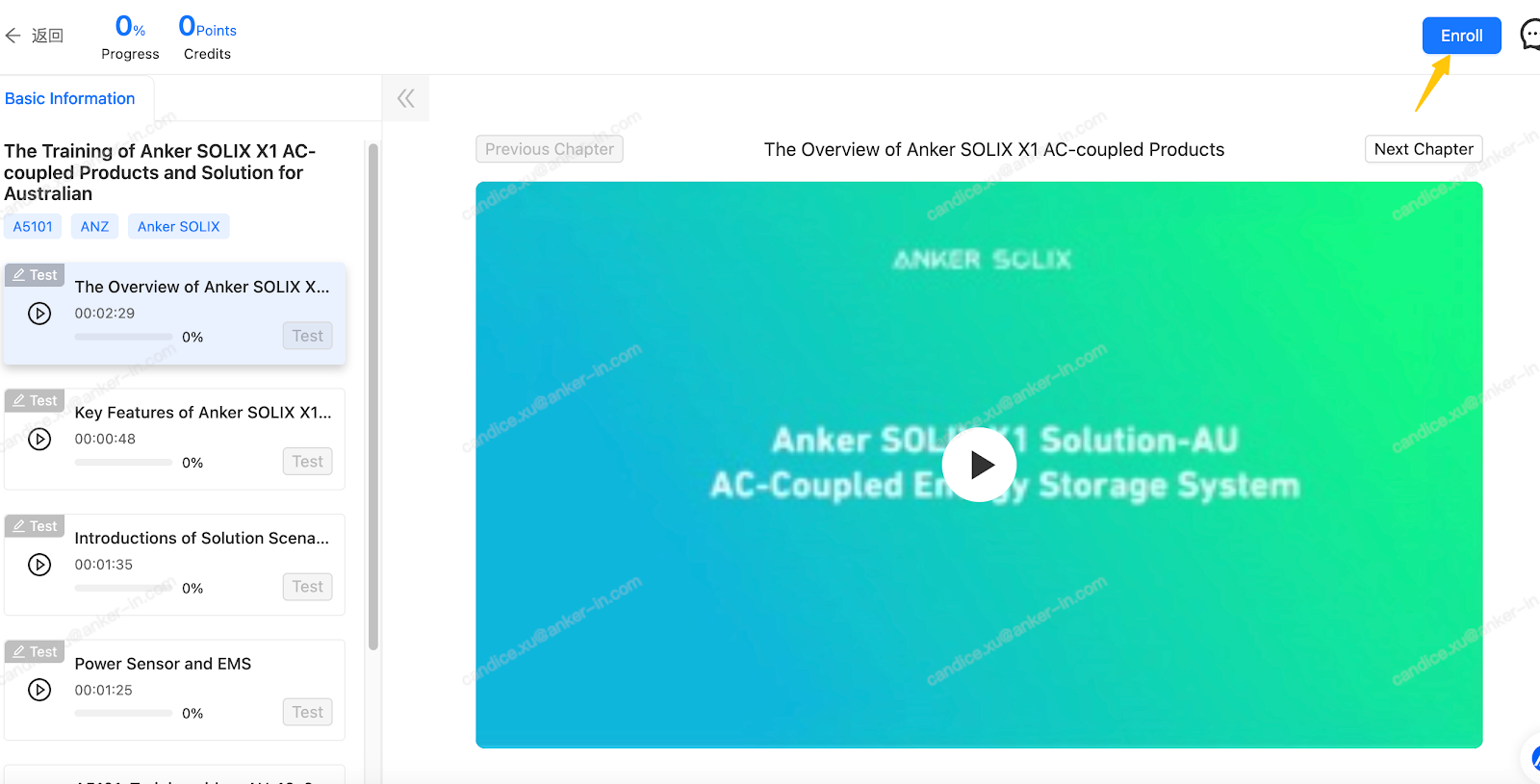
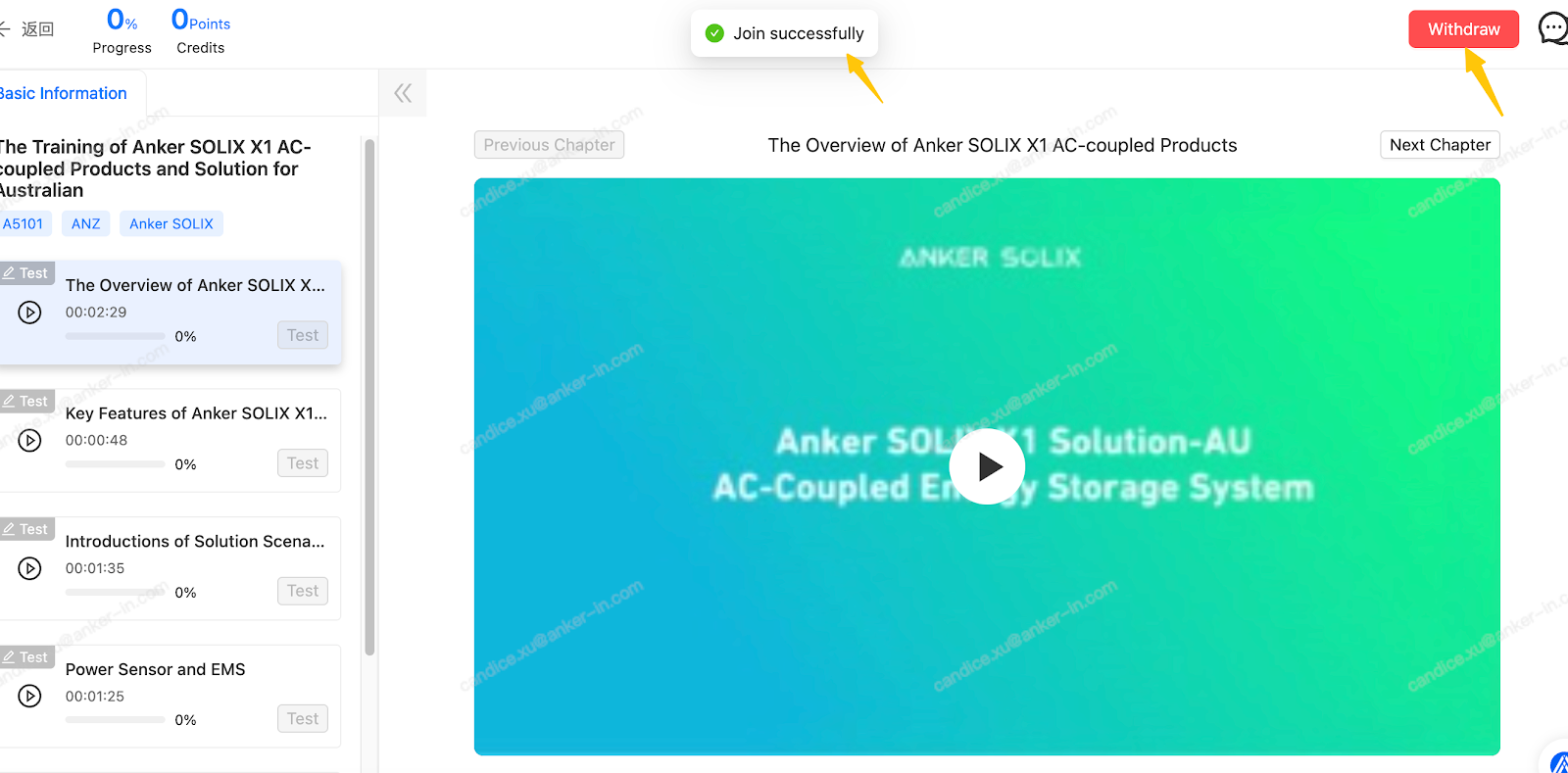
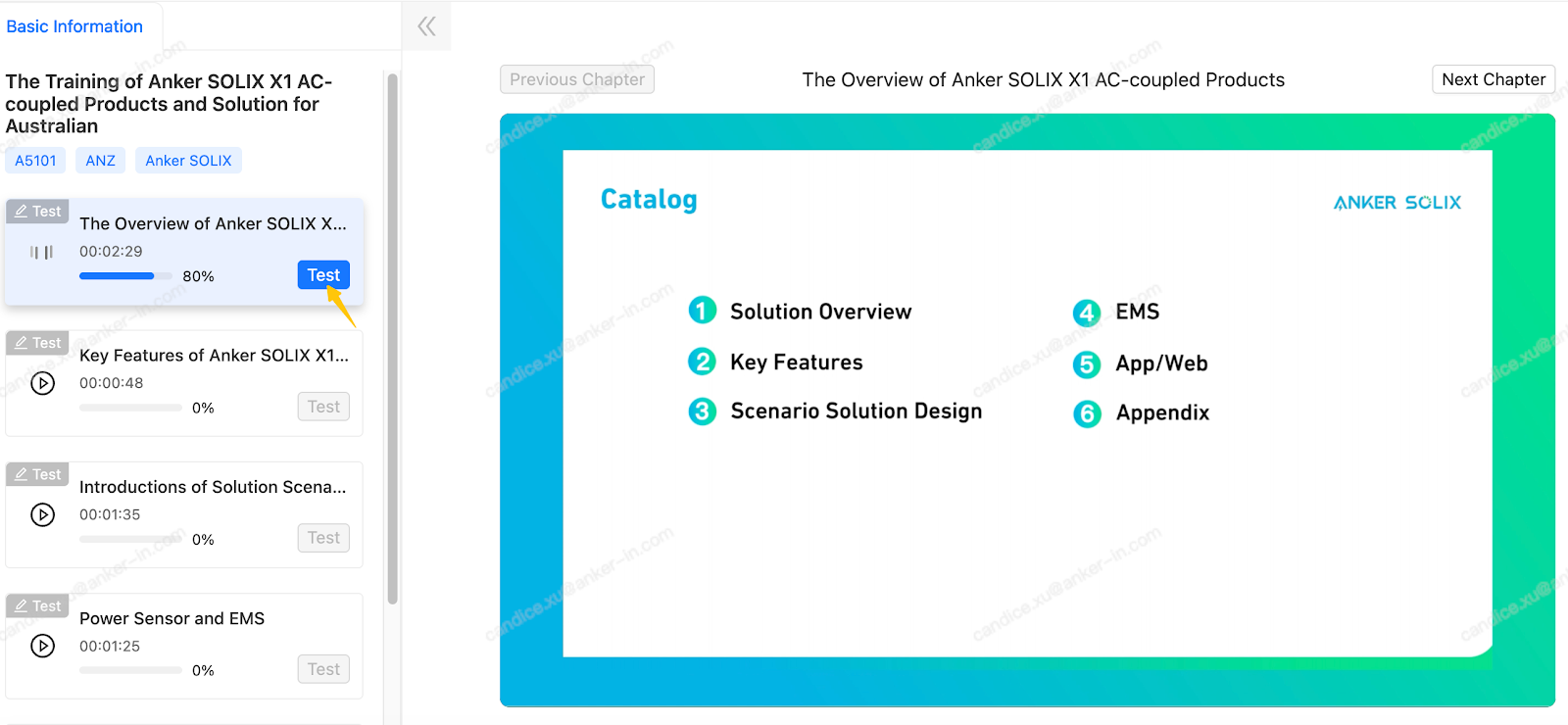
Each course includes videos, reading materials, and knowledge check quizzes. Completion status will be updated automatically once all modules are finished.
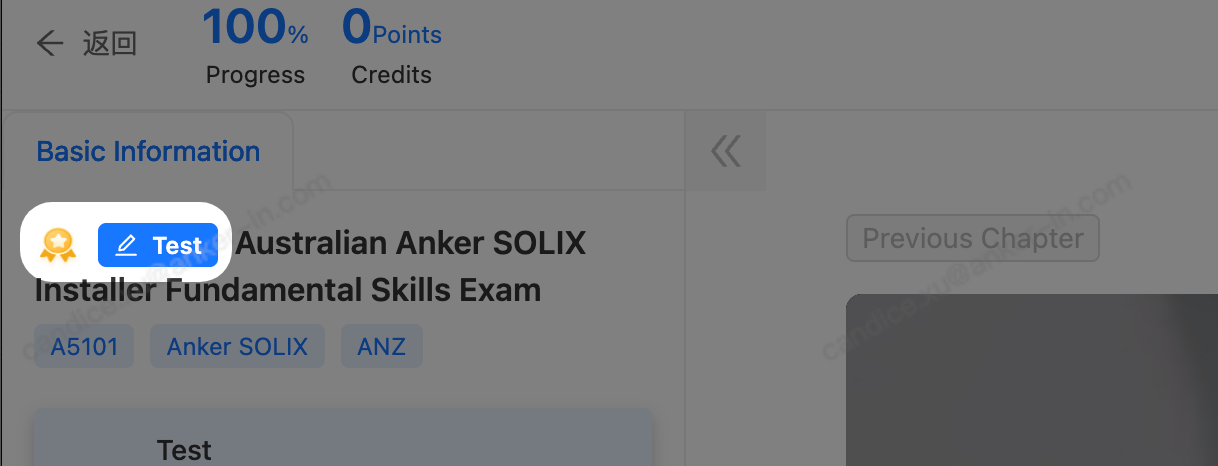
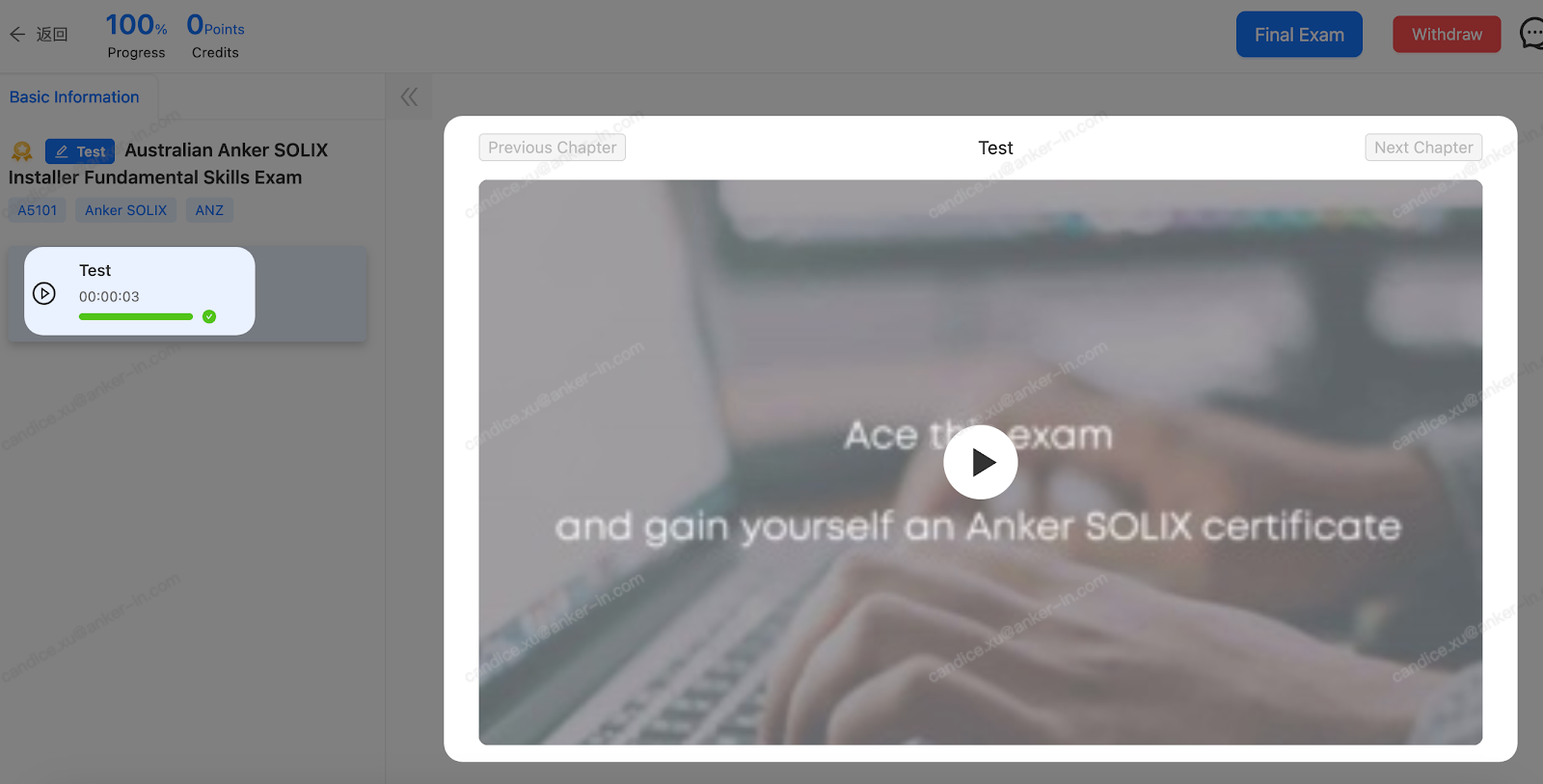
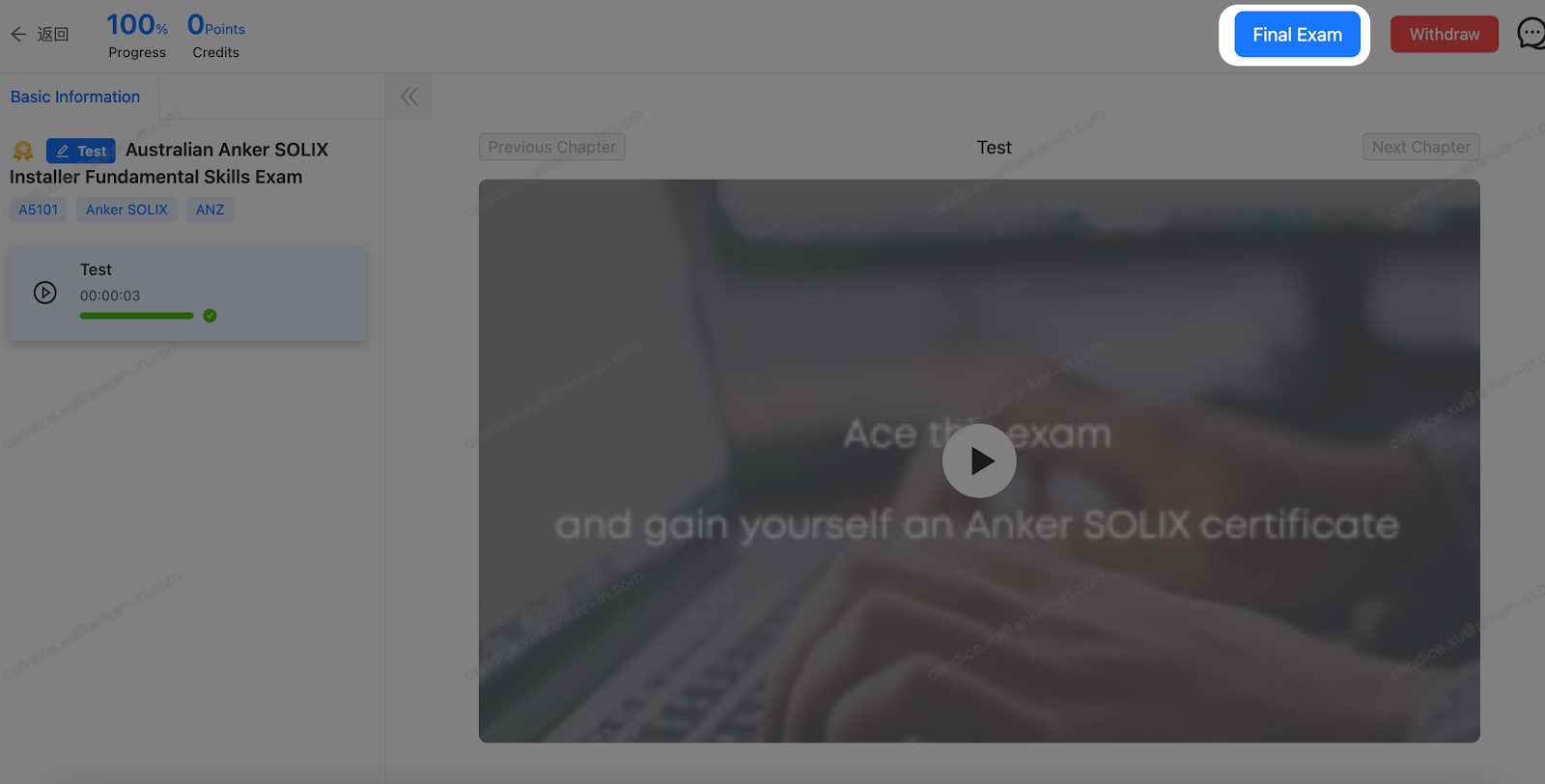
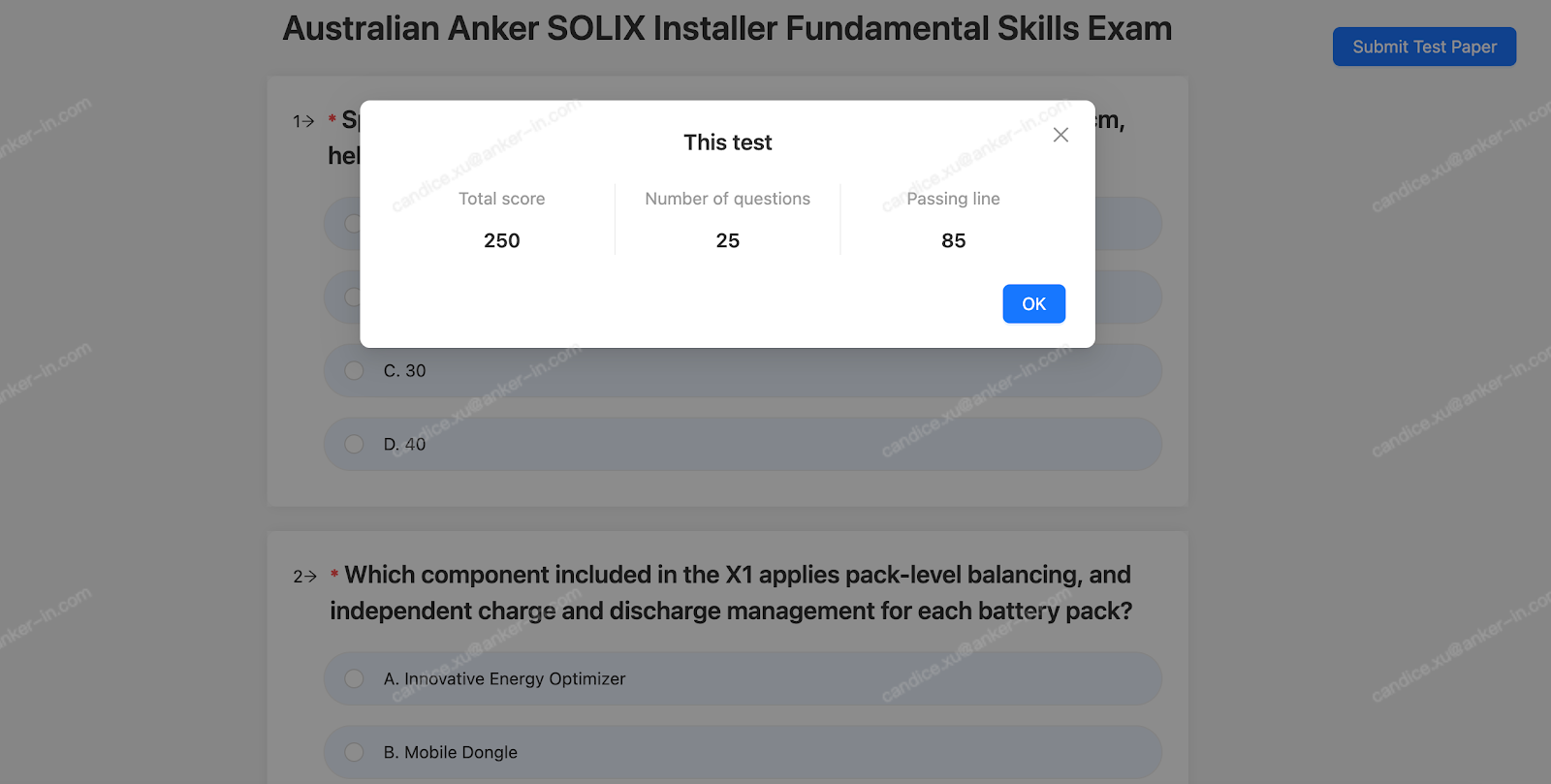
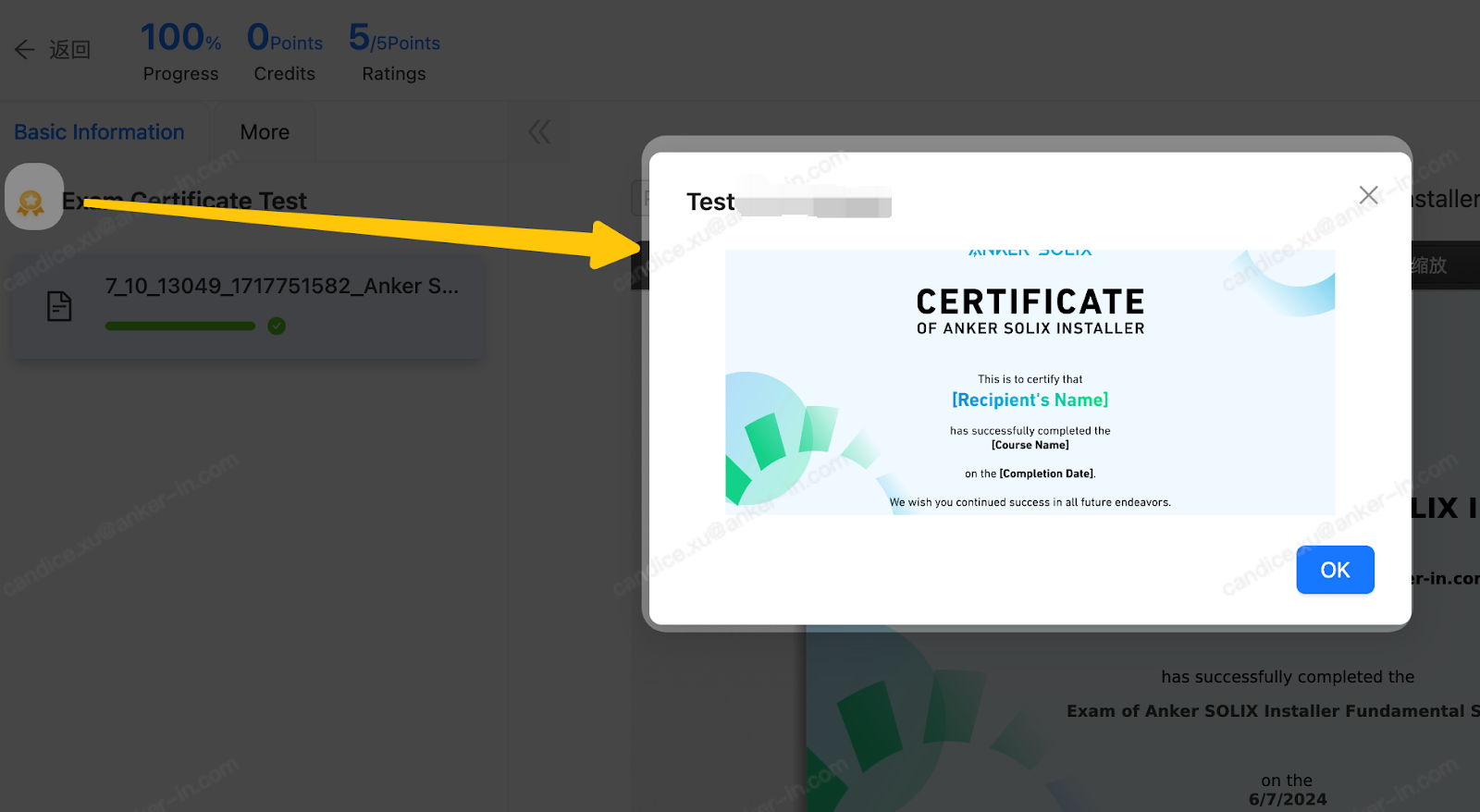
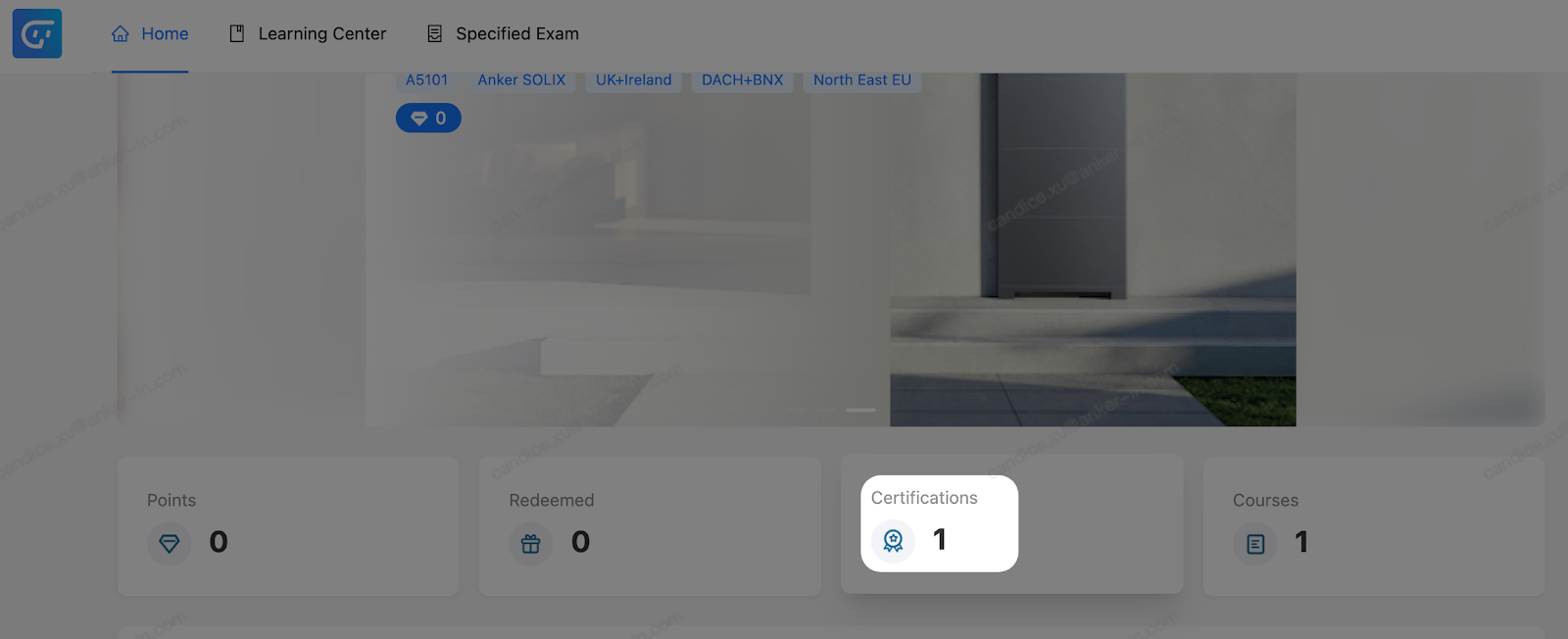
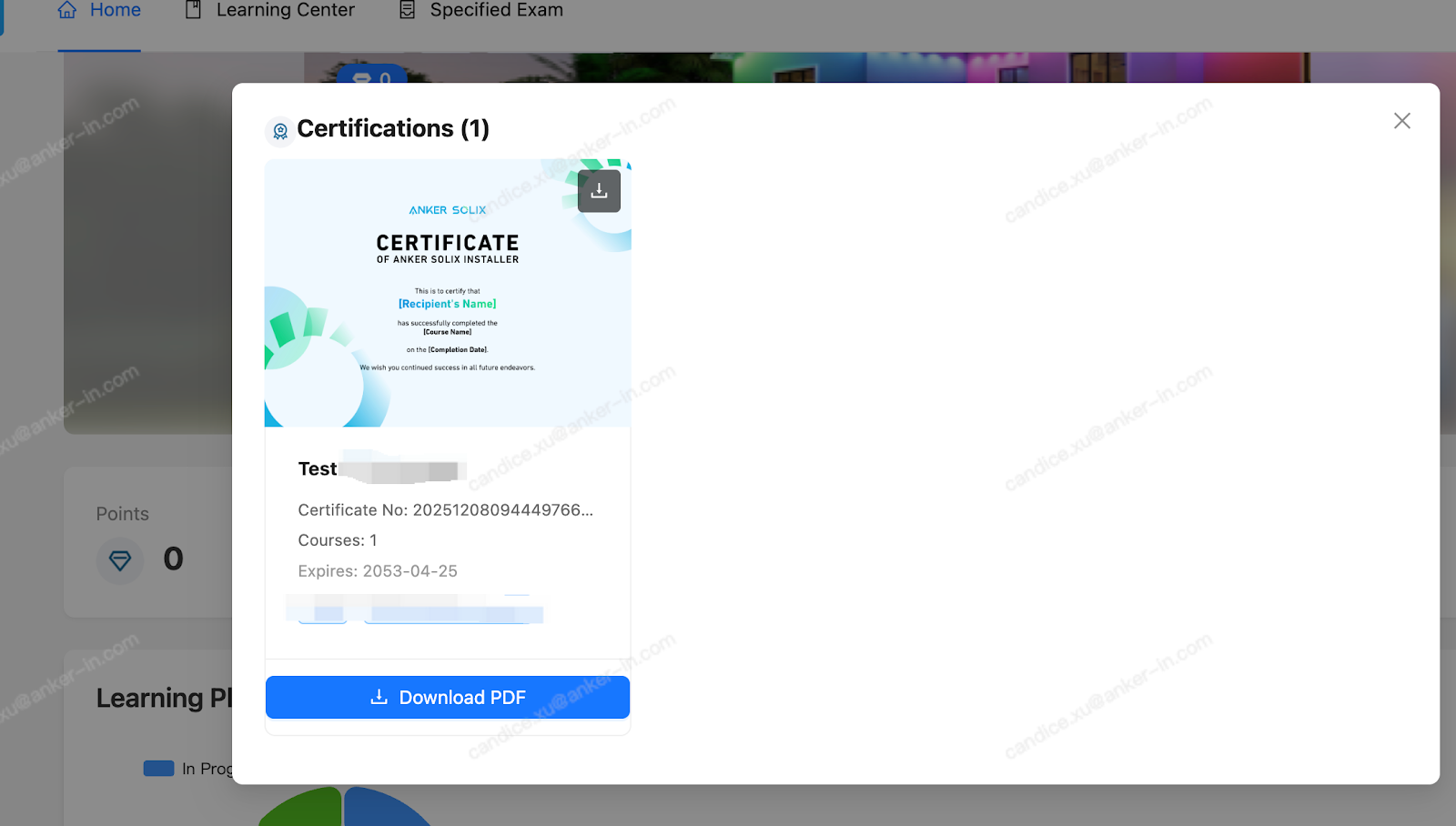
3. Taking Exams and Getting a Certificate
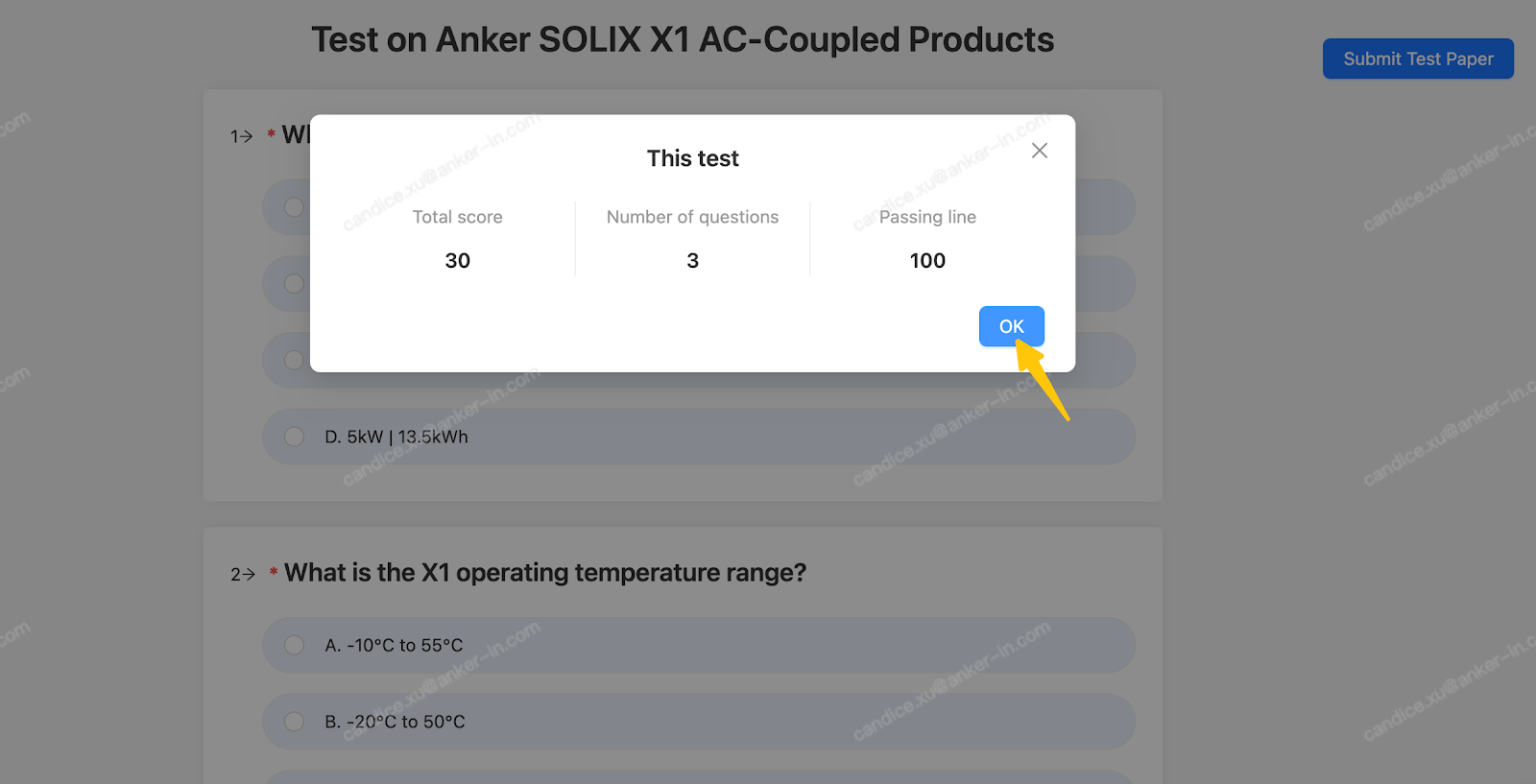
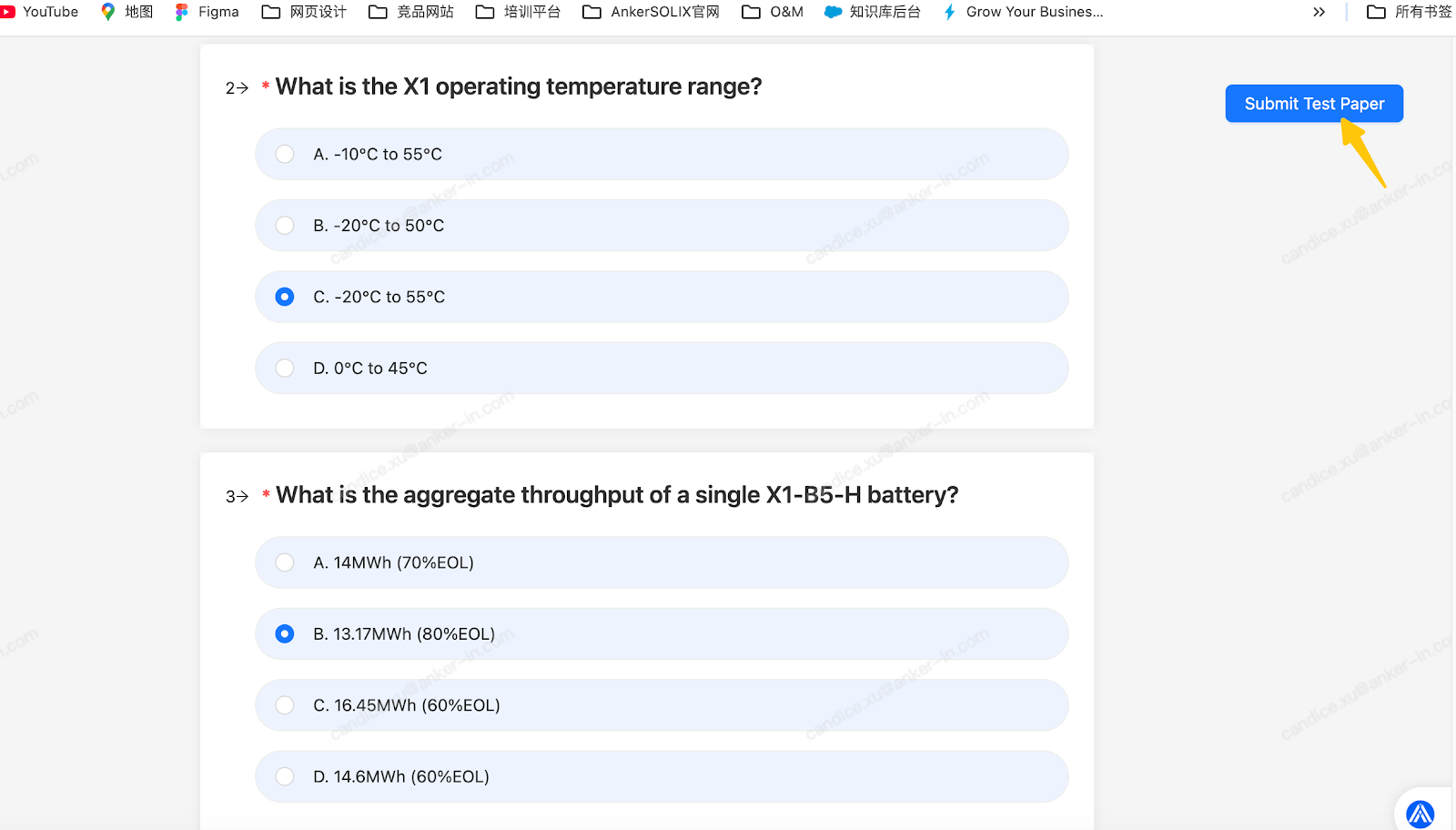
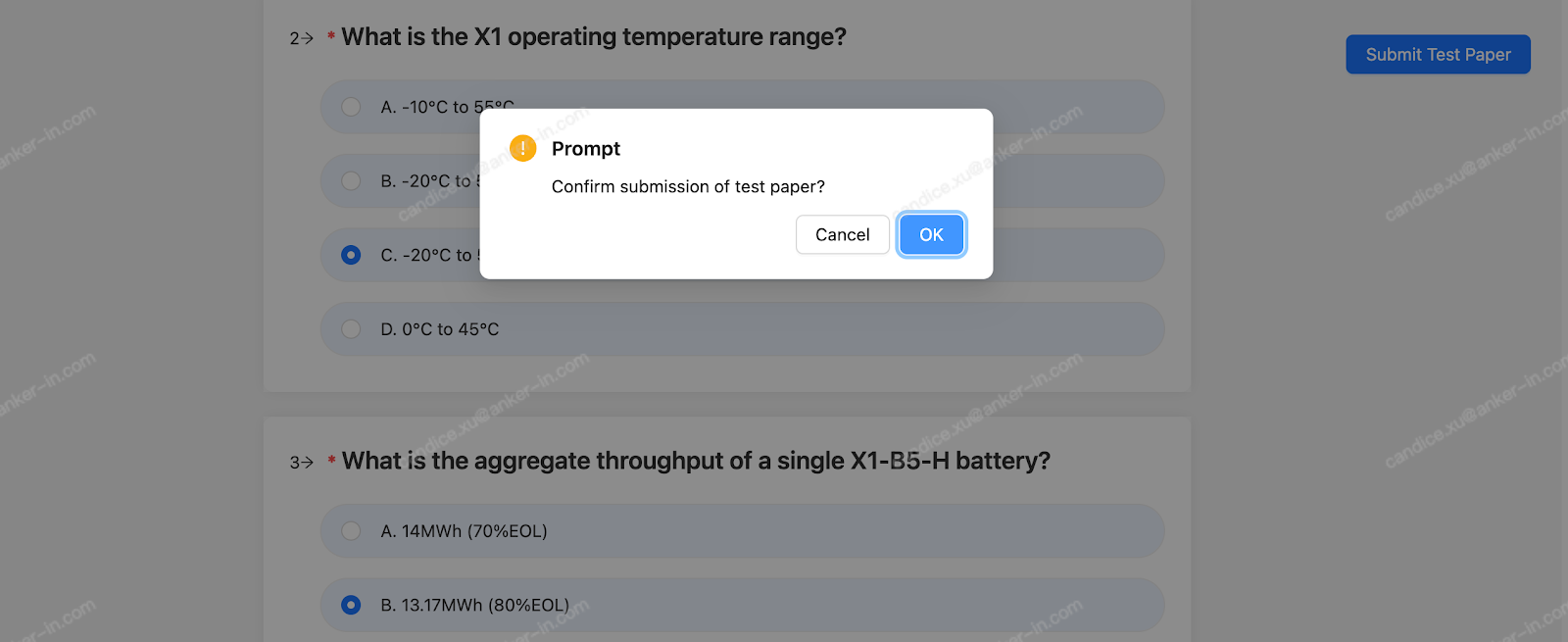
You can earn a certification through GSA by completing specific assigned courses and exams.
4. Language Settings
The platform language will automatically match your system language.
If the platform language is not your preferred one, you can change it in either of the following two places.
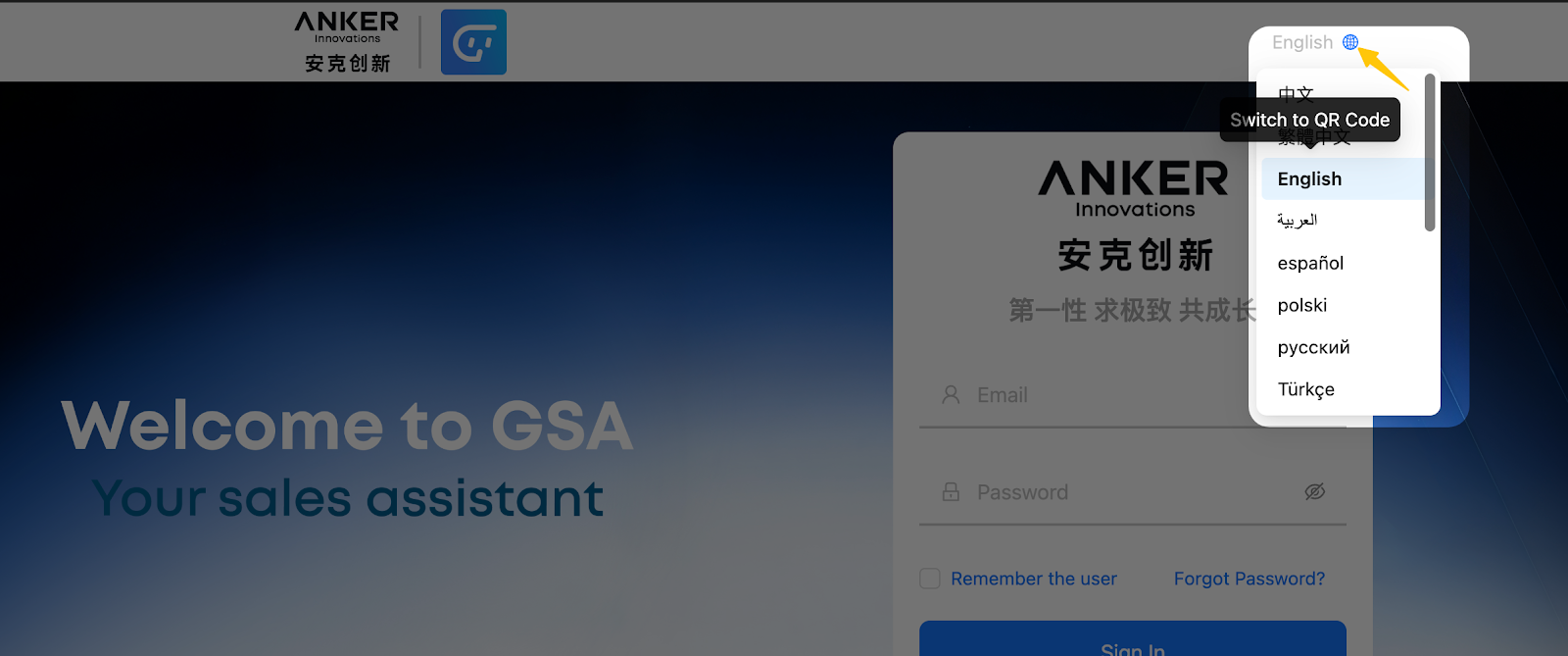
• Before Login
Click the language button in the upper‑right corner of the screen to switch the platform language.
• After Login
Click the green button in the upper‑right corner, then select Language to change the platform language.
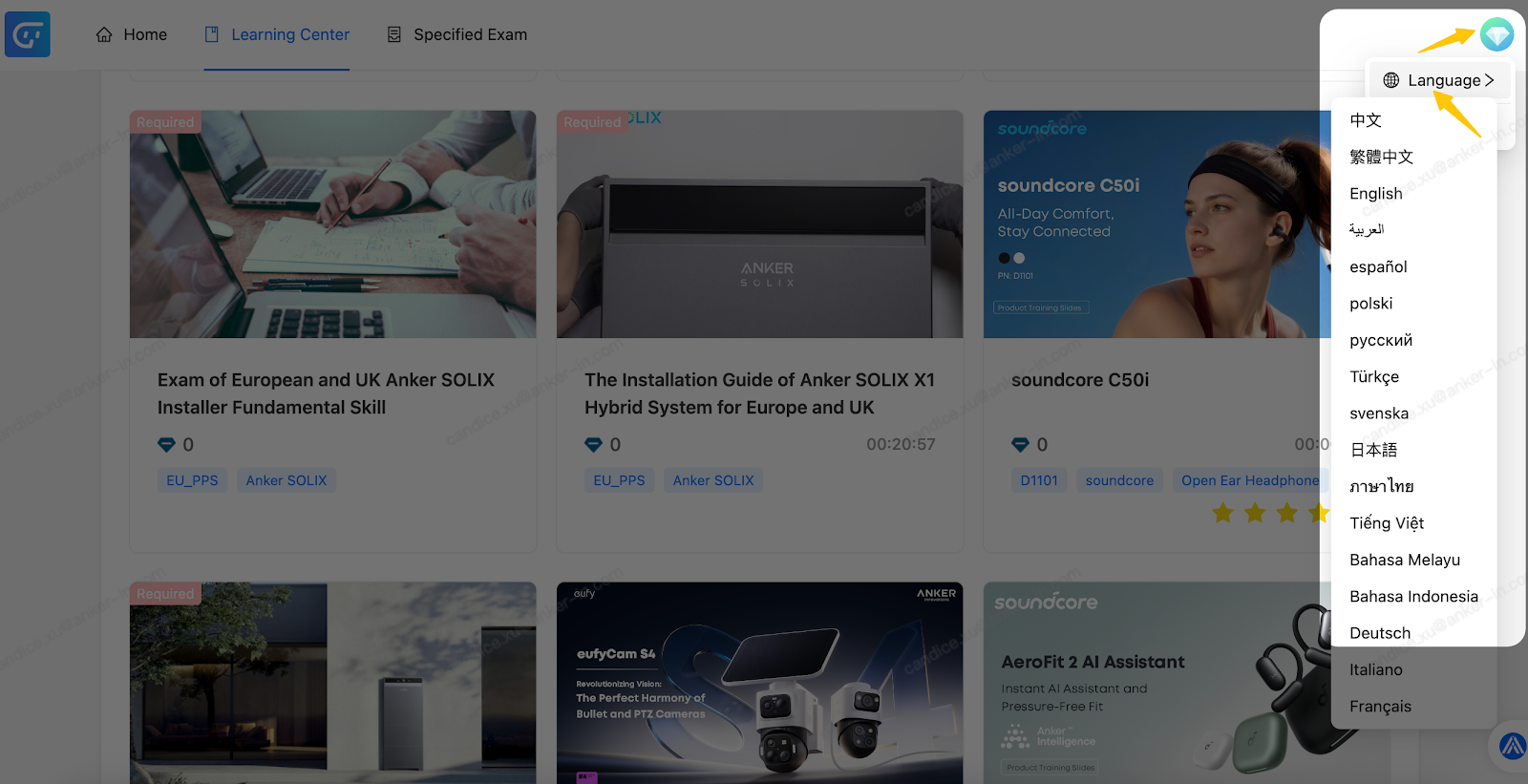
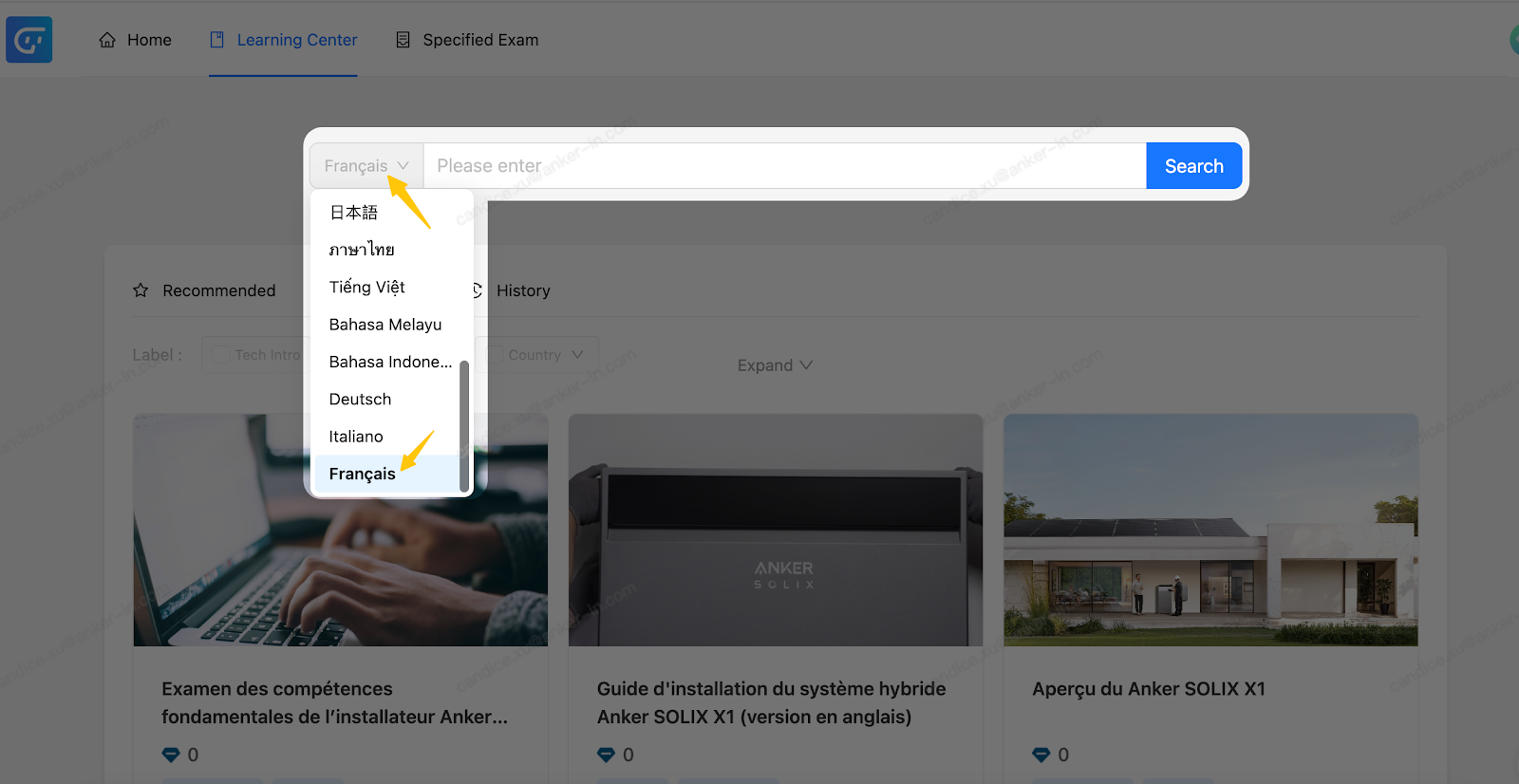
We have launched language‑specific courses for users in Germany, France, and Italy.
If the courses displayed are in English, go to the All Courses tab and click the button on the left side of the search bar to switch the course language.
III. APP
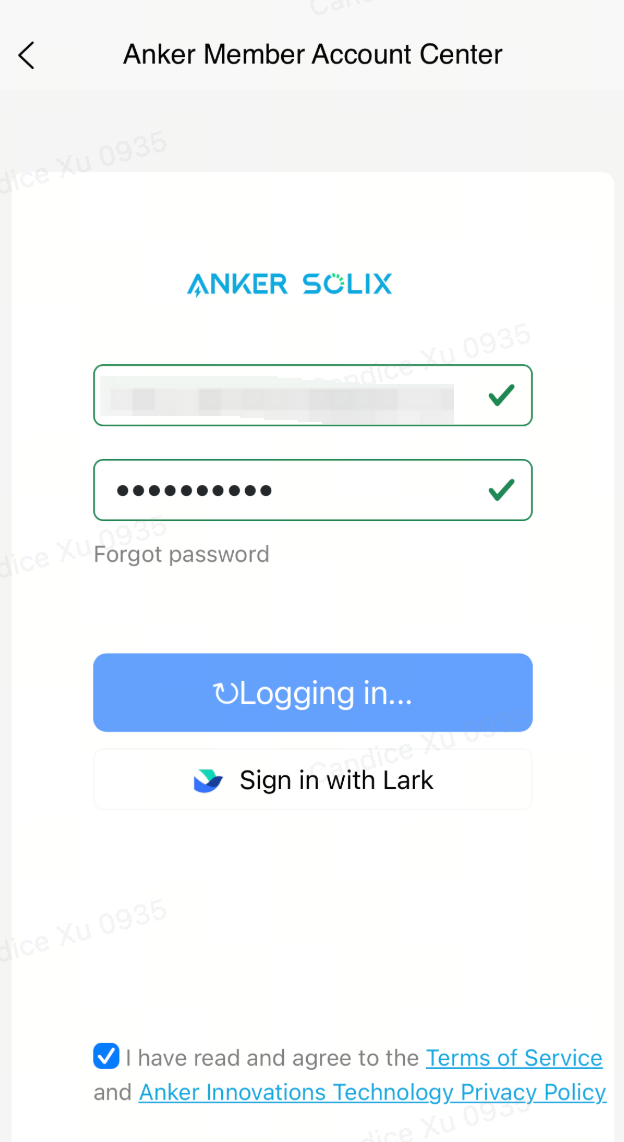
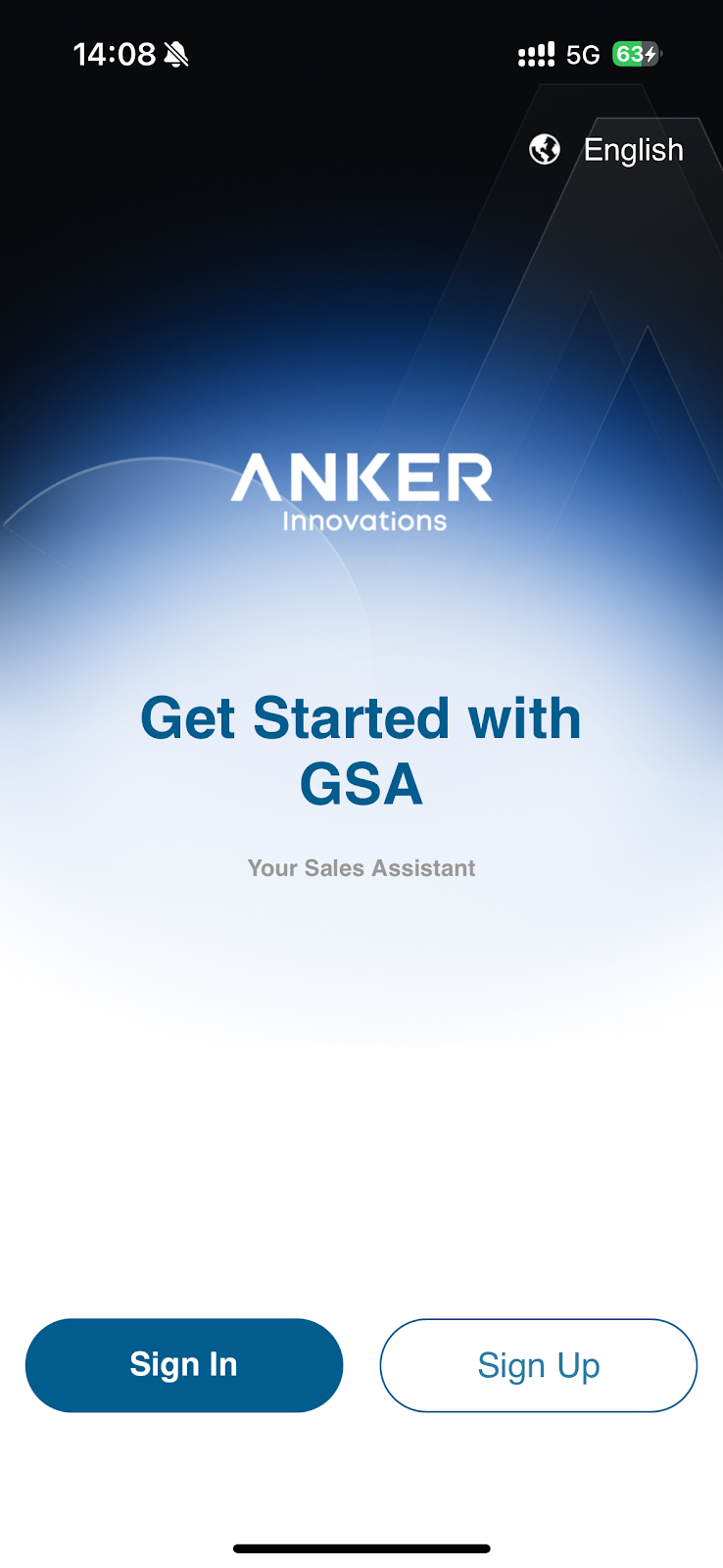
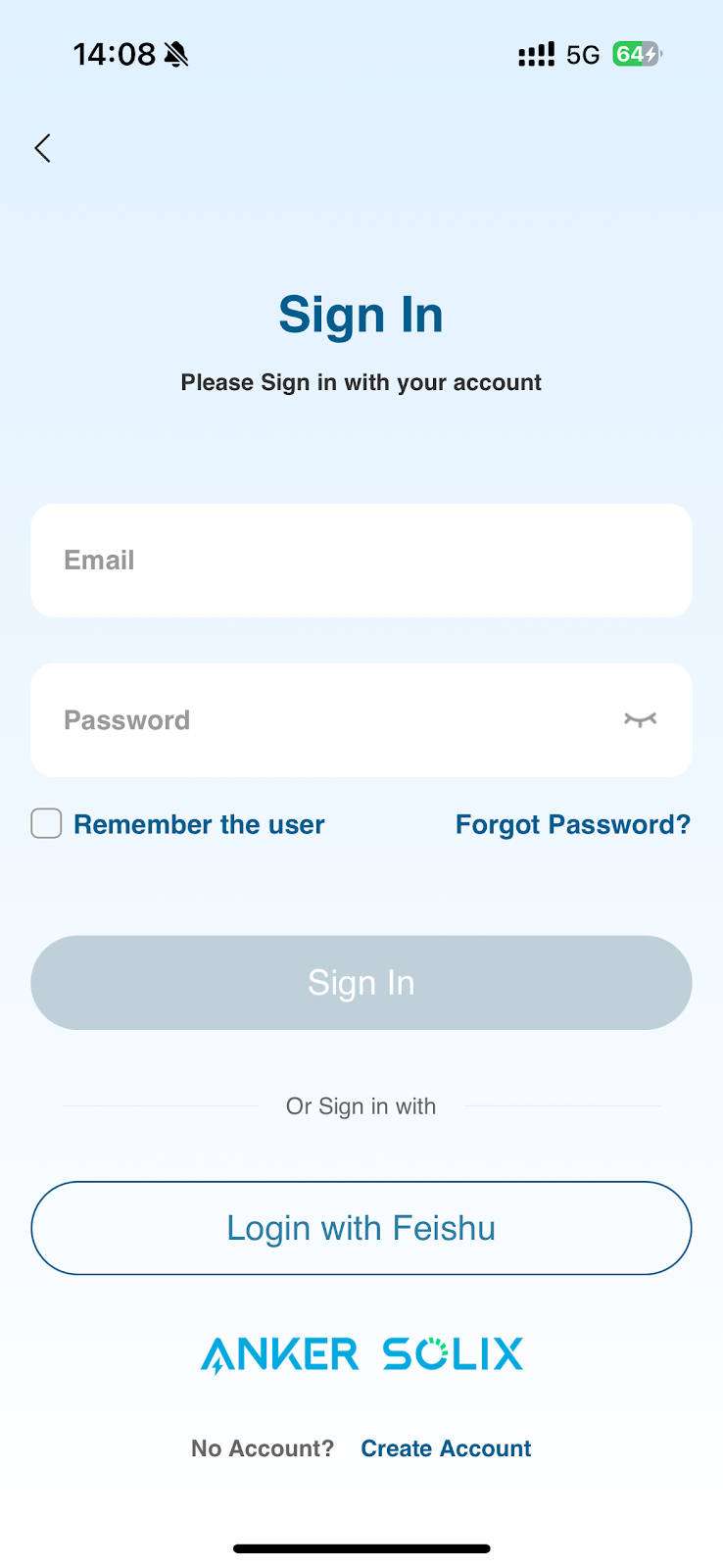
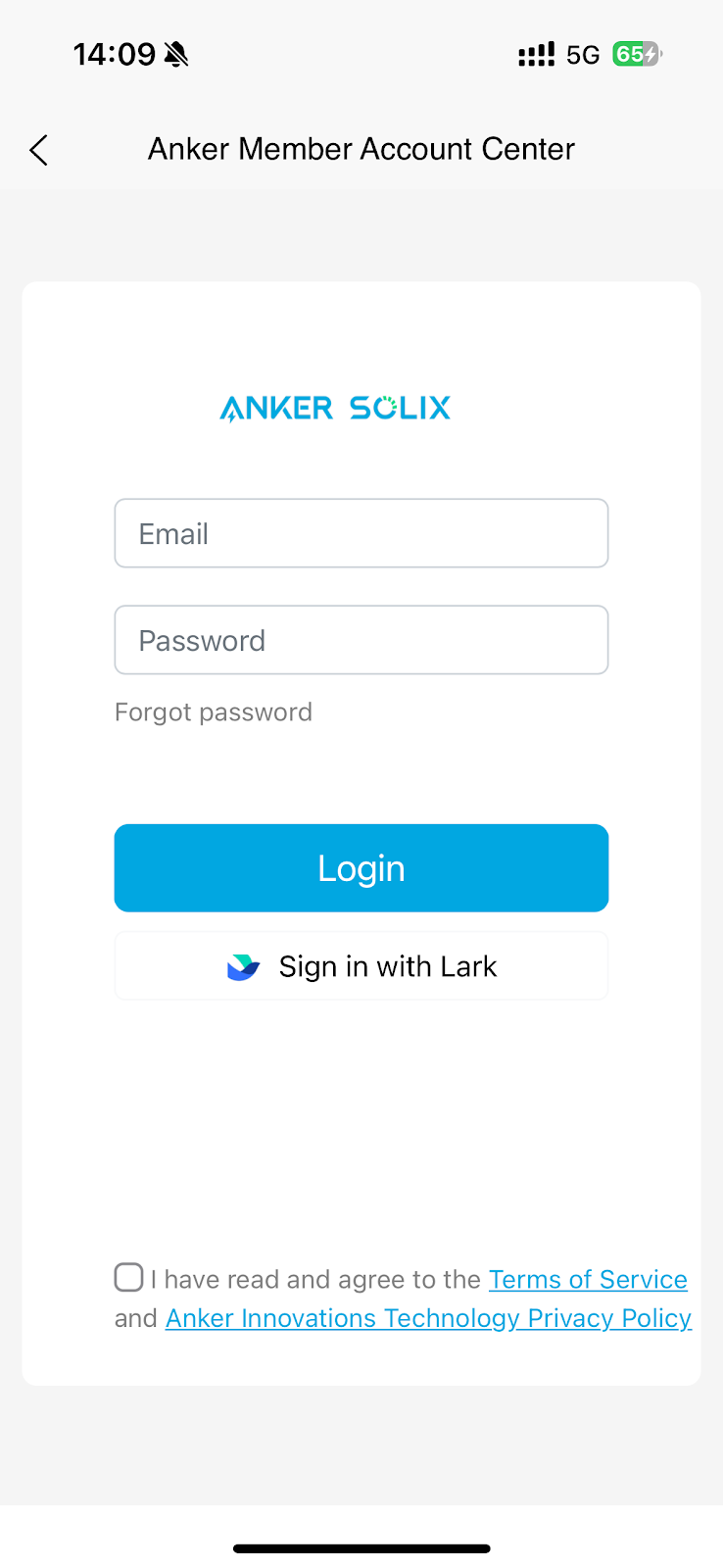
1. Account Login
• Existing X1 Users:
Log in with your registered email or Installer ID. Your password remains unchanged.
• New Users:
Please create an account in the Anker App first: https://support.ankersolix.com/s/article/How-to-Register-as-an-Anker-SOLIX-Installation-Partner , then use the same account and password to log in to the GSA Platform.
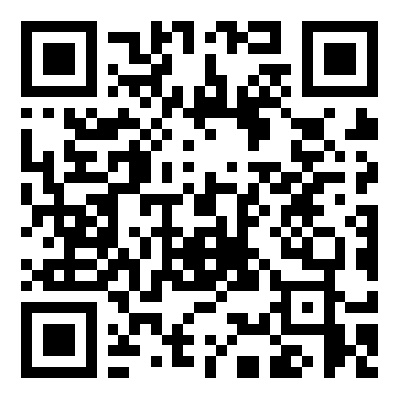
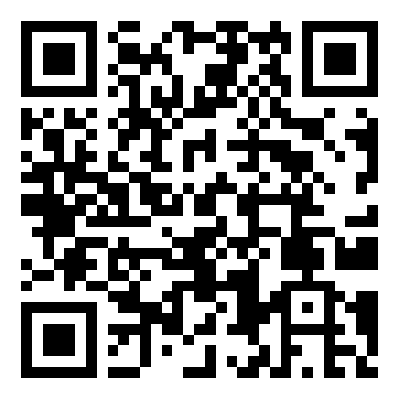
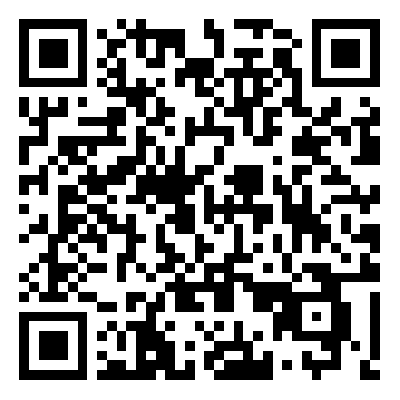
You can now access the new system through the following links:
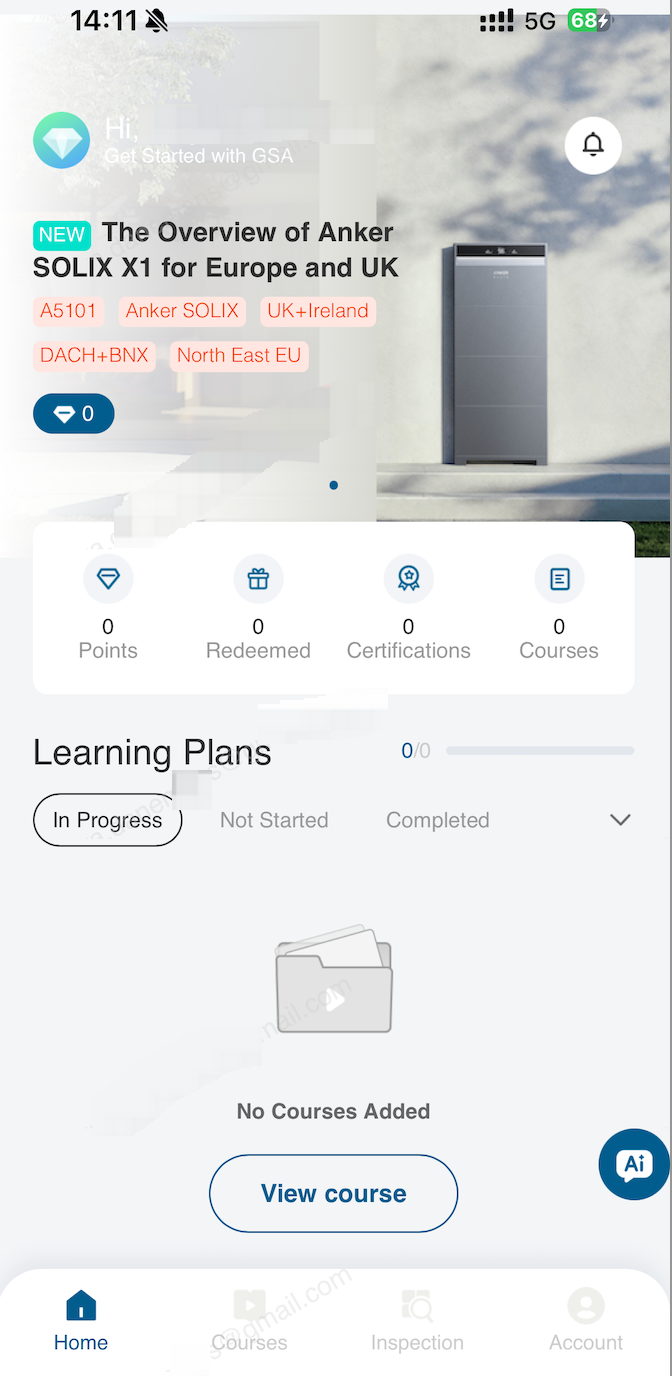
2. Accessing Courses
After logging in:
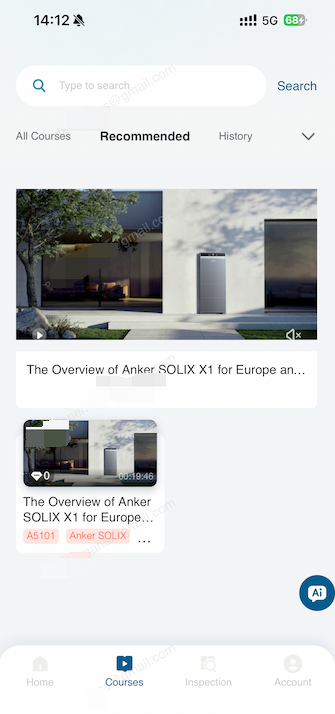
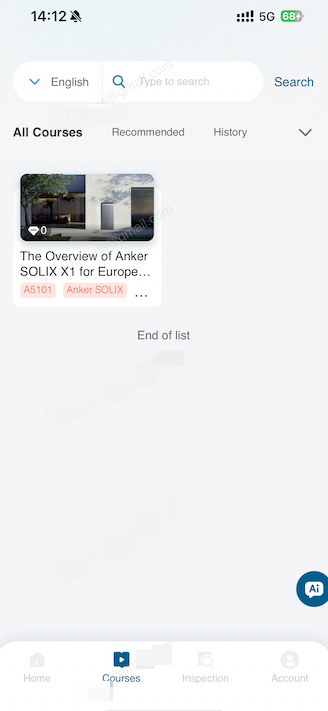
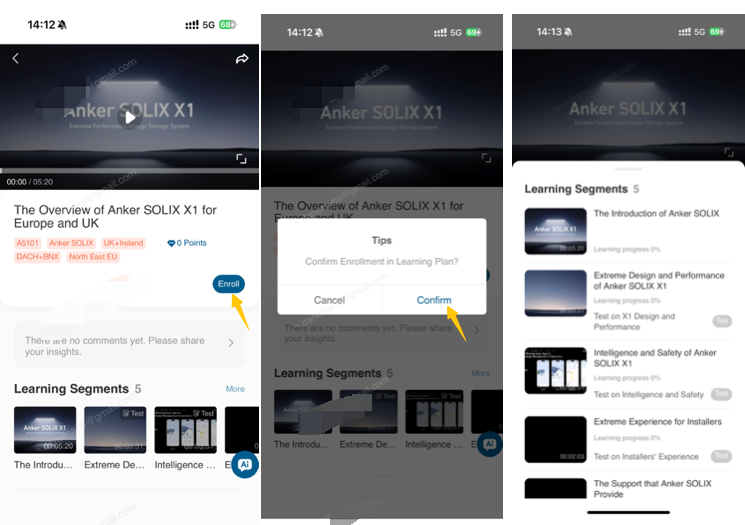
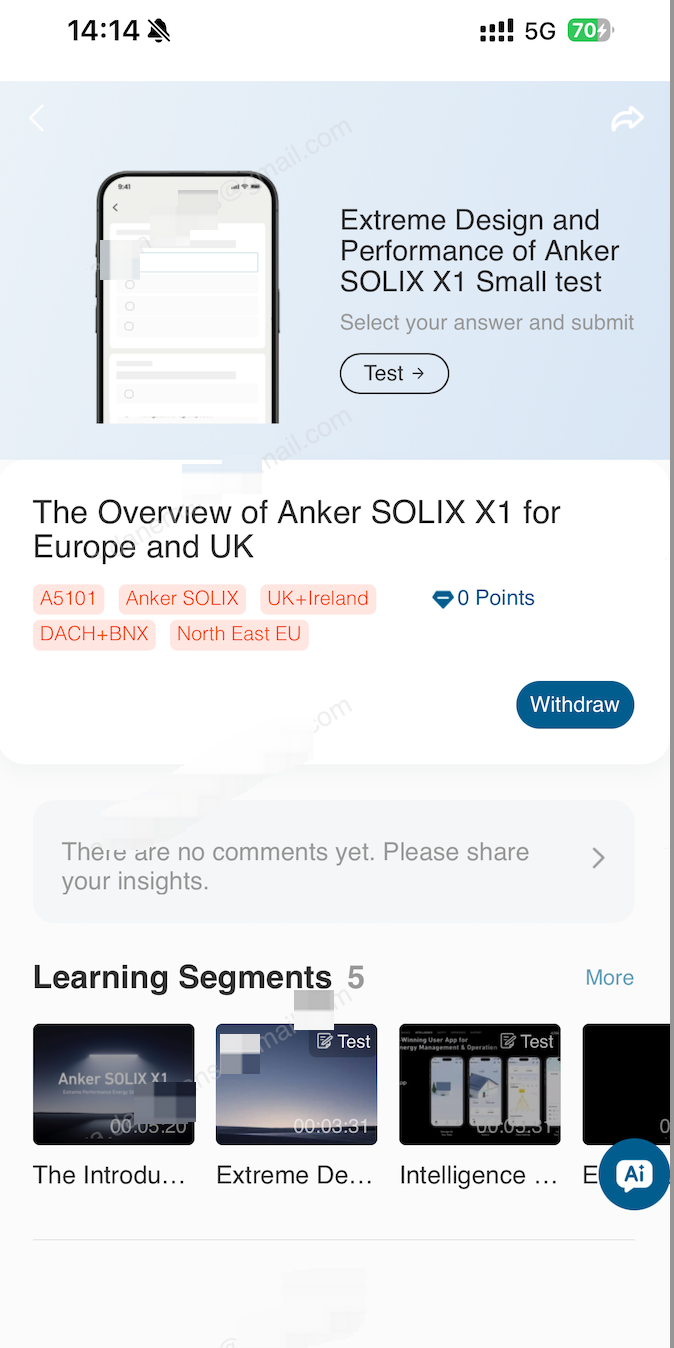
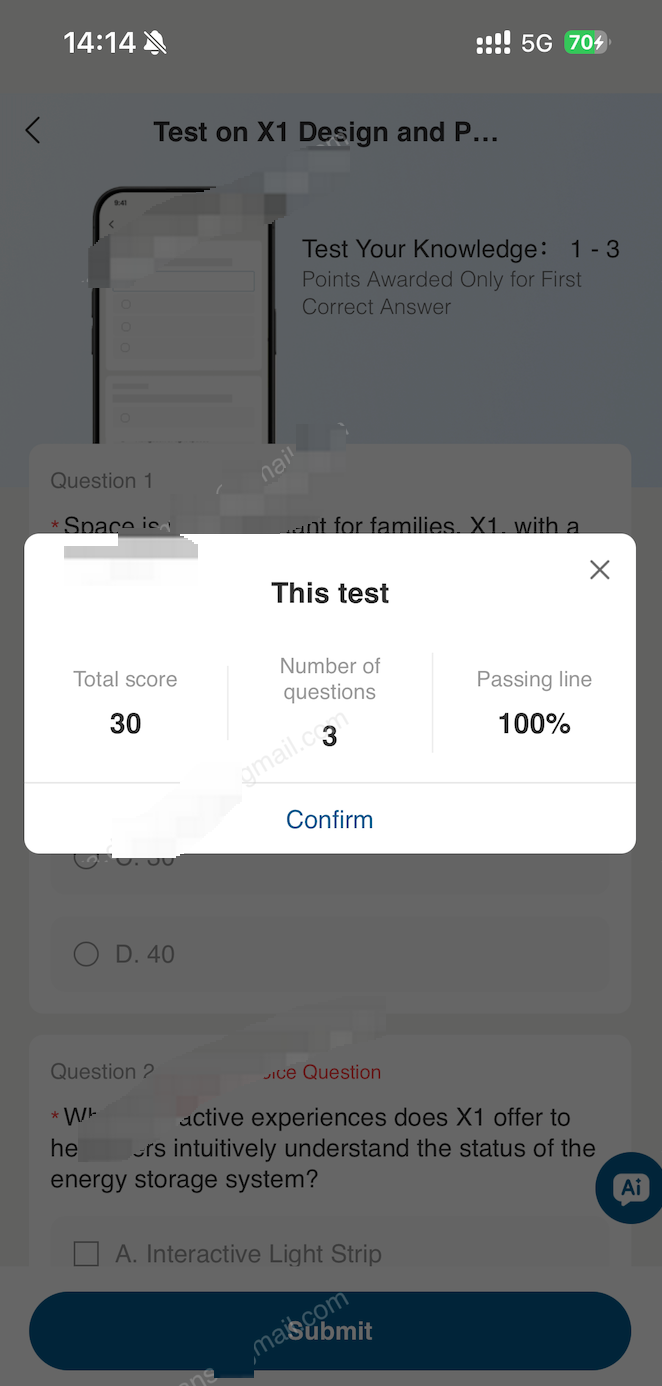
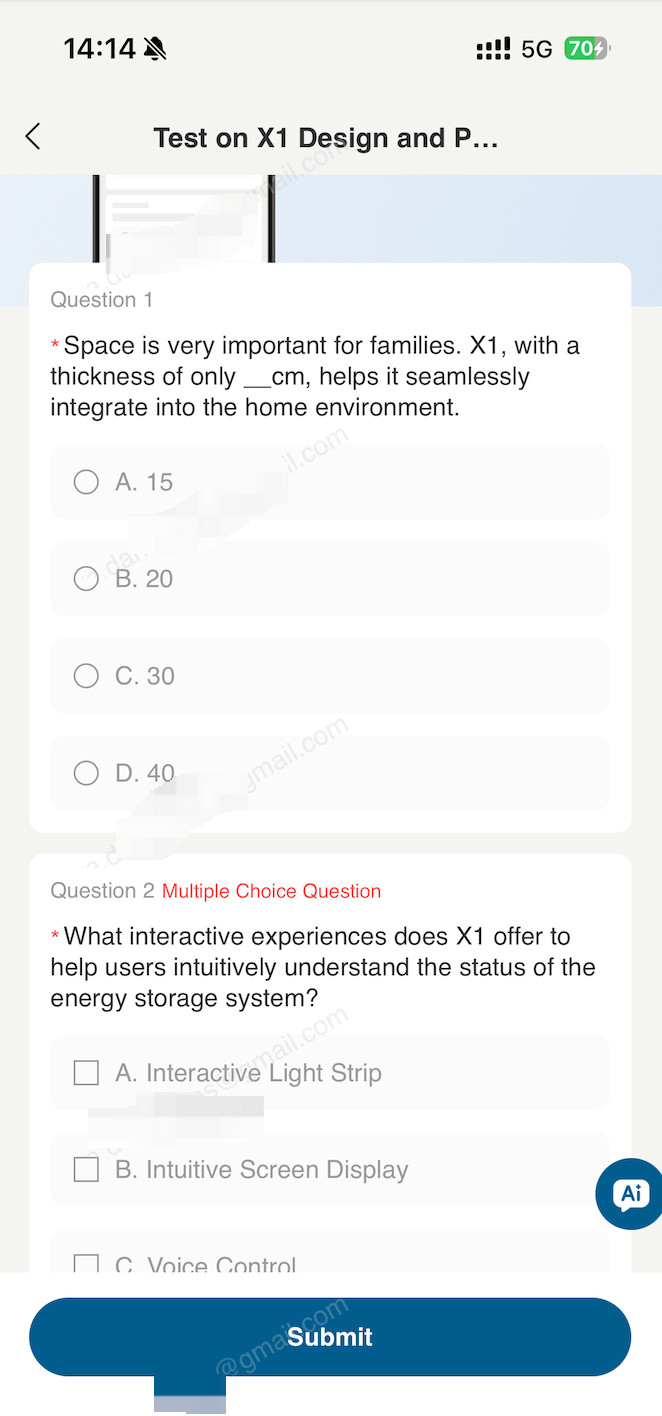
Each course includes videos, reading materials, and knowledge check quizzes. Completion status will be updated automatically once all modules are finished.
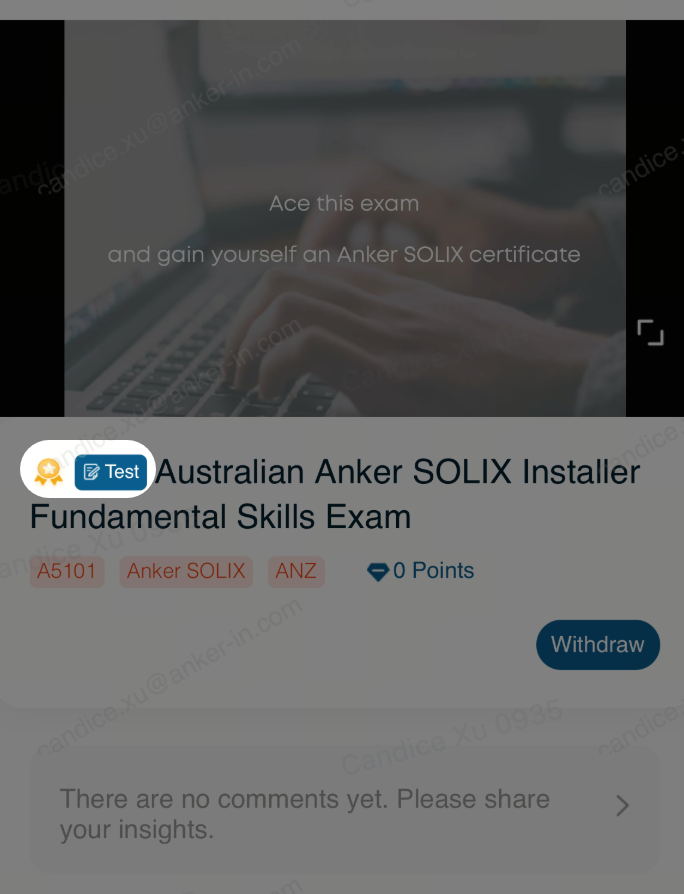
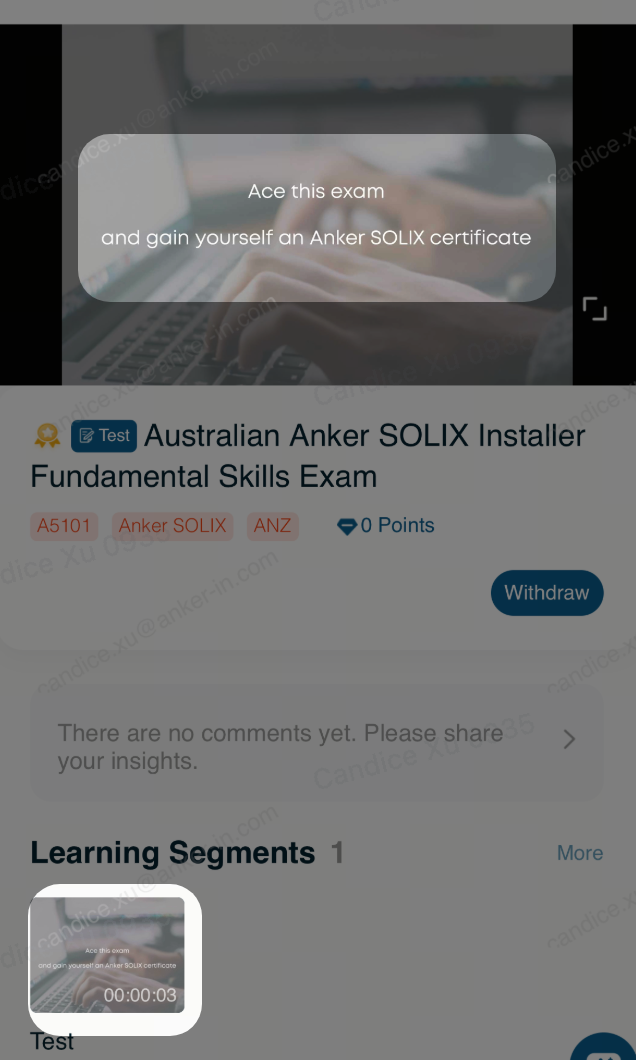
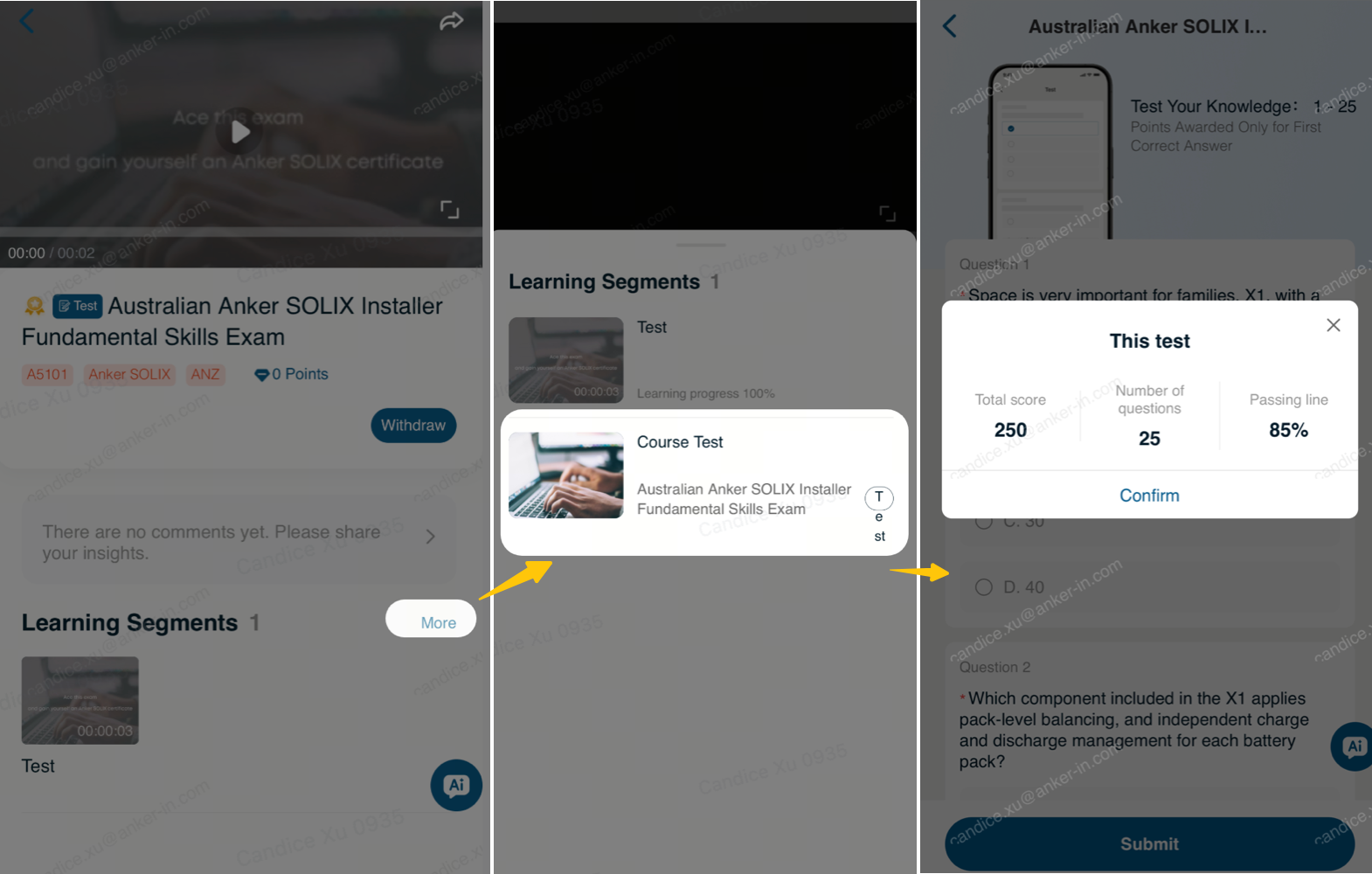
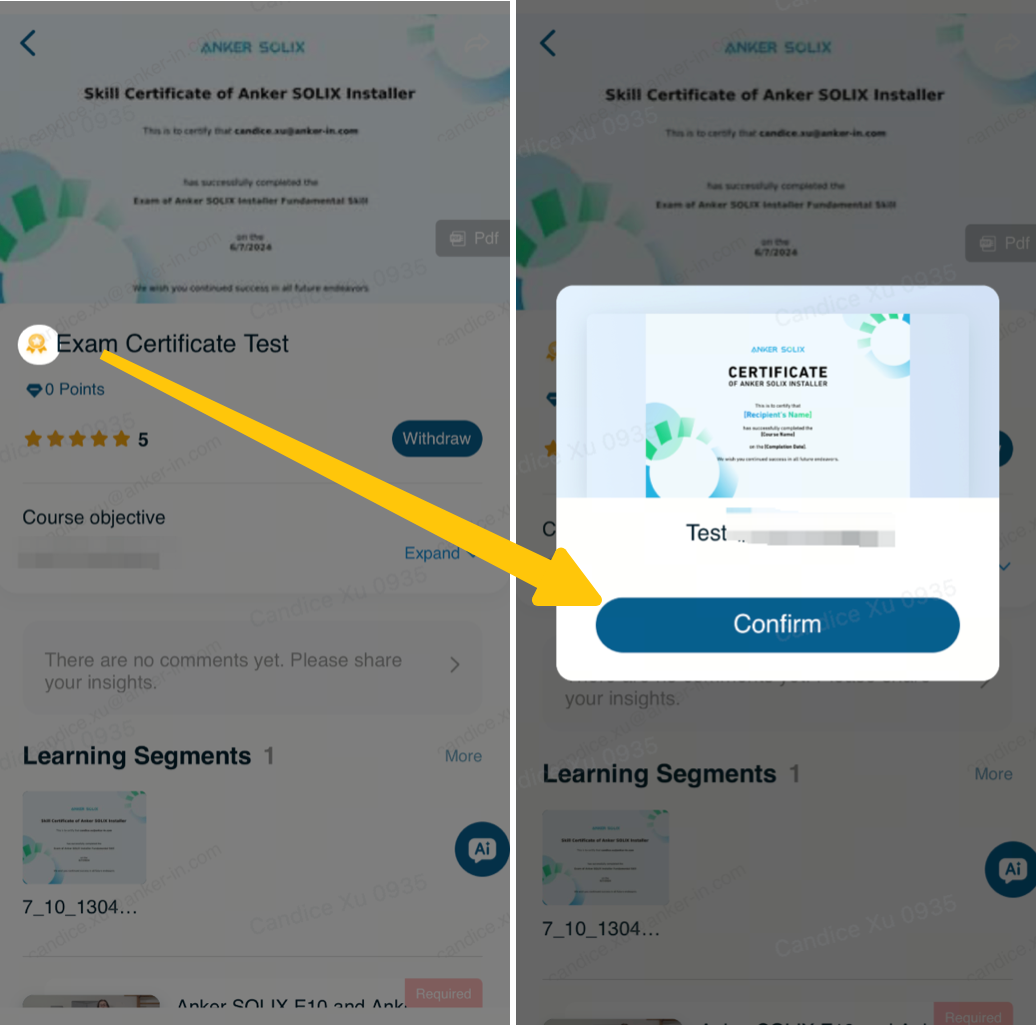
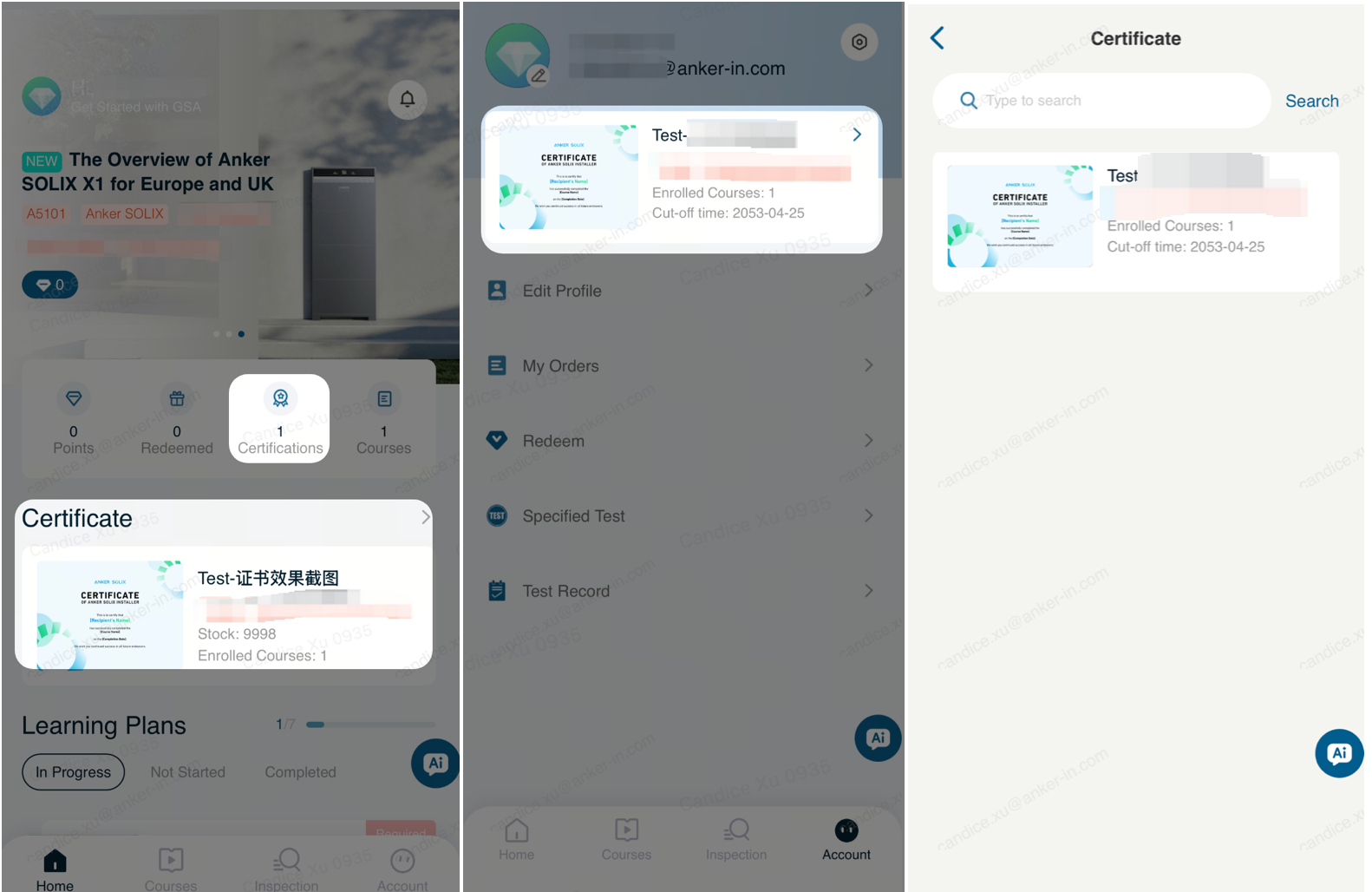
3. Taking Exams and Getting a Certificate
You can earn a certification through GSA by completing specific assigned courses and exams.
4. Language Settings
The platform language will automatically match your system language.
If the platform language is not your preferred one, you can change it in either of the following two places.
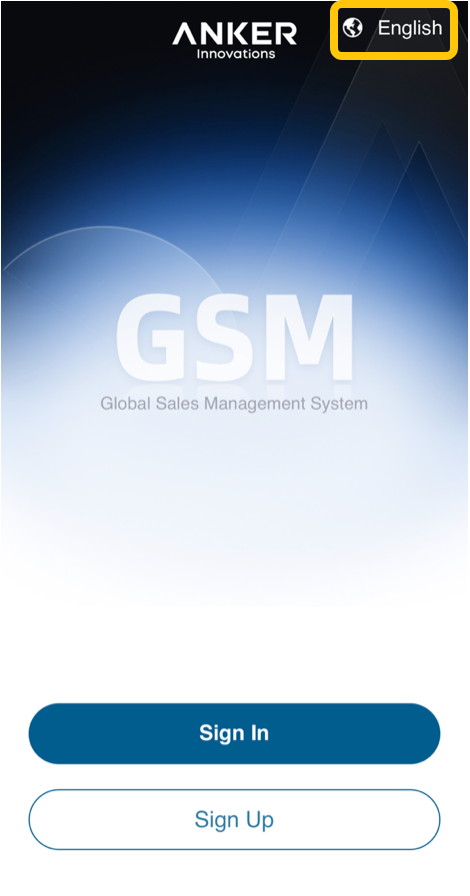
• Before Login
Click the language button in the upper‑right corner of the screen to switch the platform language.
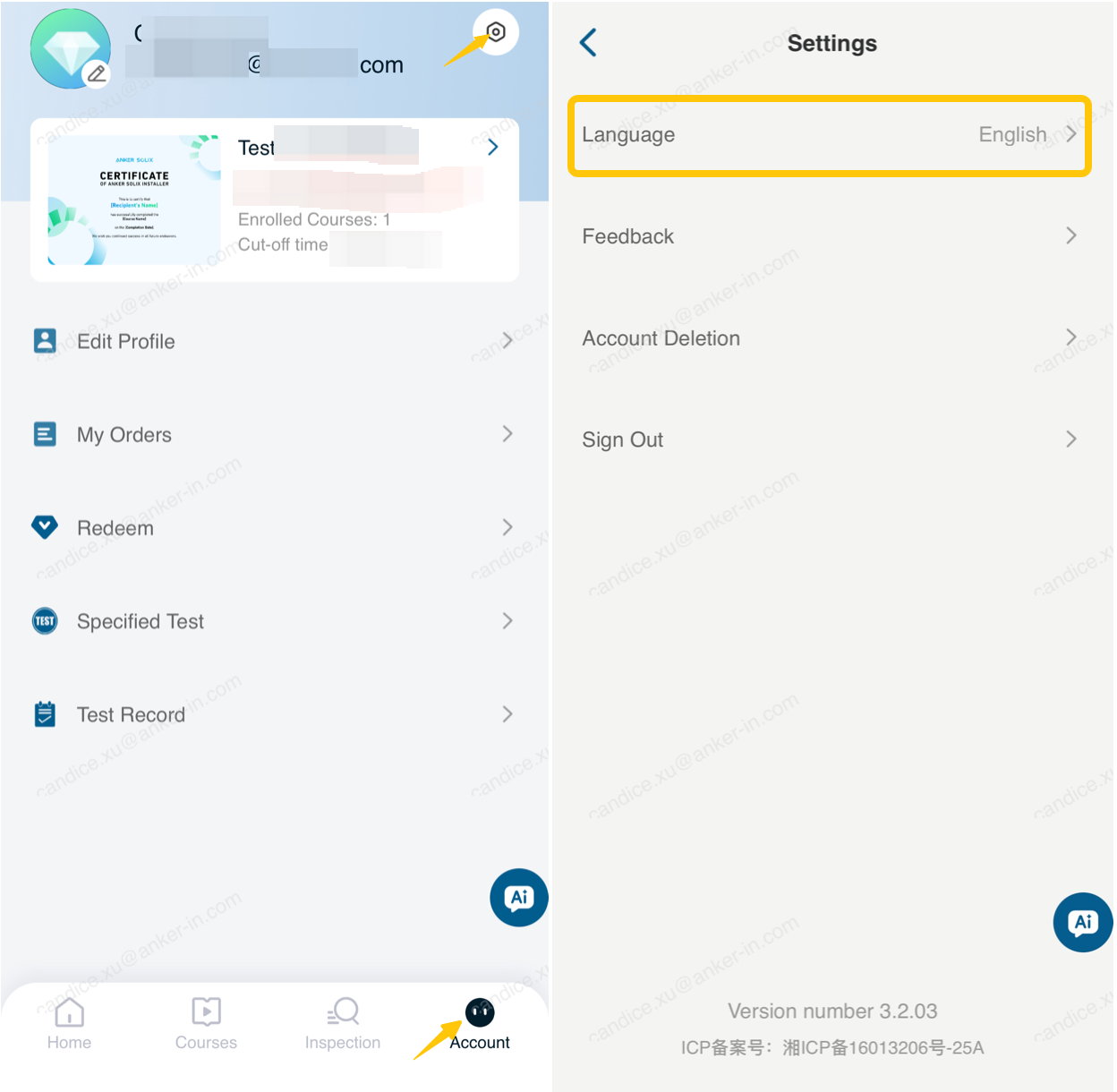
• After Login
In the App, select Account at the bottom, then click the icon in the upper‑right corner to open the settings page. Choose your preferred language from the options available.
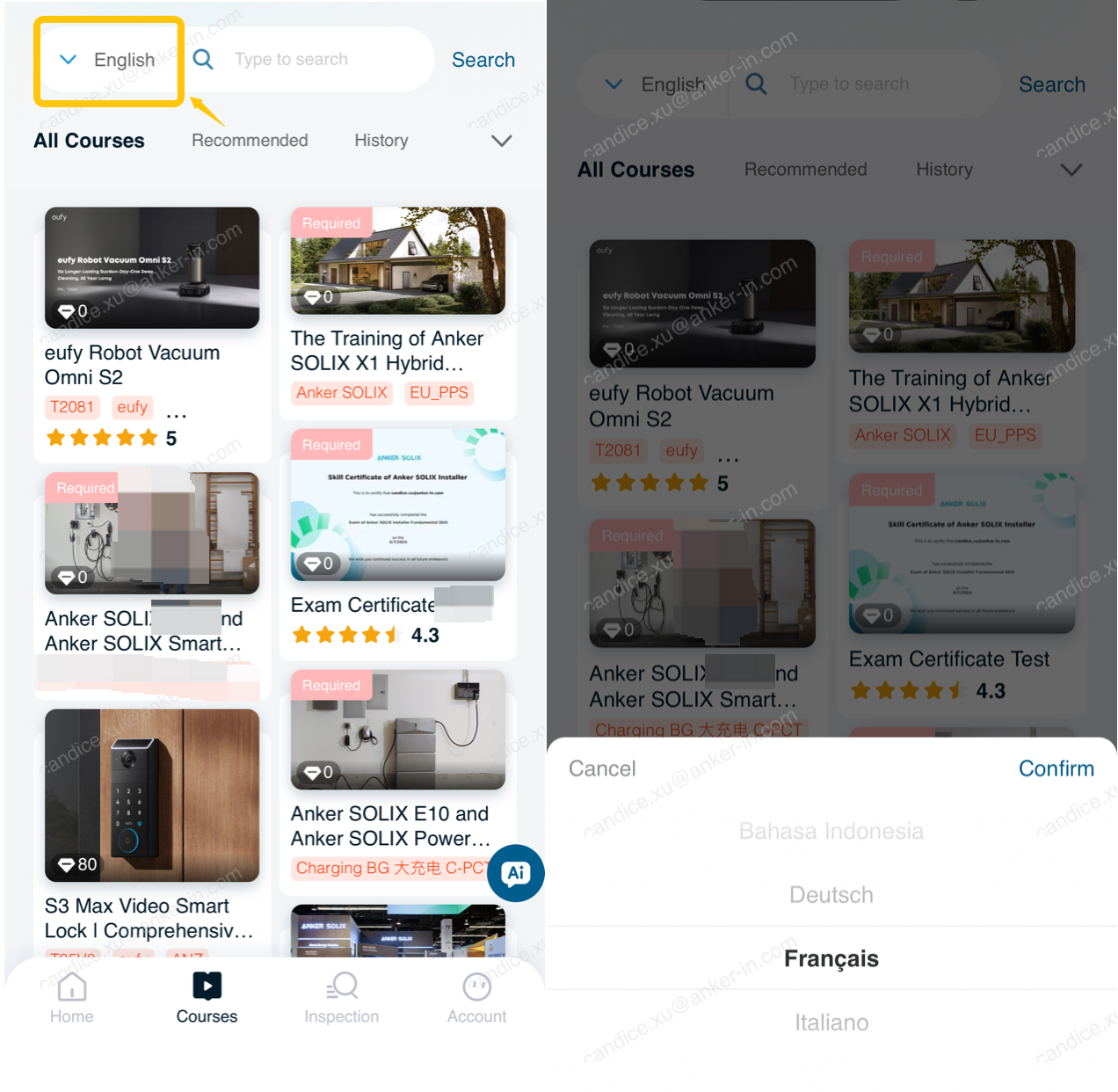
We have launched language‑specific courses for users in Germany, France, and Italy.
If the courses displayed are in English, go to the All Courses tab and click the button on the left side of the search bar to switch the course language.
IV. FAQ
If the methods in this FAQ do not resolve your issue, please submit your problem description and contact information through the feedback form. Anker SOLIX team will provide a solution as soon as possible.