How to connect the 767 Power Station to your device via Bluetooth?
Here are the steps to connect the 767 Power Station to your device via Blue Tooth:
- Download the App
iOS: https://apps.apple.com/us/app/anker/id1635029057
Android: https://play.google.com/store/apps/details?id=com.anker.charging&pli=1
- Log In and Sign Up
- Add Devices
Connect the device to a network before using the app for the first time. After connecting successfully, you can connect your devices off-grid. The connection tutorial is below:
- Click the "+" button on the right corner and open the Guide page.

- Follow the guide to add devices.

If you have any questions, please contact us for further assistance.


23 undefined
Can a power station be used as uninterruptible power supply?


What kind of solar panels can charge the 767 Power Station?
Introduction to Anker 767 Portable Power Station (GaNPrime Power Station 2048Wh)
How to Charge and Maintain Your LFP Portable Power Station for a Longer Lifespan
How to recharge the Anker 767 Portable Power Station?
Introduction to TT-30R AC Outlet on 767 Portable Power Station
Is an In-App 80% Charging Limit Required for My Power Station?
How to connect the 767 Power Station to your device via Bluetooth?
How to read the LCD screen for Anker 767 Portable Power Station?
What accessories come with a 767 Portable Power Station?

A1780 Anker 760 Portable Power Station Expansion Battery User Manual
Anker SOLIX Portable Power Station Warranty Policy
Anker SOLIX Portable Power Station Warranty Policy (USA)
Anker SOLIX Portable Power Station Warranty Policy (Europe)
Anker SOLIX Portable Power Station Warranty Policy (Australia)
A1780 Anker 767 Portable Power Station (GaNPrime PowerHouse 2048Wh) User Manual
View More

Anker SOLIX F3000 Portable Power Station Guide

How to Build a Home System with Anker SOLIX F3000
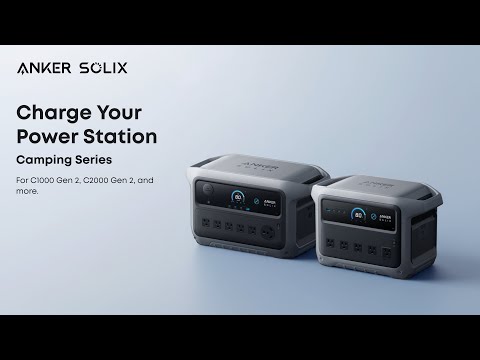
How to Charge Anker SOLIX Camping Series Portable Power Stations