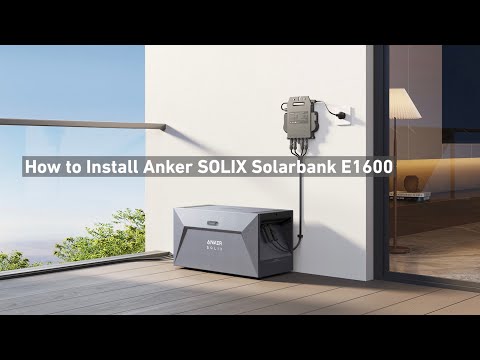
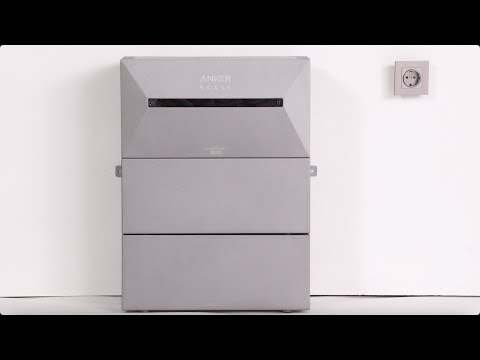
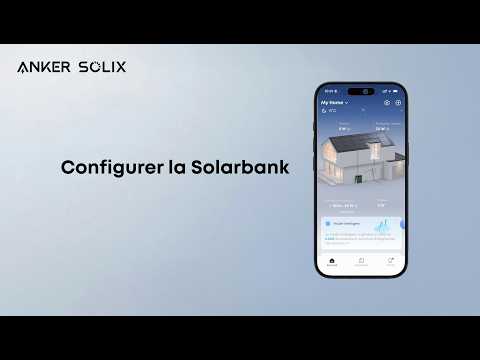
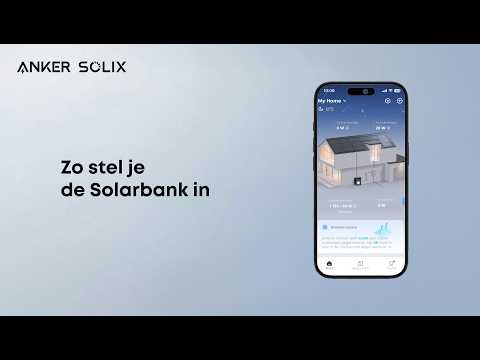
The Solarbank 2 E1600 Pro/Plus solar storage system supplies power according to your settings or the power consumption demand that is intelligently identified. The system can store the excess photovoltaic power into the battery or continue to supply power to the household with zero or weak sunlight by using the photovoltaic panels along with the battery. After the generated photovoltaic power meets the household power consumption and battery charging demands, the surplus power can be fed into the power grid for full use.
You can access mode selection from the quick portal for energy plans on the home page.
Self-consumption mode: In this mode, no setup is required. The smart meter will obtain the power required by the household and send it to Solarbank, which will then dynamically adjust the output power according to the household power consumption demand and store the excess photovoltaic power in the battery. This mode is available only when the smart meter is added to the system.
Custom mode: In this mode, you need to manually set a power consumption plan, which allows Solarbank to supply power to your household at your estimated rated power at different times within 24 hours, and to store the excess power in the battery.
You can set different power consumption plans for every day of a week to meet your household power consumption demands more flexibly.
If you have any questions, feel free to contact us for further assistance.