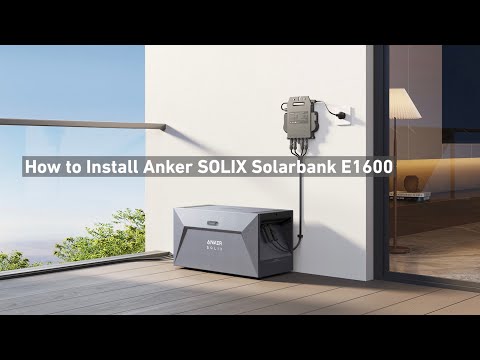
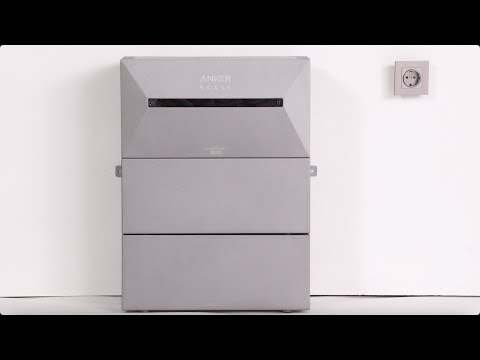
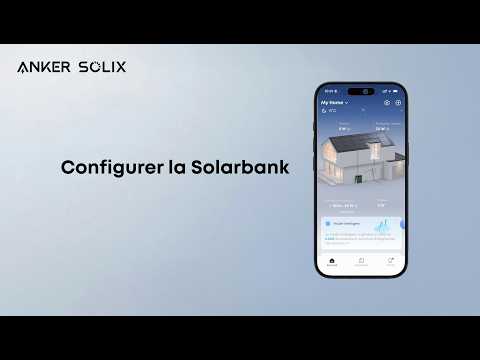
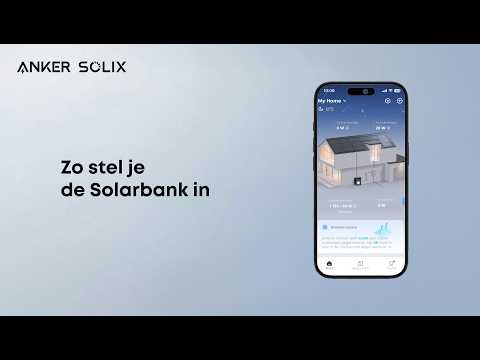
Do I have to connect the Solarbank 2 E1600 Pro/Plus to WiFi and use the Anker APP?

The Anker APP is a must as activation of the device requires setting the output power through the APP. You have the option of controlling the device via WiFi or Bluetooth. We recommend using WiFi to control the device in order to remotely monitor the device's status and compatibility with other Anker smart devices. Bluetooth control does not offer these features.  If you have a smart meter, you must use a WIFI connection. The smart meter communicates via WIFI. You must also make sure that the smart meter and the Solarbank 2 E1600 Pro/Plus are connected to the same WIFI.


If you have any questions, feel free to contact us for further assistance.
Do I have to connect the Solarbank 2 E1600 Pro/Plus to WiFi and use the Anker APP?
65 undefined
A3961 QSG V2(1)
Liberty 4_A3953_QSG
Q20i_QSG
EU Declaration of Conformity for soundcore A3i_A3992
UK&CA Declaration of Conformity for soundcore Liberty 4_A3953
EU&UK Declaration of Conformity for soundcore Sleep A10_A6610
View More
How to use Liberty 4 Wellness features
How to Connect to the Soundcore App and Update Firmware for Sport X10
How to Wear Liberty 4 and Change Eartips
How to solve a connection issue on Sleep A10
How to Use Features On the Soundcore App for Sport X10
How to Pair and Reset Sport X10
View More