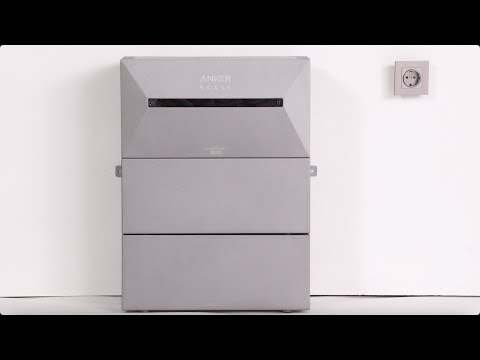
If you're adding Solarbank 3 E2700 Pro to an existing home energy system, follow these steps:
1. Open the home energy system homepage and tap the gear icon in the upper-right corner to access settings.
2. Select "Manage Devices."
3. Tap the "+" icon in the upper-right corner to add additional devices, such as Solarbank 3, smart meters, or smart sockets. Please ensure that all devices within the same system are connected to the same Wi-Fi network.
If you're setting up Solarbank 3 E2700 Pro for the first time and need to create a new home energy system, follow these steps:
1. Connect and add one Solarbank 3 E2700 Pro via Bluetooth on the device page. Press the IoT button on Solarbank to authenticate the Bluetooth connection.
2. Set up the Wi-Fi connection.
3. Add additional devices, such as Solarbank 3, smart meters, or smart sockets. Please ensure that all devices within the same system are connected to the same Wi-Fi network.
4. Update the firmware to the latest version.
5. Configure the system's operating mode, such as AI Mode, Self-Consumption, or Custom Mode.