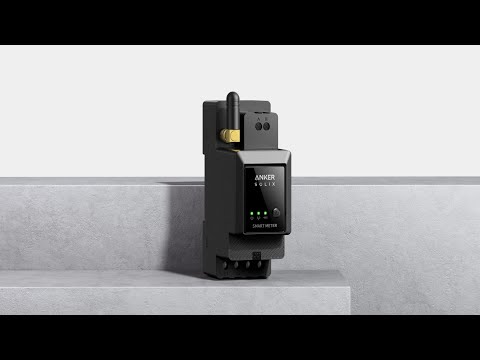
Error 32 indicates a malfunction in the communication between your smart meter and Solarbank. Self-Consumption mode will also end if this error occurs. Check the Wi-Fi connection for both your smart meter and Solarbank, then try the following:
-
Check again if your smart meter and Solarbank are connected to the same Wi-Fi network. Do not connect devices to a guest Wi-Fi network.
-
Make sure your router has a 2.4 GHz setting. Anker SOLIX Smart Meter and Solarbank do not support 5 GHz Wi-Fi.
-
Place Solarbank and your smart meter as close to the router as possible, limiting the distance to a maximum of 10 meters. Keep minimal obstacles in between. Avoid placing behind walls to stabilize the Wi-Fi signal or add a repeater to enhance the signal.
-
The distribution box may affect signal transmission. Check whether the smart meter's external antenna has been installed and placed outside the distribution box.
-
Delete both Solarbank and your smart meter as devices in the Anker app, then re-add them to see if this resolves the issue.
-
Check whether the router has any special settings that might affect communication.
-
Connect to a mobile hotspot or try a router from another brand to see if this resolves the issue.
If the above steps cannot solve the problem, please upload the device logs of both Solarbank and your smart meter. Also input their serial numbers.
If you have any questions, feel free to contact us for further assistance.