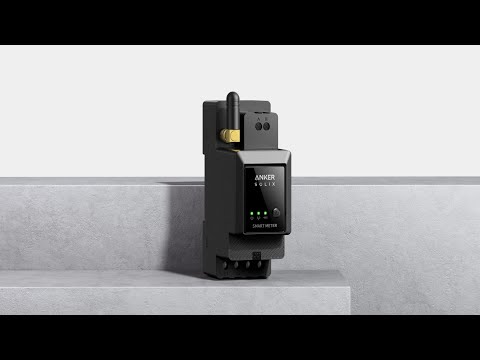
The smart meter communicates with Solarbank 2 E1600 Pro/Plus via Wi-Fi and therefore must be installed in areas with Internet connectivity. Solarbank 2 E1600 Pro/Plus and the smart meter communicate with each other through a local area network , and they must connect to the same Wi-Fi during network configuration. Failure to do so can affect the functioning of the self-consumption mode. For example: By connecting one of them to a router and the other to a mobile hotspot, Solarbank 2 E1600 Pro/Plus and the smart meter cannot communicate with each other.
Notes:
1. Place Solarbank 2 E1600 Pro/Plus and the smart meter within 10 meters from the router whenever possible. Also, ensure that few obstacles and walls (if possible) exist between them to ensure strong Wi-Fi signaling. Alternatively, add more repeaters for enhanced signaling.
2. Check that the router is using 2.4 GHz for communication as Solarbank 2 E1600 Pro/Plus and the smart meter do not support 5 GHz Wi-Fi.
If you have any questions, feel free to contact us for further assistance.