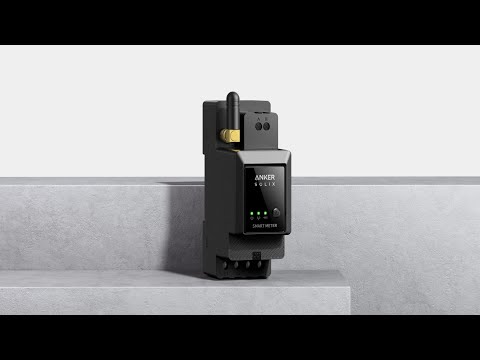
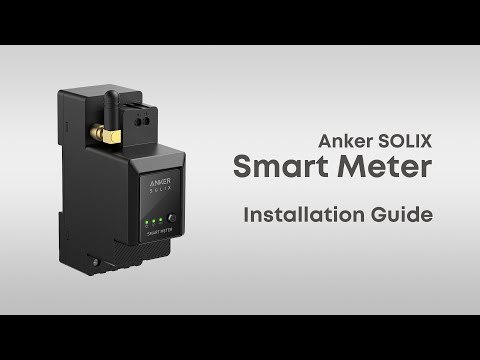
You do not have to connect the smart meter to a power source separately. After connecting it through the AC cable, you can collect the voltage. After connecting it to the CT, you can collect the current. The smart meter calculates the power value by using the collected voltage and current and then transfers the resulting value to Solarbank 2 E1600 Pro/Plus via Wi-Fi.
When installing the smart meter, be sure to observe the following precautions, otherwise the self-consumption mode will not work properly:
1. The smart meter measures the total household power consumption. Be sure to install the CT on the main line at the grid access side of the household but not on the power distribution branch of the household.
2. The phases of voltage and current sampling must be consistent.
3. The arrow mark on the CT must point to "Grid", and be sure not to install the CT upside down.
If you have any questions, feel free to contact us for further assistance.