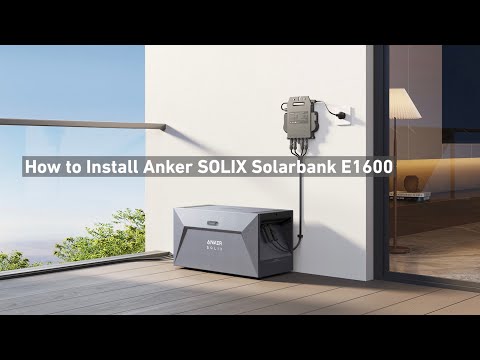
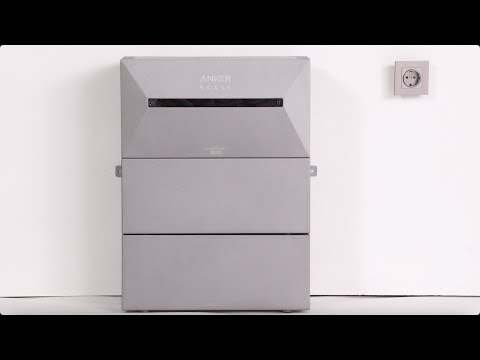
To help us identify the cause of the problem, please follow the troubleshooting steps below:
Confirm expansion battery connection status
Case 1: No expansion batteries are connected
If no expansion batteries are connected and the Solarbank still displays error code 222/223 after a reset, please contact us directly. We will arrange a replacement for you as soon as possible.
Case 2: Expansion batteries are connected
Please follow these steps in order:
-
Remove all expansion batteries from the Solarbank.
-
Restart the Solarbank and check whether the error still persists.
-
If the error disappears, the issue may be related to one of the expansion batteries. Please connect each expansion battery to the Solarbank one at a time for testing to identify the faulty unit. We will arrange a replacement for the faulty expansion battery based on your test results.
-
If the error persists even after removing all expansion batteries and restarting the device, the issue may lie with the Solarbank itself. Please follow these steps:
-
Disconnect all photovoltaic (PV) input cables.
-
Disconnect the AC (grid) connection.
-
Keep the device powered off and do not attempt to turn it on again.
Once you have completed the above steps, please contact us. We will arrange the return and replacement process for you.
Please provide the following information so we can proceed with the after-sales service:
-
The serial number (SN) of the faulty device (Solarbank main unit or expansion battery).
-
Your proof of purchase and current shipping address.
-
Photos, app screenshots, or a video showing the issue you described.
If you have any questions, feel free to contact us for further assistance.