After inserting and securing the quick-connect cable plug between Anker SOLIX E10 and Smart Inlet Box or Power Dock, what should I pay attention to?
Tighten the locking screws on both E10 and Smart Inlet Box or Power Dock connectors to ensure a secure and reliable connection.


29 undefined
Anker SOLIX E10 Installation FAQs


Anker SOLIX E10 System Pre‑Installation Checklist
Introduction to Time‑of‑Use (TOU) Mode for Anker SOLIX E10 System
Why can't the E10's charging power reach its maximum charging power at low temperatures?
How many installation methods does Anker SOLIX E10 support?
Does Anker SOLIX E10 support long-term outdoor use?
Upon receiving an E10 + Smart Inlet Box installation order, what is the correct workflow before scheduling?
What should I do if the app displays "CT Abnormal" during commissioning of Anker SOLIX E10?
After inserting and securing the quick-connect cable plug between Anker SOLIX E10 and Smart Inlet Box or Power Dock, what should I pay attention to?
How many battery modules can be connected to Anker SOLIX E10?

Anker SOLIX E10 Quick Start Guide for US
Anker SOLIX E10 Quick Start Guide for Canada
Get Started with Anker SOLIX Power Dock or Anker SOLIX Smart Inlet Box for Canada
Get Started with Anker SOLIX Power Dock or Anker SOLIX Smart Inlet Box for US
CSIP California Communications Certificate of Anker SOLIX E10
Anker SOLIX E10 & Power Dock & Smart Inlet Box & Smart Generator Datasheet
View More


Anker SOLIX Power Dock & E10 System and Installation Walkthrough Video
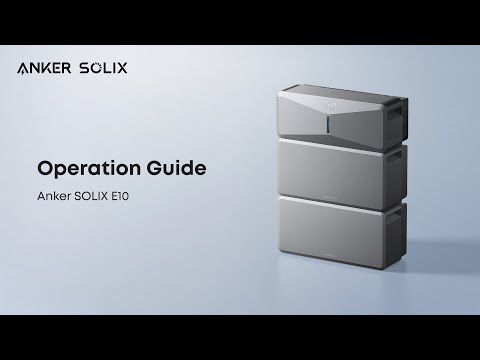
How to Install and Use Anker SOLIX E10

Anker SOLIX Smart Intlet Box & E10 System and Installation Walkthrough Video
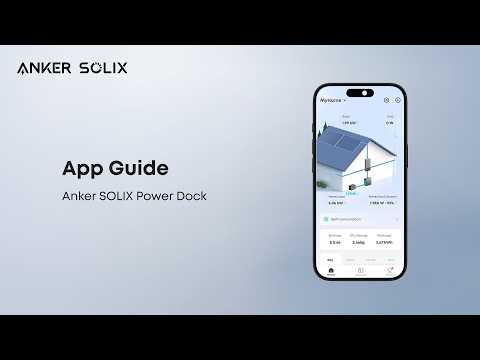
How to Set Up Anker SOLIX Power Dock via the Anker App
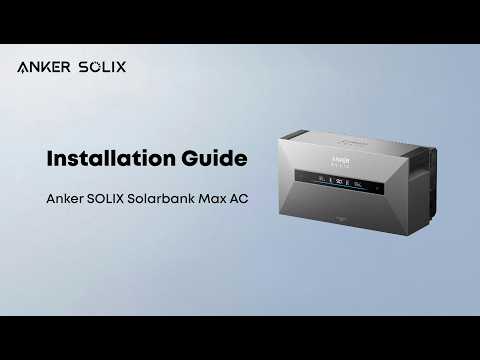
How to Install Anker SOLIX Solarbank Max AC
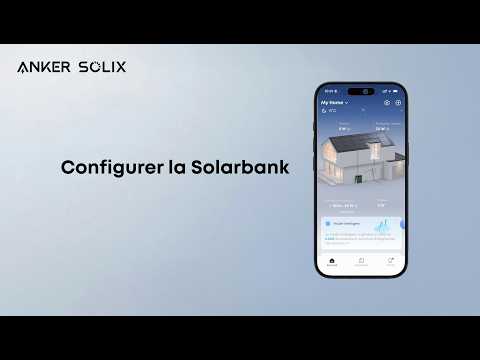
Configurer la Solarbank
View More