How to check the battery percentage for the Anker 760 Expansion Battery?
Anker 760 Expansion Battery can not be used alone, and it must be connected to the 767 PowerStation for charging and discharging.
1. On/Off button: Long-press for 2 seconds to turn on the 760 Expansion Battery on or off.
2. The Led light wheel shows the remaining battery by pressing the button for 1 second; The indicators will flash in sequence white when recharging.


If you have any questions, please contact us for further assistance.


10 undefined
Can a power station be used as uninterruptible power supply?


How to check the battery percentage for the Anker 760 Expansion Battery?
How to connect the 760 Expansion Battery to the 767 Power Station?
Introduction to 760 Portable Power Station Expansion Battery
How to recharge the 760 Expansion Battery?

A1780 Anker 760 Portable Power Station Expansion Battery User Manual
Anker SOLIX Portable Power Station Warranty Policy
Anker SOLIX Portable Power Station Warranty Policy (USA)
Anker SOLIX Portable Power Station Warranty Policy (Europe)
Anker SOLIX Portable Power Station Warranty Policy (Australia)
A1780 Anker 767 Portable Power Station (GaNPrime PowerHouse 2048Wh) User Manual
View More

Anker SOLIX F3000 Portable Power Station Guide

How to Build a Home System with Anker SOLIX F3000
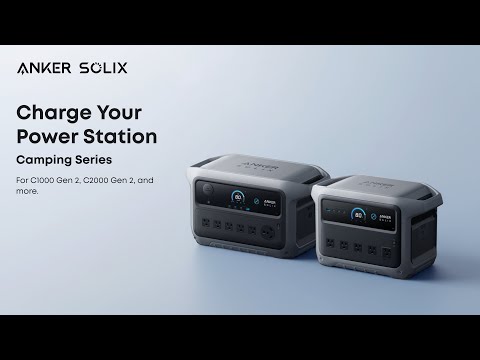
How to Charge Anker SOLIX Camping Series Portable Power Stations