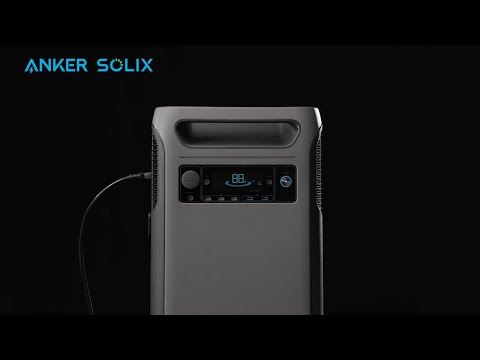
When you have solar panels, it's worth connecting them to Anker SOLIX F3800. Here's how to easily turn Anker SOLIX F3800 into a solar generator and achieve up to a maximum 2,400W of solar input.
Your first step is to wire your solar panels together into a parallel system. This maximizes power if your panels are ever in the shade and creates an environment for faster charging.
A parallel system also allows you to connect multiple solar panels to both of Anker SOLIX F3800's XT-60 ports. Each port supports 1,200W solar recharging power with 27A max input current and 60V max input voltage. Altogether, it means Anker SOLIX F3800 supports 60V of open-circuit voltage.
To see how parallel solar panels are attached in more detail, take the Anker SOLIX PS400 Solar Panels (400W) as an example. Please refer to the diagram below:

Notes:
1. Each XT-60 port on Anker SOLIX F3800 can be connected with up to three Anker SOLIX PS400 Solar Panels (400W, 8.33A). You must use an MC4 3-port solar charging connector, which supports a maximum solar input of 1,200W. With both XT-60 ports and six 400W solar panels, you can reach a maximum solar input of 2,400W.
When connecting 405W rigid solar panels, determine the number of panels that can be connected in parallel based on their current. For example, it is recommended that each XT-60 port on the Anker SOLIX F3800 be connected with up to two 405W rigid solar panels (Current at Pmax: 12.99A). Because the current from three solar panels exceeds 27A and the F3800 cannot handle the excess energy, it is recommended to connect only two 405W solar panels. You can use two ports of the MC4 3-port solar charging connector. With both XT-60 ports and four 405W solar panels, You cannot reach a maximum solar input of 2,400W and can only get a maximum of about 1,600W solar input.
2. Anker SOLIX F3800 works with rigid and portable solar panels, as long as the voltage per panel doesn't exceed 60V. You must also have the necessary accessories (e.g., MC4 3-port solar charging connector, solar charging cables, or MC4 extension cables). Two MC4 3-port solar charging connectors are included with your Anker SOLIX F3800. Required accessories may vary depending on the brand and model of your solar panels.
3. To avoid usage issues, make sure the solar panel connection to each XT-60 interface is identical in terms of model, capacity, voltage, and other relevant characteristics.
If you have any questions, feel free to contact us for further assistance.