How do I reset Anker SOLIX C1000 Gen 2?
There are three ways to reset your C1000 Gen 2:
1. Use the reset hole: Press the reset hole with a paper pin for one second.
2. Factory reset in the app: Log in to the Anker app and tap Factory Reset.
3. Reset Bluetooth or Wi-Fi: When C1000 Gen 2 is powered off, press and hold the main power button for 7 seconds.
If you have any questions, feel free to contact us for further assistance.


20 undefined
What are the basic specifications of Anker SOLIX C1000 Gen 2?


Which Anker SOLIX C1000 Gen 2 AC output ports support UPS, and what is the switchover time?
How do I reset Anker SOLIX C1000 Gen 2?
How do I set TOU Mode?
Can Anker SOLIX C1000 Gen 2's capacity be expanded?
Why is UltraFast Charging not working?
How should I store and maintain Anker SOLIX C1000 Gen 2?
What are the working modes of Anker SOLIX C1000 Gen 2?
Can Anker SOLIX C1000 Gen 2 be recharged via the grid and solar panels simultaneously?
What battery does Anker SOLIX C1000 Gen 2 use?

A1760 555 Portable Power Station (PowerHouse 1024Wh) User Manual
Anker SOLIX Portable Power Station Warranty Policy
Anker SOLIX Portable Power Station Warranty Policy (USA)
Anker SOLIX Portable Power Station Warranty Policy (Europe)
Anker SOLIX Portable Power Station Warranty Policy (Australia)
【A1761】EU Declaration
View More

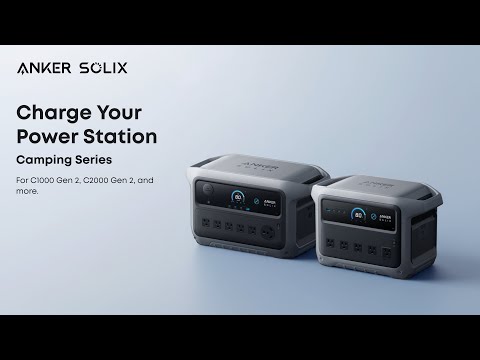
How to Charge Anker SOLIX Camping Series Portable Power Stations