Why is the Anker SOLIX Smart Generator 5500's automatic start / stop function turned off?
If the automatic start / stop function is not working properly, check the following:
1. App Settings: Manual operation of the generator disables the automatic start / stop function. To restore it, enable the automatic start / stop switch in the Anker app and ensure the setting is turned on.
2. Fuel Supply and Valves:
- Gasoline: Confirm there is sufficient fuel in the tank.
- LPG: Ensure the cylinder has fuel and the valve is fully open.
- NG: Verify the gas valve is fully open.


26 undefined

Anker SOLIX Smart Generator Quick Start Guide
Anker SOLIX E10 & Power Dock & Smart Inlet Box & Smart Generator Datasheet
FCC ID Certificate of Anker SOLIX Smart Generator
FCC SDOC Certificate of Anker SOLIX Smart Generator
G300 Safety Certificate of Anker SOLIX Smart Generator
IC ID Certificate of Anker SOLIX Smart Generator
View More

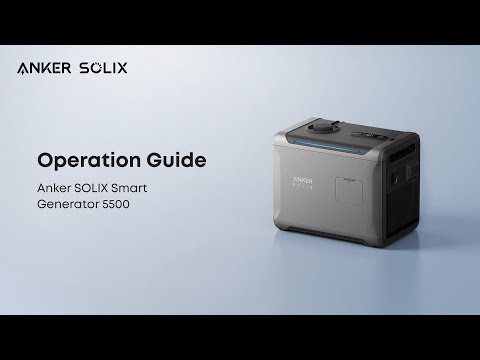
How to Use Anker SOLIX Smart Generator 5500
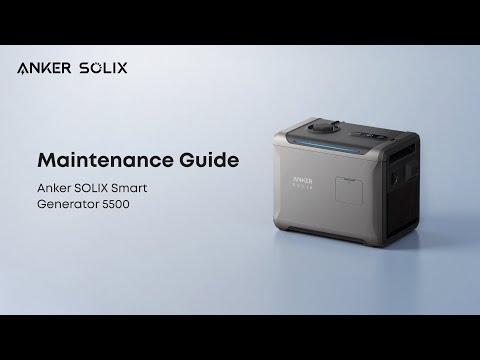
How to Maintain Anker SOLIX Smart Generator 5500