What do I do if there's rapid blue flashing light?
1. Connect P1 Meter to the P1 port of the electric meter.
2. Add P1 Meter as a device on the app and proceed to set up the site.
3. If you encounter rapid blue flashing light, press the P1 button 5 times within 3 seconds to initiate a firmware update. After it updates successfully, it should be able to read data normally.
4. If the update fails or the issue persists after the update, please contact Anker SOLIX Customer Service.
If you have any questions, feel free to contact us for further assistance.


18 undefined

Anker SOLIX P1 Meter Safety Information (AE1R0)
Anker SOLIX P1 Meter (AE1R0) Gebruikersgids
Anker SOLIX P1 Meter (AE1R0) User Guide
Anker SOLIX P1 Meter (AE1R0) Guide de l'utilisateur
Anker SOLIX Portable Power Station Warranty Policy

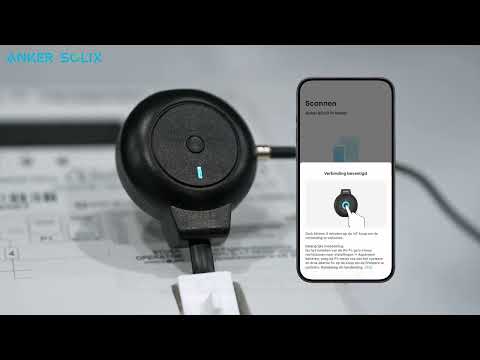
Anker SOLIX P1 Meter installeren - Zo werkt het stap voor stap
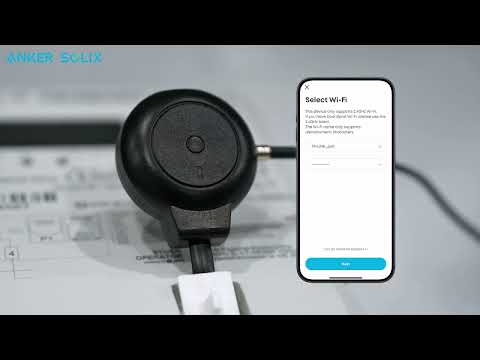
How to install Anker SOLIX P1 Meter