Standard Procedure for Switching from 4G to Wi-Fi Communication
-
Unplug the 4G dongle, then plug in the new Wi-Fi dongle.
-
You need to use the Anker SOLIX Professional App, connect to the device via Bluetooth, and follow the Wi-Fi network setup procedure.
2.1 Find this site on the main interface
2.2 After entering the site, select “Commission”
2.3 Redo "Connect Device" and "Configure System Network"
2.3.1 Connect Device
Connect the power module to the Anker SOLIX Professional app via Bluetooth.
1)Go to Storage Settings.
2)Select the power module from the Bluetooth device list or scan the barcode on the power module's label.
3)Enter the password located below the barcode.
2.3.2 Configure System Network
Configure the Internet connection using Wi-Fi.


59 undefined

Labor Reimbursement (Service Rebate) Guidelines of Anker SOLIX X1 AC-Coupled Solution - US
Return Merchandise Authorization Procedure of Anker SOLIX X1 AC-Coupled Storage & Solar Solution
Technology Review Report for US Anker SOLIX X1 Energy Storage System
Anker SOLIX X1 Home Energy Storage System Flyer - US
Anker SOLIX X1 Home Energy Storage System Three Fold Leaflet - US
IEEE 2030.5 Certificate of Anker SOLIX X1 Power Module-US
View More


Anker SOLIX X1 Experience Extreme Off-Grid Performance (US)
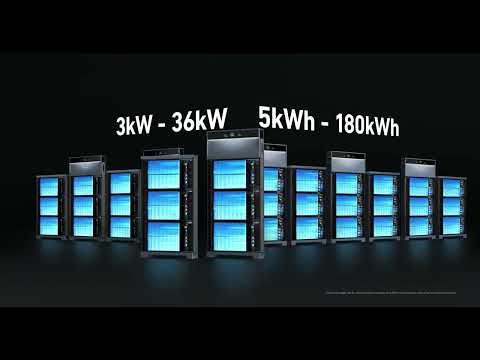
Anker SOLIX X1 Innovative Energy Optimizer (US)
Anker SOLIX X1 AC- Coupled Commissioning Guide(US)

Anker SOLIX X1 AC- Coupled Installation Guide(US)

Anker SOLIX X1: Introduction & Unboxing Guide

Anker SOLIX X1 Wiring Guide(US)
View More