How to View eufySecurity Cameras on a Computer
You can view your eufy cameras on your computer instead of needing your phone!
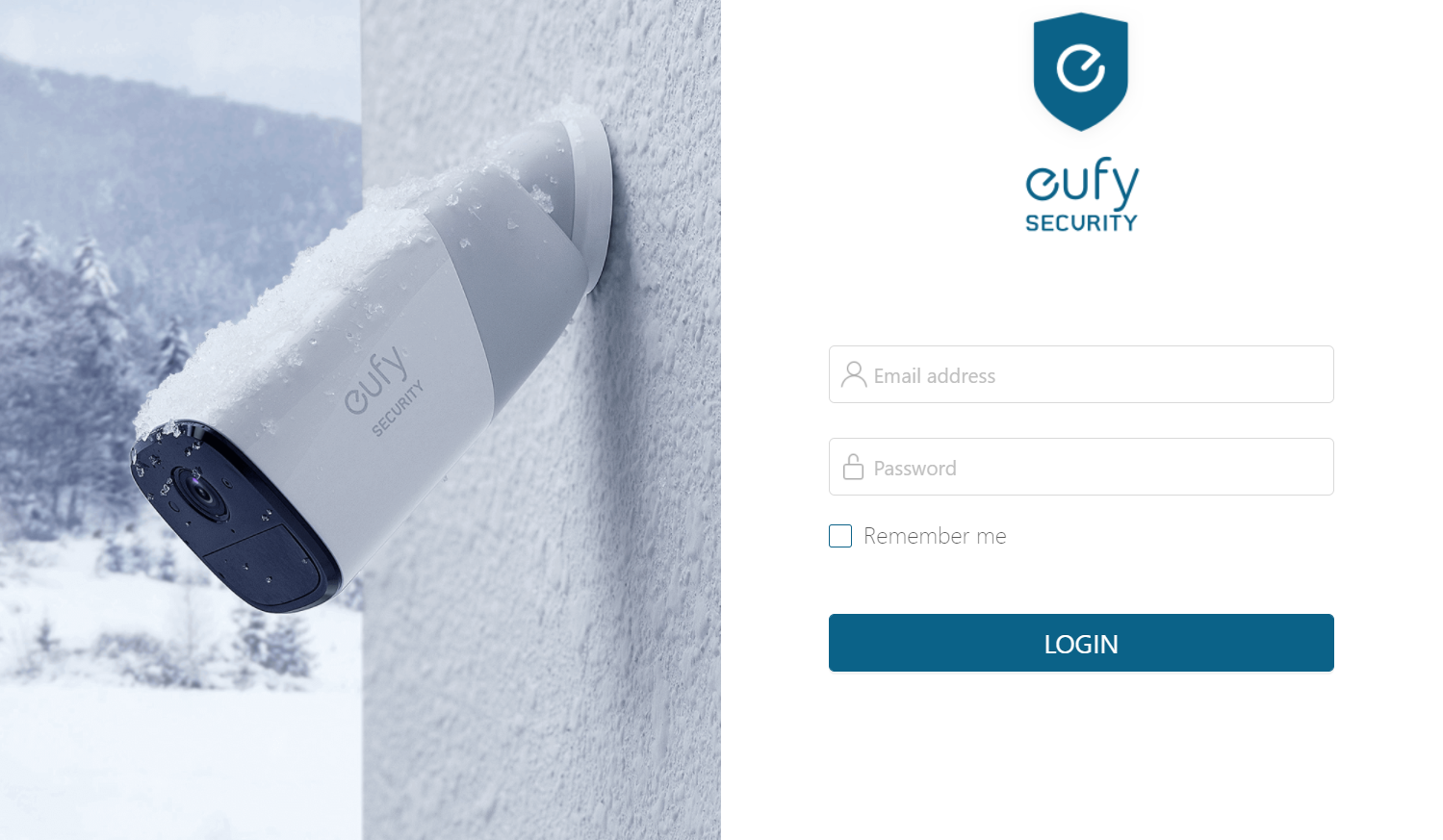
Please access the web portal to view cameras on a desktop. To log in on a desktop, simply enter the same email address and password that you use to log in to the eufy app. Here is the link for your reference: https://mysecurity.eufylife.com/

If you have any other questions regarding how to view eufySecurity cameras on a computer, please contact us for further assistance.

How to View eufySecurity Cameras on a Computer


0 undefined
A3961 QSG V2(1)
Liberty 4_A3953_QSG
Q20i_QSG
EU Declaration of Conformity for soundcore A3i_A3992
UK&CA Declaration of Conformity for soundcore Liberty 4_A3953
EU&UK Declaration of Conformity for soundcore Sleep A10_A6610
View More


How to use Liberty 4 Wellness features

How to Connect to the Soundcore App and Update Firmware for Sport X10

How to Wear Liberty 4 and Change Eartips

How to solve a connection issue on Sleep A10

How to Use Features On the Soundcore App for Sport X10

How to Pair and Reset Sport X10
View More