We're excited to help you with your Anker SOLIX X1 installation. To ensure the process is as smooth as possible, please prepare these items in advance.
I. Retailer Self-Registration
-
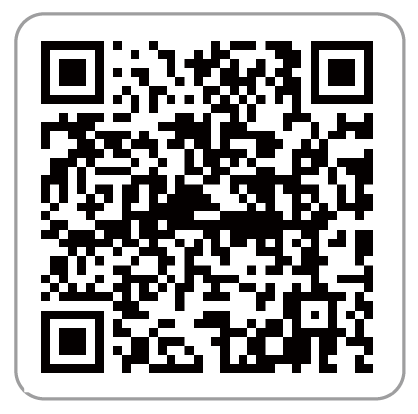
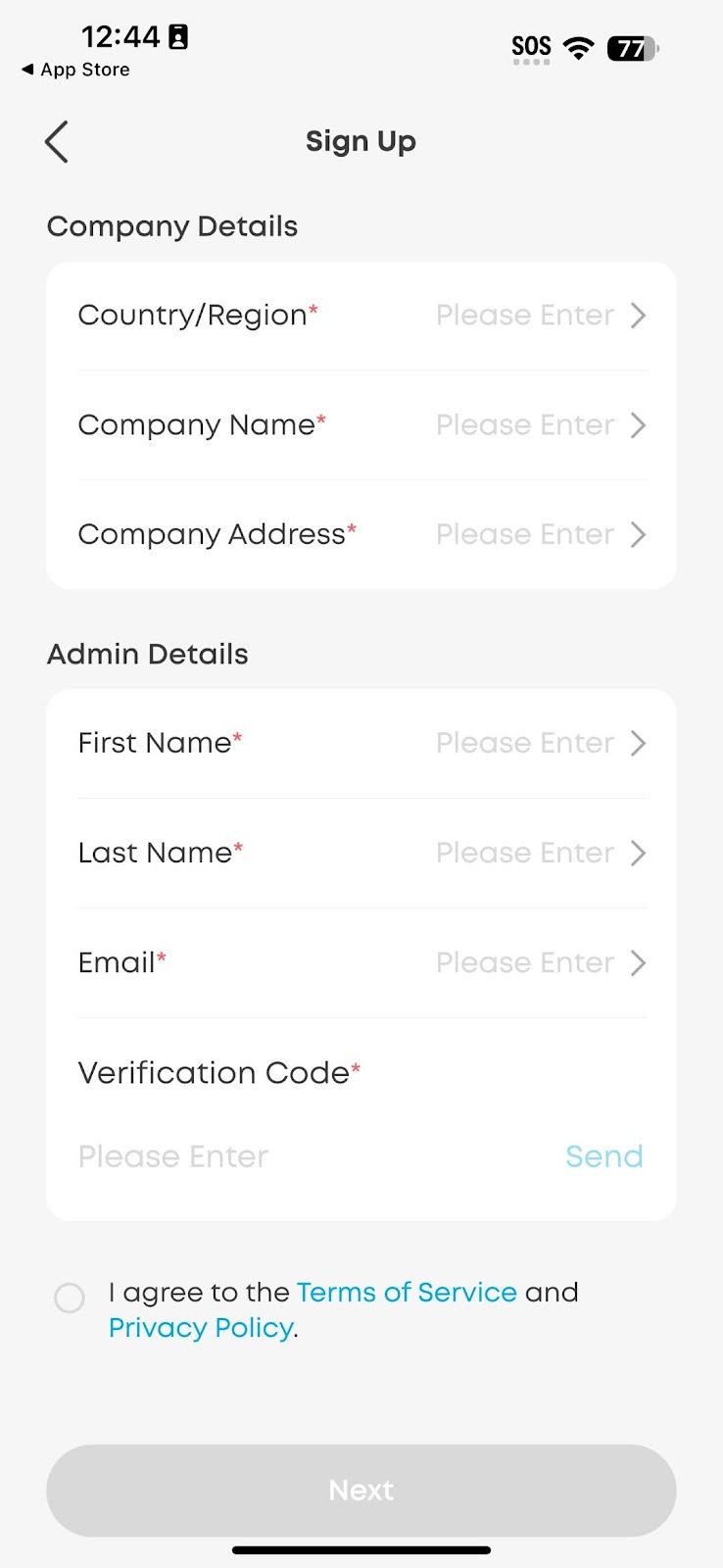
Download the Anker SOLIX Professional app by scanning the QR code or downloading from the App Store, then sign up.
Learn how to register.
-
After registering, log into the Anker O&M Portal using the same account password to create an account for the electrician who will install Anker SOLIX X1. This is required. You can also set up accounts for other company technicians and staff members.
-
Watch how to create sub-accounts.
-
Read how to create sub-accounts.
Note: We strongly recommend that retailers open accounts for installers; otherwise, retailers may not be able to see the accounts or it may cause other inconveniences.
-
Electricians can use the Anker SOLIX Professional App for site startup commission.
II. Technical Documents
-
Meter Installation Guide (Required)
View the meter wiring diagram guide.
Notes:
-
The wiring diagram contains all meter types for Anker SOLIX X1 models, ensuring you have the correct meter ready in advance.
-
For corresponding wiring, electricians must read it carefully before installing X1.
-
Parallel Setups
Three Phase:
Single Phase:
-
Complete Installation Guide (Strongly Recommended)
Hybrid Single-Phase:
-
View the installation manual.
-
Watch the installation video.
-
Review the datasheet.
Hybrid Three-Phase:
-
View the installation manual.
-
Watch the installation video.
-
Review the datasheet.
AC-Coupled machine:
-
View the installation manual.
-
Watch the installation video.
-
Review the datasheet.
-
Anker SOLIX Academy (Recommended)
Start a course.
Learn how to use the academy.
III. Safety Requirements
-
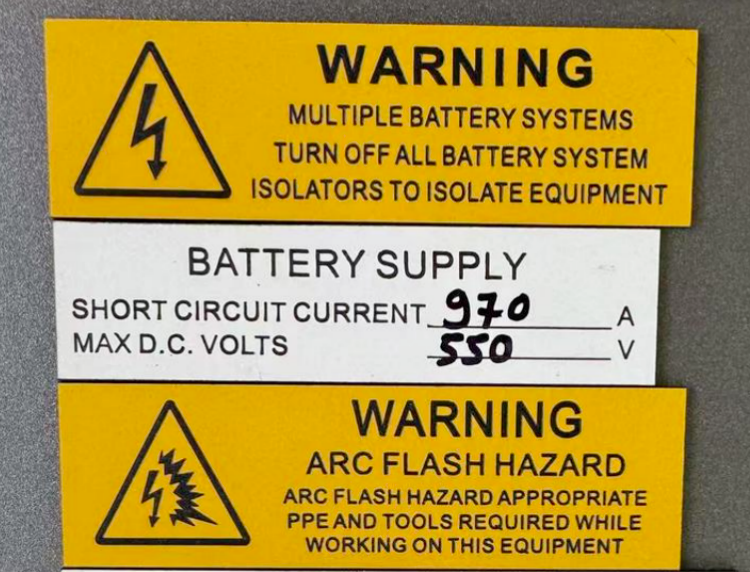
Download and print the battery safety datasheet.
-
Familiarize yourself with short circuit current and maximum DC voltage.
IV. Customer Consultations
-
Ask the customer to download the Anker app.
After delivered, Anker system automatically sends the customer an email with a password that they use to log onto the Anker app.

-
Encourage customers to connect family members.
This requires all family members to download and register with the Anker app. Otherwise, sharing can't occur.
-
Watch how to share the app.
-
Change the Wi-Fi
-
Switch between EMS modes.