Anker SOLIX Smart Plug Unable to Connect via Bluetooth: Connection Failure / Bluetooth Signal Not Detected
-
Possible Cause:
After a Bluetooth disconnection, if the offline device card for Smart Plug remains in the app, the system may recognize the Bluetooth device as occupied. This can prevent detection or reconnection.
-
Solution:
-
Open the Anker app and go to the Devices page.
-
Find Smart Plug device card marked "Offline."
-
Remove the offline device card.
-
Return to the Add Device page, rescan, and reconnect Smart Plug.
-
Once the offline card is deleted, Bluetooth scanning will detect the new device.
-
If the issue persists, please provide the following information for further assistance:
-
Device serial number (SN)
-
Device logs (upload via the app)


19 undefined

Anker SOLIX Smart Meter User Guide (A17X7)
Anker SOLIX Smart Meter Guide de l'utilisateur (A17X7)
Anker SOLIX Smart Meter Gebruikersgids (A17X7)
Anker SOLIX Smart Meter Användarhandledning (A17X7)
Anker SOLIX Smart Meter Benutzerhandbuch (A17X7)
Anker SOLIX Smart Meter Guía del Usuario (A17X7)
View More

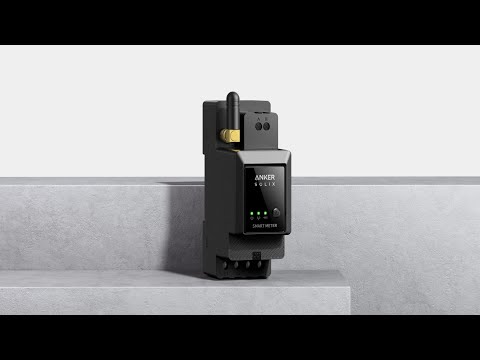
Anker SOLIX Smart Meter
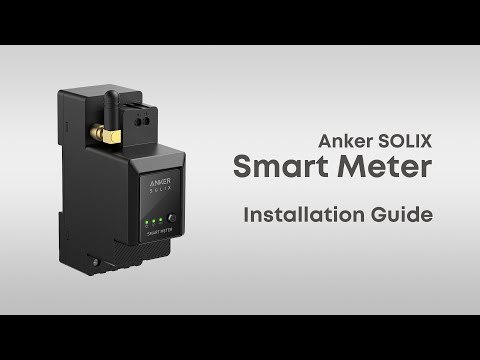
Anker SOLIX Smart Meter: Easy Step-by-Step Installation Guide
Anker SOLIX Smart Meter: Easy Step-by-Step Installation Guide