Anker SOLIX Smart Plug Details Page Not Displaying Energy Data
-
Possible Causes:
-
If the device is successfully connected to the network but power or energy data is not displayed on the app's details page, this may be due to the device not detecting a valid load or an issue with data reporting.
-
Troubleshooting Method:
-
Please provide the following information so we can assist you further:Confirm Smart Plug is connected to a household appliance that is switched on and actively consuming power.
-
Share the power display status shown on Smart Plug's details page in the app.
-
Provide the device serial number (SN).
-


19 undefined

Anker SOLIX Smart Meter User Guide (A17X7)
Anker SOLIX Smart Meter Guide de l'utilisateur (A17X7)
Anker SOLIX Smart Meter Gebruikersgids (A17X7)
Anker SOLIX Smart Meter Användarhandledning (A17X7)
Anker SOLIX Smart Meter Benutzerhandbuch (A17X7)
Anker SOLIX Smart Meter Guía del Usuario (A17X7)
View More

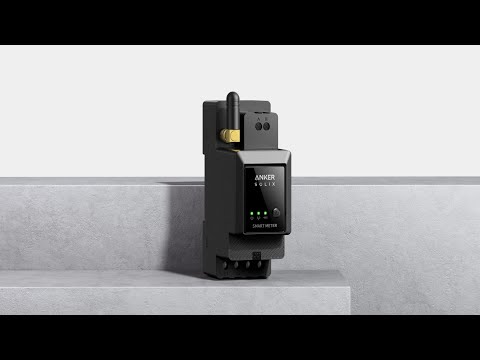
Anker SOLIX Smart Meter
Anker SOLIX Smart Meter: Easy Step-by-Step Installation Guide
Anker SOLIX Smart Meter: Easy Step-by-Step Installation Guide