Anker SOLIX Smart Plug Data Is Not Displayed on the Home Energy System Homepage
-
Possible Cause:
-
If data fails to display on the Home Energy System homepage, this may be caused by Smart Plug being incorrectly added to your home energy system.
-
Solution:
-
Open the Anker app, go to the Devices page to confirm Smart Plug is successfully added and shows an online status.
-
Navigate to the Home Energy System page, then tap Settings and select Device Management.
-
Check whether Smart Plug has been added to the power station:
-
If not added, tap the "+" icon in the upper-right corner and select Smart Plug to add it.
-
Once added, the Smart Plug's data should appear correctly on the Home Energy System homepage.
-
-


19 undefined

Anker SOLIX Smart Meter User Guide (A17X7)
Anker SOLIX Smart Meter Guide de l'utilisateur (A17X7)
Anker SOLIX Smart Meter Gebruikersgids (A17X7)
Anker SOLIX Smart Meter Användarhandledning (A17X7)
Anker SOLIX Smart Meter Benutzerhandbuch (A17X7)
Anker SOLIX Smart Meter Guía del Usuario (A17X7)
View More

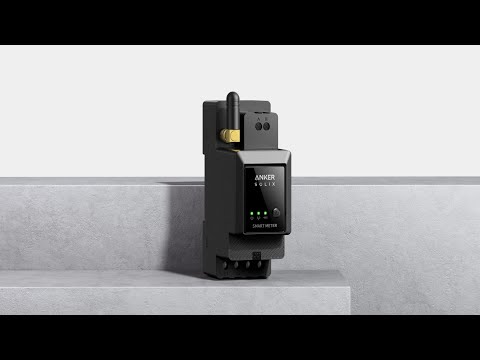
Anker SOLIX Smart Meter
Anker SOLIX Smart Meter: Easy Step-by-Step Installation Guide
Anker SOLIX Smart Meter: Easy Step-by-Step Installation Guide